
Show the contents of a working folder
After you set a working folder, you can view its contents.
To show the contents of a working folder
- Right-click the asset in the asset tree and selectOpen Working Folder.or
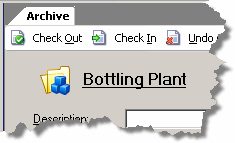
- With the asset selected in the asset tree, click the link at the top of theArchivetab:
Provide Feedback