
Interpret the Backup and Compare Report for Custom Devices
The Backup and Compare report indicates differences in Custom Device data. Depending on how you set up the schedule, the compare partner can be the Backup Data binder or the Configuration Data binder. The report type includes Backup-to-Backup and Backup-to-Configuration Data.
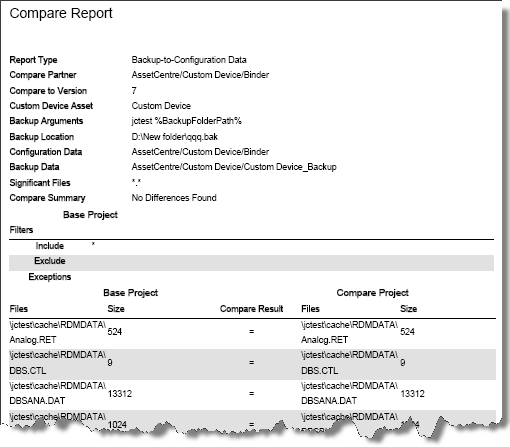
The report lists the compare results of the compared files.
 in the
 Compare Result
column means the item is the same in both versions. in the
 Compare Result
column means the item has differences.Example
This is a portion of an Backup-to-Configuration Data report.
Provide Feedback