
Copy and Paste a Safety I/O Device SNN
If you must apply an SNN to other safety I/O devices, you can copy and paste the SNN.
- On the General view of the Module Properties dialog box, click the ellipse next to the safety network number.
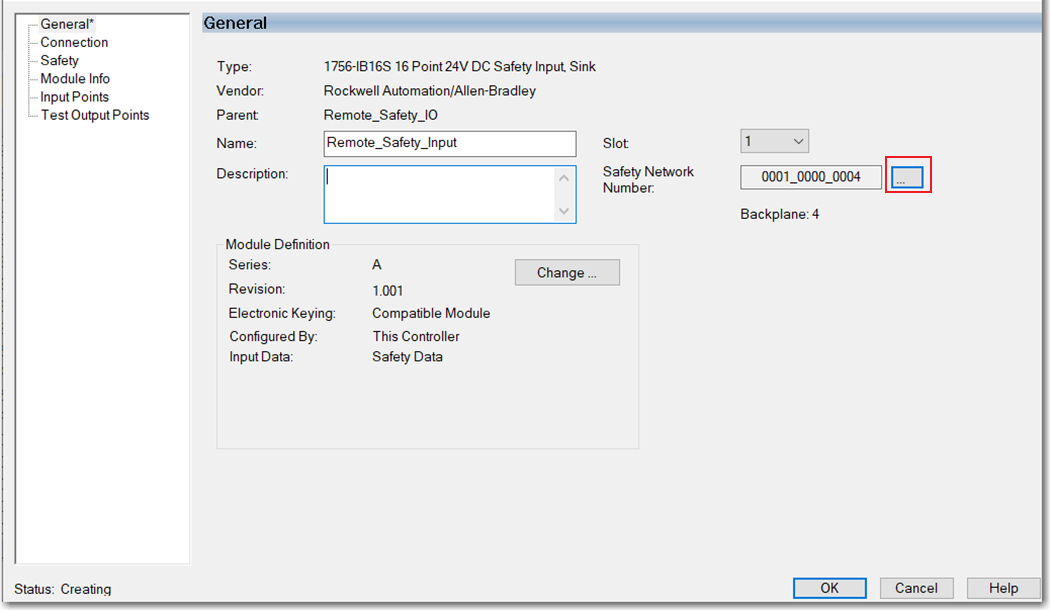
- On the Safety Network Number dialog box, select Copy.

- On the General view of the Module Properties dialog box, click the ellipse next to the safety network number.
- On the Safety Network Number dialog box, click Paste.

Provide Feedback