
Download Runtime Tools on the device
FactoryTalk® Optix™
Runtime Tools are required on any device running a
FactoryTalk® Optix™
application.Runtime Tools include the
FactoryTalk®
Optix™ Entitlement Manager
and FactoryTalk® Optix™
Application Update Service.Runtime Tools are embedded in OptixPanel™ graphic terminals by default,
so downloading and installing them is unnecessary.
If using a Runtime device, download Runtime Tools from the
FactoryTalk® Optix™
landing page. The download includes Entitlement Manager
.- Access theFactoryTalk® Optix™landing page. See FactoryTalk Optix landing page.
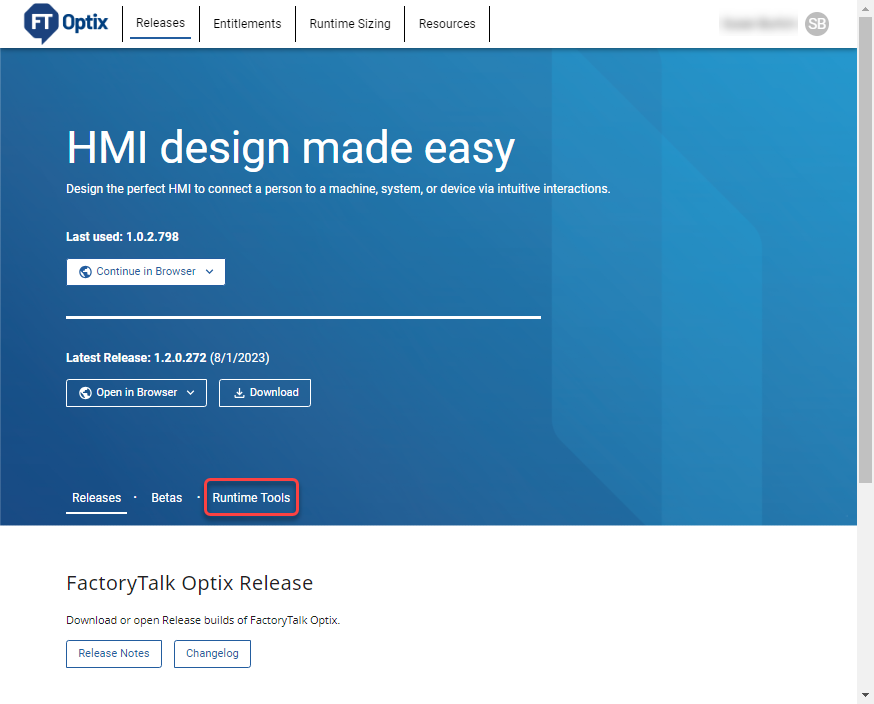
- On theFactoryTalk® Optix™landing page, selectRuntime Tools.
- Scroll toRuntime Tools Releaseto view released versions.
- (optional) To view theFactoryTalk® Optix™release notes, selectRelease Notes.
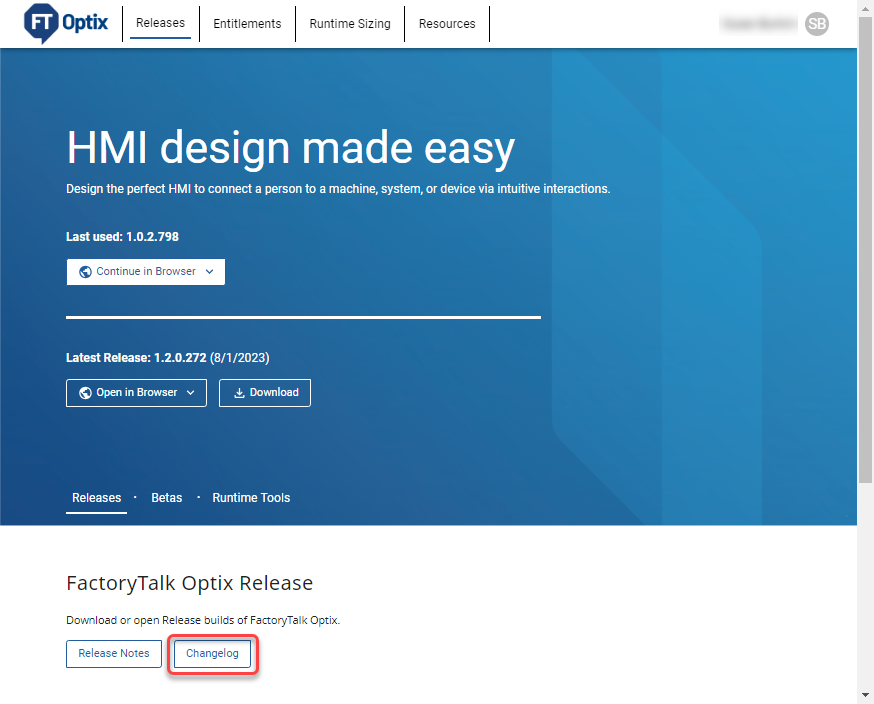
- (optional) To view the latest changes inFactoryTalk® Optix™, selectChangelog.
- (optional) InSearch, type the release number to find a specific Runtime Tools release.
- To download a specific Runtime Tools release, select
 Downloadnext to the desired version number.
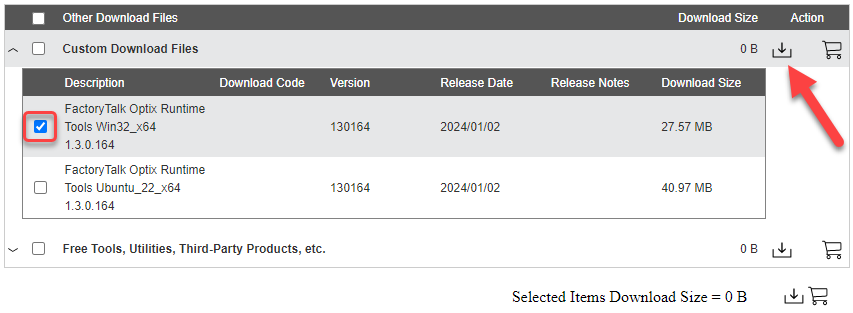
 - Select the checkbox next toFactoryTalk Optix Runtime Toolsinstallation package, then select the first symbol in the upper-right corner. Select Download Now.
- Scroll to read the EULA and selectAccept and Download.
- InstallRockwell Automation Download Managerfrom your Downloads folder. Select
 . Rockwell Automation Download Managerinstalls, runs, and downloads Runtime Tools to the specified folder. Download progress displays inRockwell Automation Download Manager.
 - To change the Runtime Tools download path, selectChangeafter the path and choose a different folder.
- Runtime Tools are ready for installation.
Provide Feedback