
About the Resolve Conflict dialog box
For Siemens S7 Controllers (STEP7), the
Resolve Conflict
dialog box can be shown because conflicts occur.Conflicts can occur if:
- a selected block already exists in the Configuration Data binder.
- the code timestamp of a block in the Backup Data binder is different than the one in the Configuration Data binder.
- a block's data is different than that block's data in the Configuration Data binder.
- the interface timestamp of a block in the Backup Data binder is different than the one in the Configuration Data binder.TIP:No distinction is made between these different types of conflicts when you selectYes to AllorNo to Allin theResolve Conflictsdialog box. If you select Yes to All, all blocks of that type will be copied regardless of the type of conflict. If you selectNo to All, no blocks of that type will be copied even if they have a different type of conflict than the block indicated.
Example: Resolve conflicts Siemens S7 Controllers (STEP7)
One of the blocks selected to be copied to Configuration Data was OB1. After selecting blocks and clicking
Next
on the Backup to Config Data: Step 2 Select blocks
page of the wizard, the following message is shown.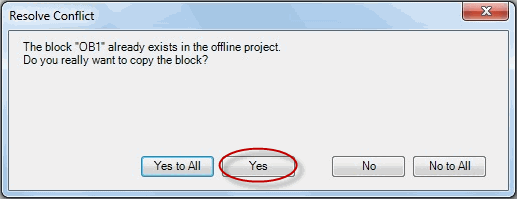
After clicking
Yes
on this message, the following message is shown.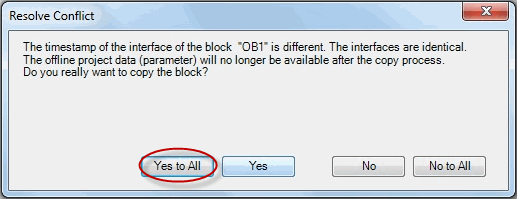
Clicking
Yes to All
copies all OB blocks that were selected on the second page of the wizard. If other OB blocks had different types of conflicts (such as different data), they are included in the copy without any further messages. In this example, the next page of the wizard is shown as shown with no messages about a conflict with OB1.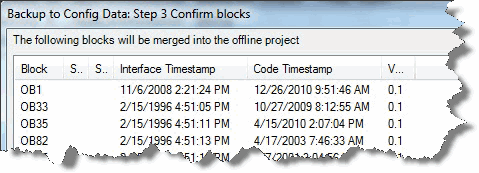
If you want to include the block in question (OB1) and still show messages about other conflicts, select
Yes
.Provide Feedback