
Configure a firewall rule and web services URL if the default port is modified
If the default port 443 is modified during the site binding configuration, you need to configure a Windows firewall rule for the self-defined port.
To configure a Windows firewall rule
- On theFactoryTalk AssetCentreserver computer, clickStart, typefirewall, and then clickWindows Defender Firewall with Advanced Security.
- ClickInbound Rules.
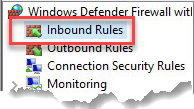
- ClickAction > New Rule.
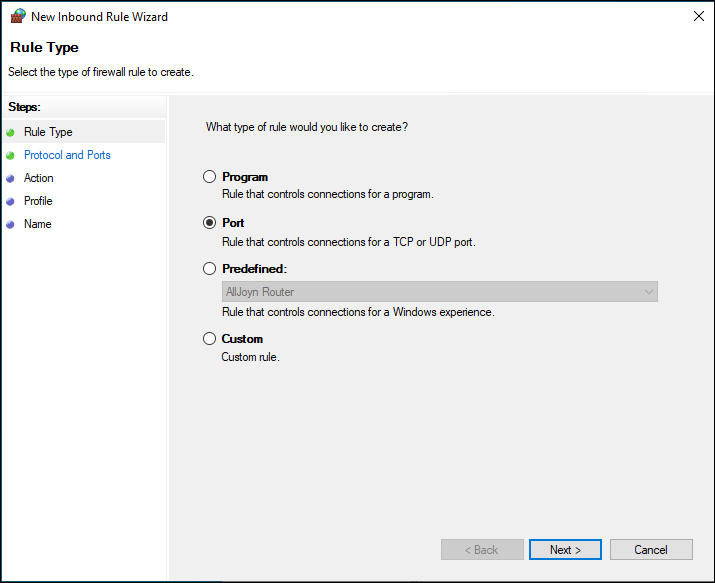
- In theNew Inbound Rule Wizard, selectPort, and then clickNext.
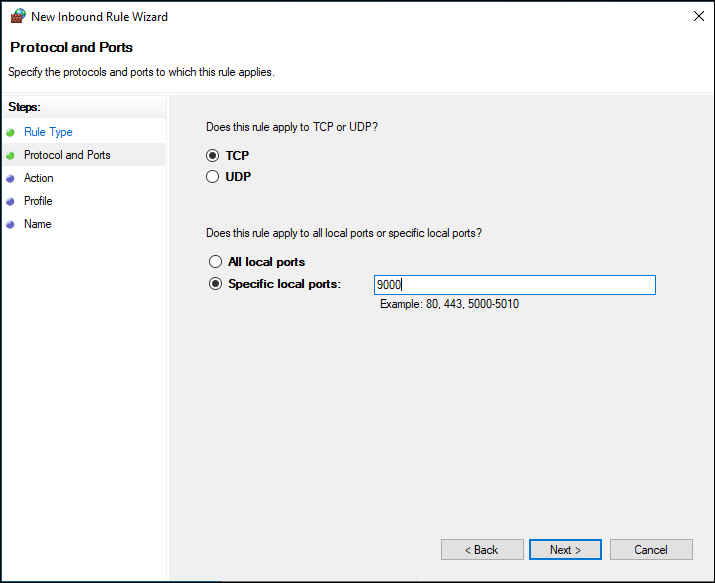
- In theSpecific local portsbox, enter the self-defined port as set during the site binding configuration, for example9000, and then clickNext.
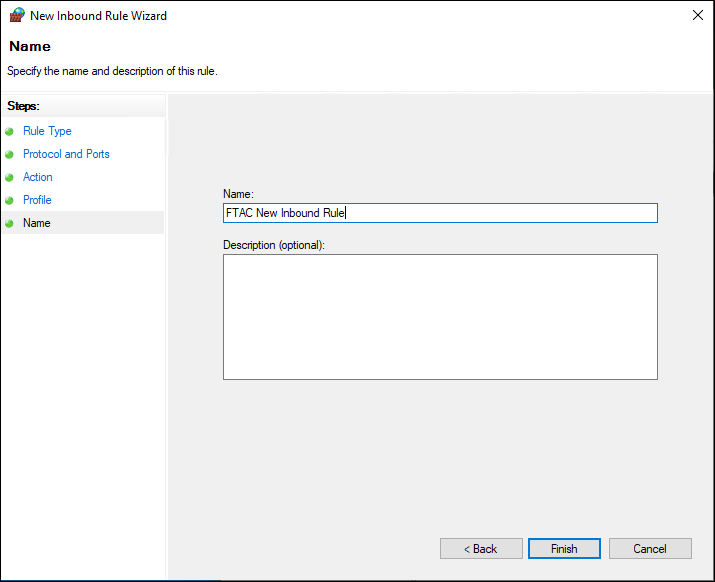
- Follow the on-screen instructions until you get to theNamepage.
- In theNamebox, enter the name for the new inbound rule, and then clickFinish.
 The new rule is shown in the list.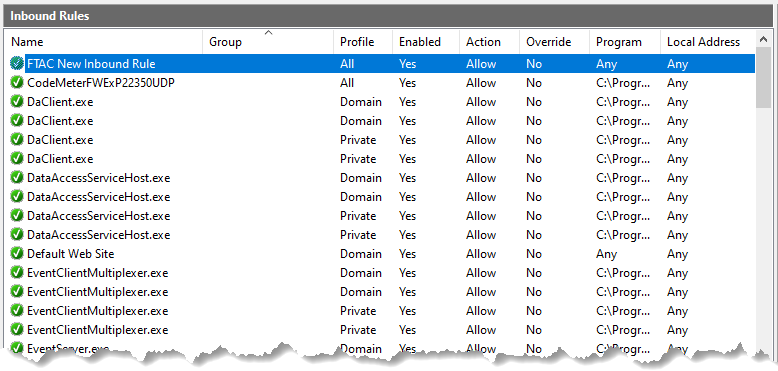
Provide Feedback