
Verify time synchronization
To verify time synchronization
- Open the web browser and typehttps://<Module IP_address>:8443.TIP:For details, see Configure where to use the secure communication protocol (HTTPS).The FactoryTalk Historian ME Web Diagnostics client appears.
- Click theHardwaretab, and then clickTime Management.TheTime Managementpage appears.
- UnderTime Management, verify the settings for the NTP server computer.
If there are any problems with the synchronization, an error message appears next to the
Time Source
box.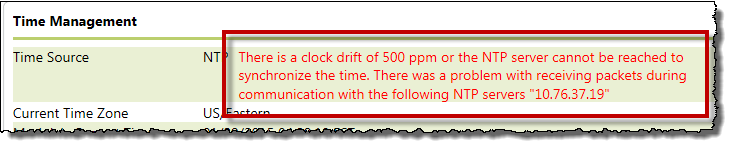
The time synchronization status is additionally indicated by:
- Messages on theTime Managementpage on the Historian client page.
- Messages in the FactoryTalk Historian ME log.
- TheFaulttag in the FactoryTalk Historian ME Logix Designer Module Profile. For details, see Use the input and output tags to read the Historian ME status.
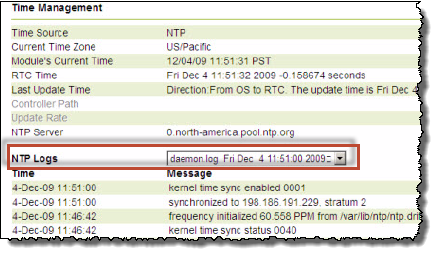
You can find additional details about the synchronization under
NTP Logs
.
Provide Feedback