
Events View
The Events view shows an overview of the configuration values for all events. You can
perform certain tasks only when the project is online.
This view is only available when you select the “Data with Events” connection type in the
Device definition. See Device Definition.
IMPORTANT:
You cannot configure events on the Events view. The parameters that are displayed
in this view are read-only.
You must use the Event Output tags to configure an event. For more information,
see Event Output Tag Definitions.
Events View Example
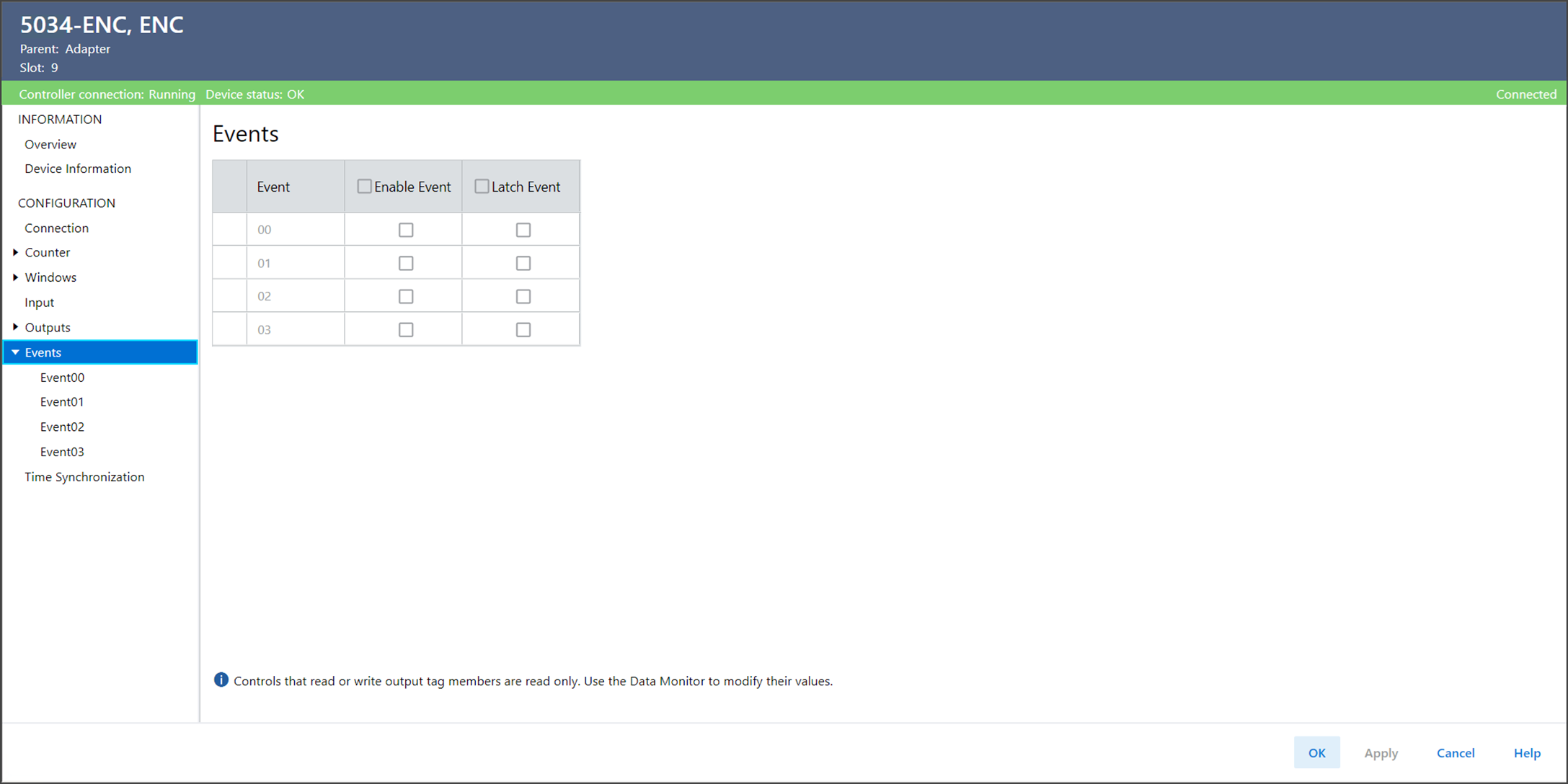
The Events view include these parameters:
Parameter | Description | Member Name | Value |
|---|---|---|---|
Event | The event number to which this configuration applies. | — | — |
Enable Event | Displays whether the corresponding event trigger is active.
Events are triggered when conditions match the event
definition. | EO.Eventxx.En |
|
Latch Event | Displays whether an event is latched until it is
acknowledged. | EO.Eventxx.LatchEvent |
|
Provide Feedback