
Update an EDD file for a specific HART device
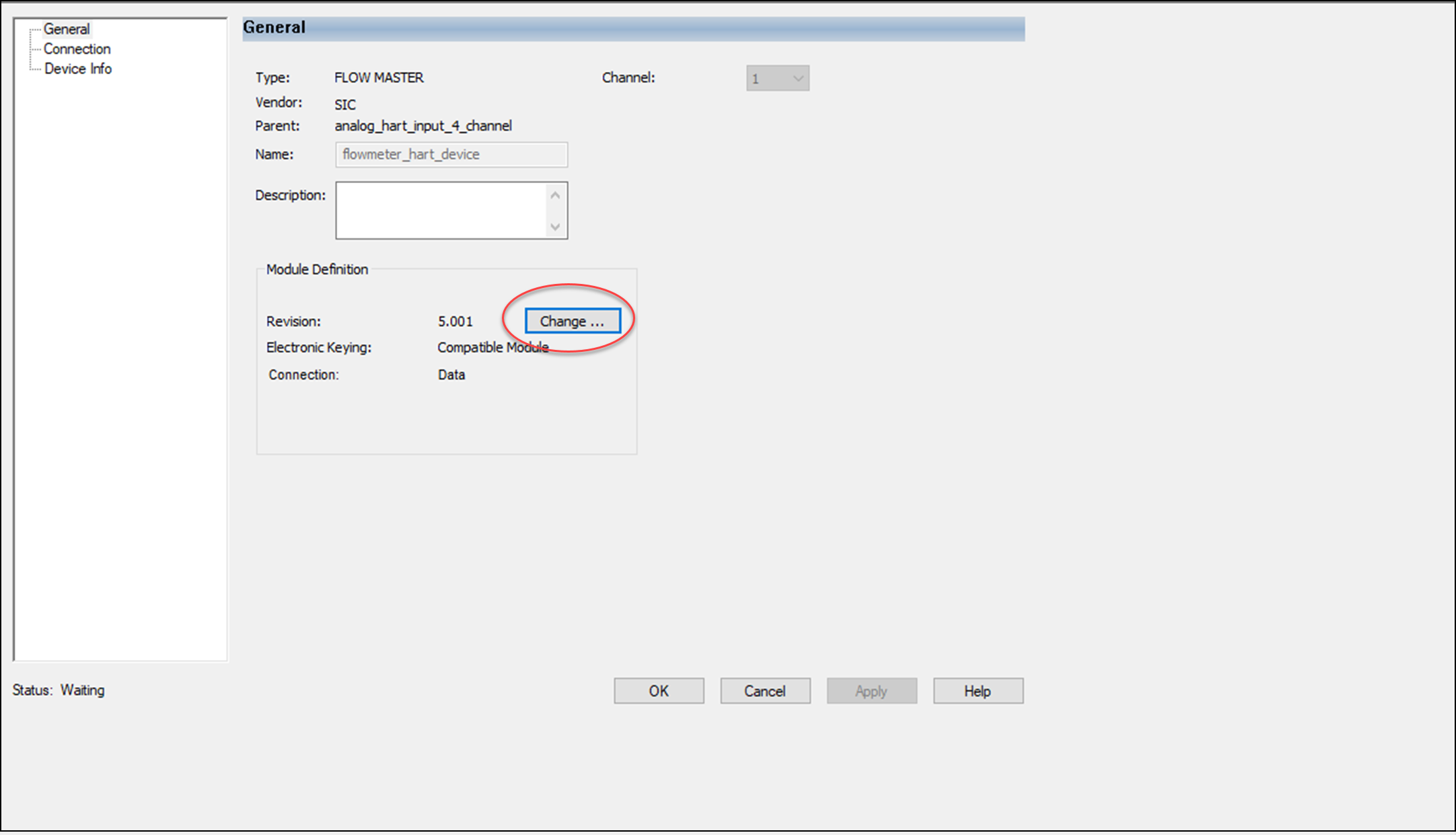
- From the Module Properties dialog - General view, select Change...
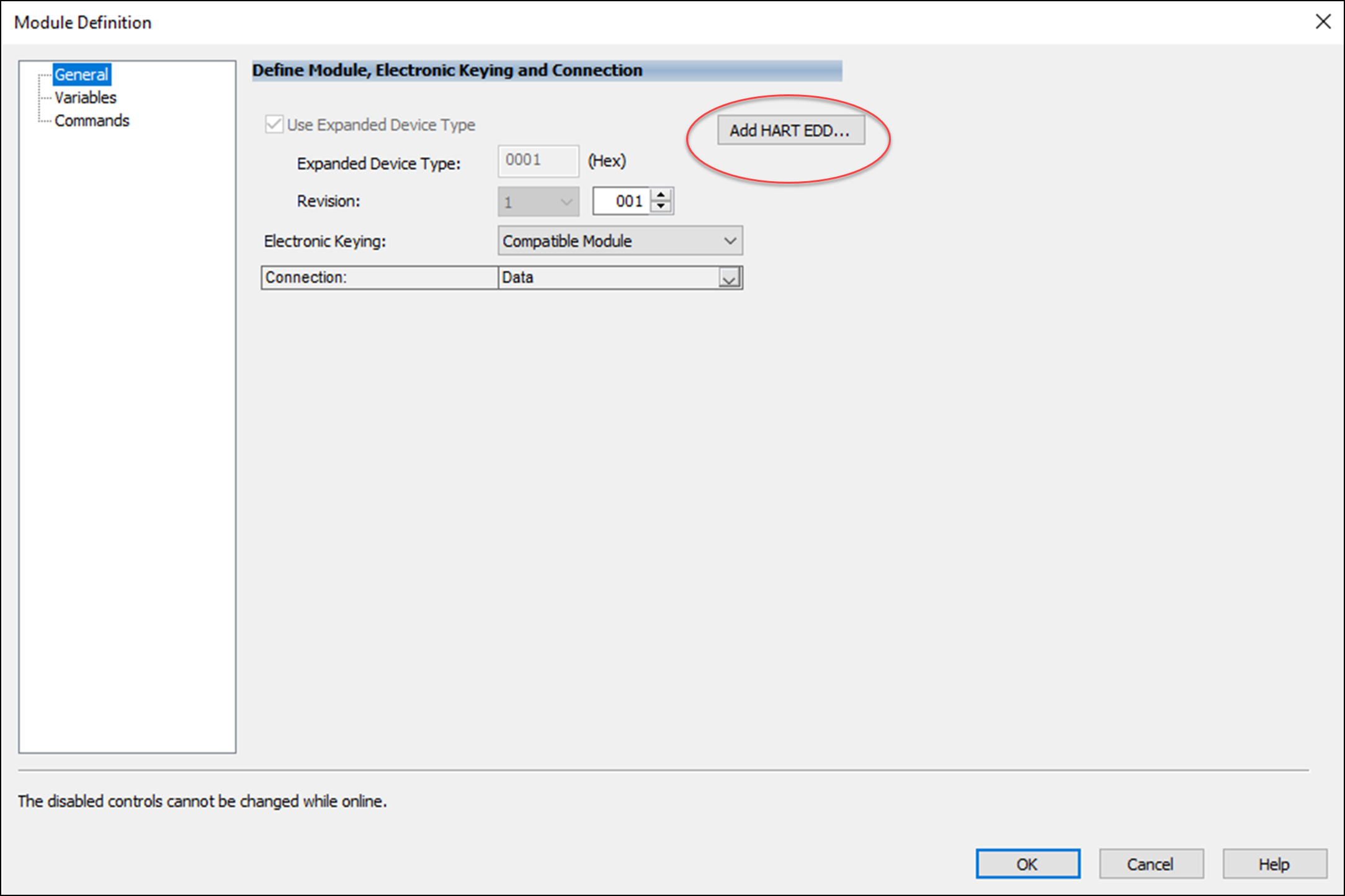
- From the Module Definition dialog, select Add HART EDD...
- In the Add HART EDD dialog box, browse to the location of the EDD file.
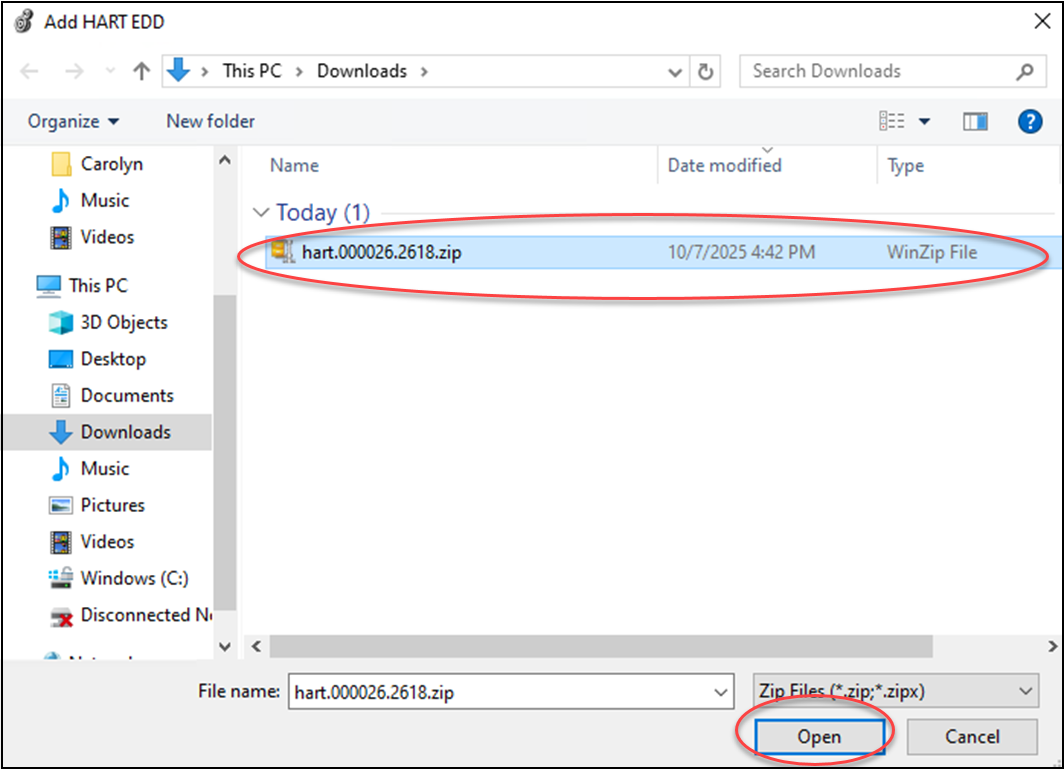
- Select the HART EDD file and select Open.The message Successfully added EDD appears.
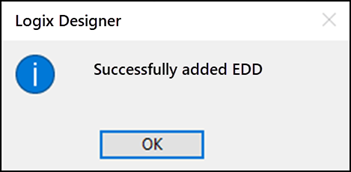
- Select OK to close the dialog box.
Provide Feedback