
Add Virtual Meter
Provides data from virtual meters, which aggregate information from multiple physical meters. This level allows monitoring and comprehensive analysis of energy usage across various segments, helping to identify trends and implement strategic energy management initiatives.
Perform the following steps to add a
Virtual Meter
to the hierarchy list:- Select any Site or Area or Work Center or Work Unit from the hierarchy list.
- Click the [
 ] icon and click Add.Work Unit - Add
 User can also add the Virtual Meter from the Site Configuration page.Add Meter from Site
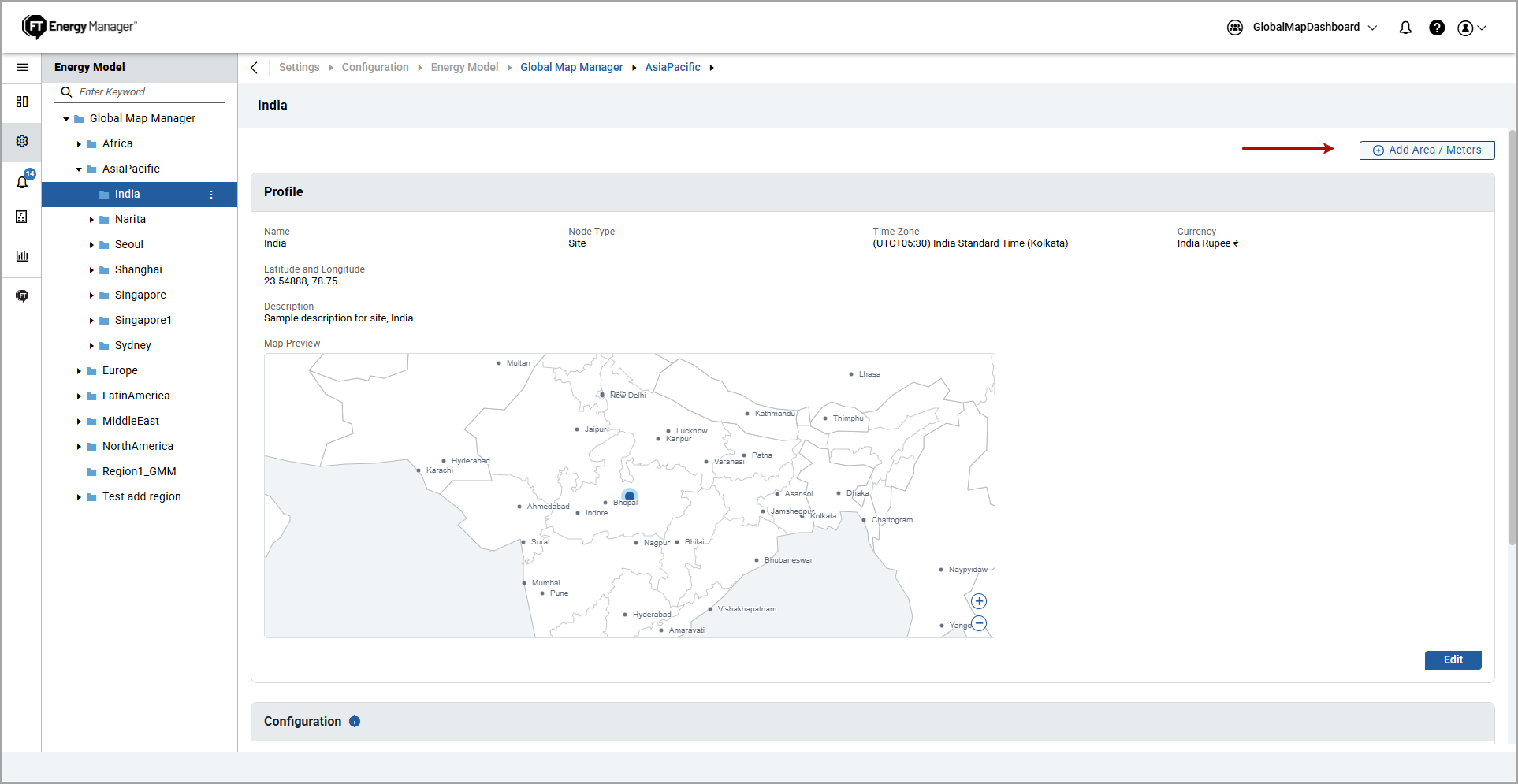 TheAdd Componentdialog box is displayed.
 - UnderMeterfrom the left pane, select theVirtual Meterand provide the following details:
- Resource/Utility Type: Select a resource type from the dropdown list.
- Measurement: Select a measurement from the dropdown list.
- Name: Provide a virtual meter name.
- Description: Provide a description of the virtual meter.
- ClickAdd.Add Virtual Meter (Continued)
 The "Added successfully" message is displayed.Virtual Meter Added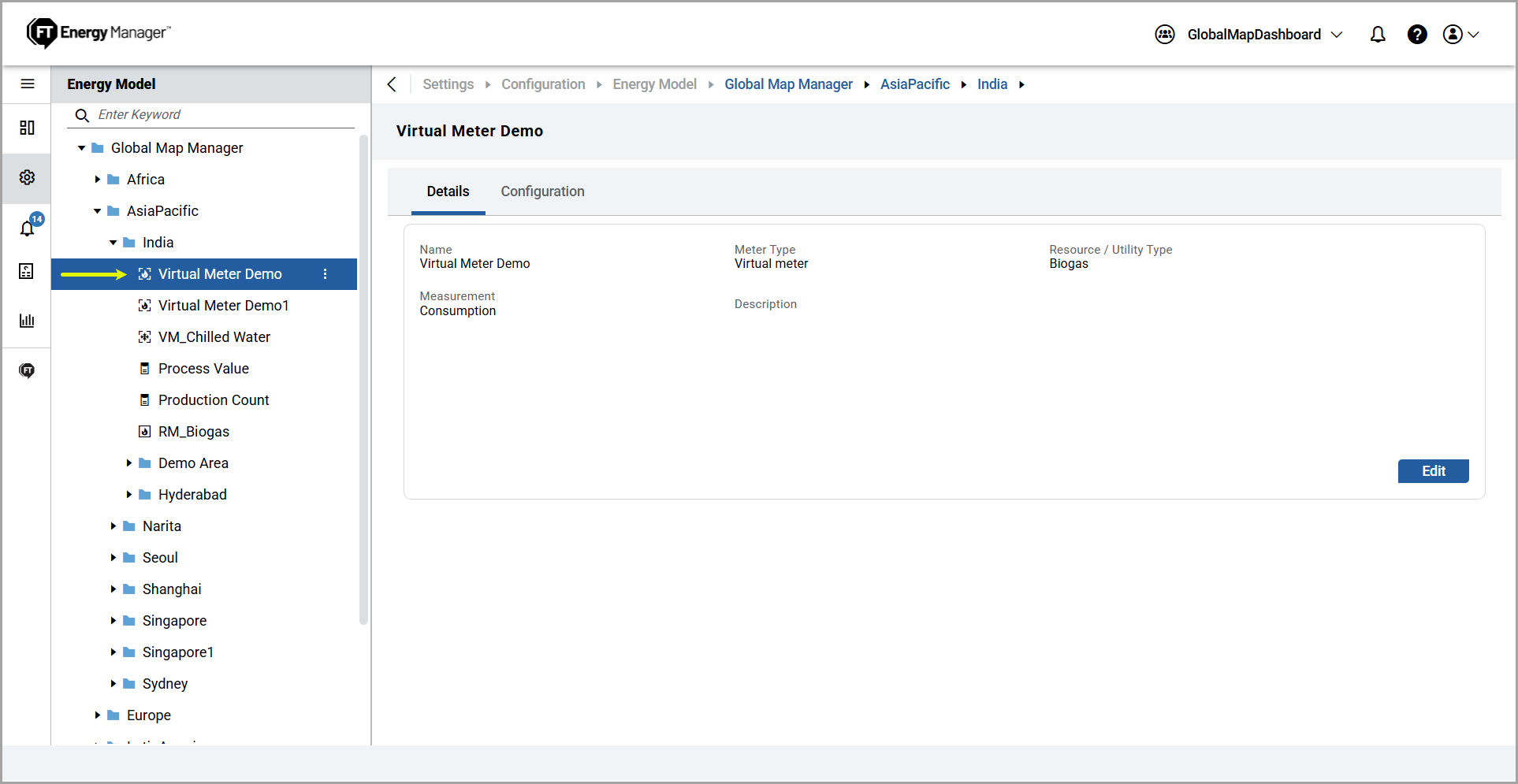
- To edit the details, refer to the Edit Component section.
Provide Feedback