
Editing storage locations
- In either theHierarchyorDetailpane, right-click a storage location, and then selectProperties. TheEdit Material Storage Locationdialog opens to theGeneraltab.
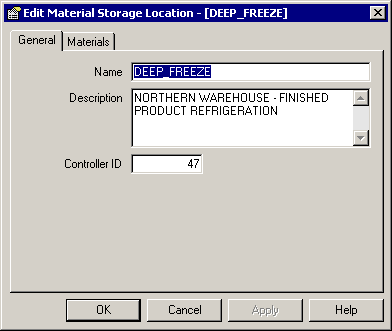
- Make any necessary changes to the general information, and then clickApply.
- Select theMaterialstab. The materials assigned to this storage location display.
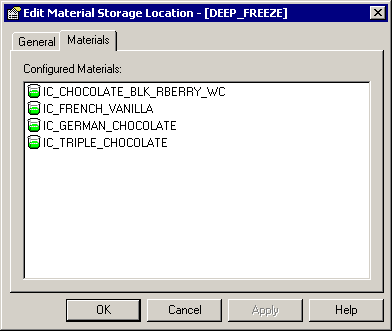 To make any changes to the list of configured materials, you need to edit the storage container located in the storage location. (See Editing storage containers for more information.)
 - To view material properties, double-click a material. TheView Materialdialog opens.
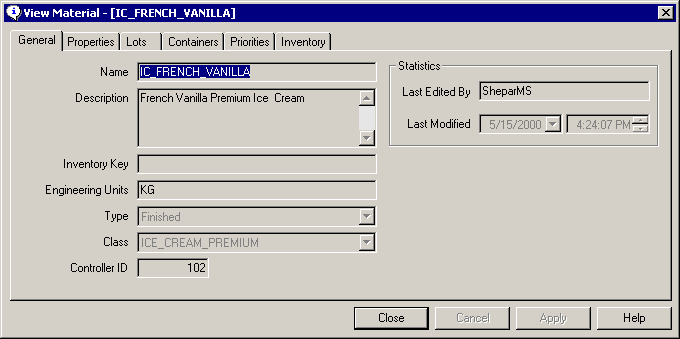 You only can view the material’s property values. To edit the values, use theEdit Materialdialog. (See Creating a material record for more information.)
 - ClickCloseto close the dialog.
Provide Feedback