
Expand/Collapse
This feature allows the user to expand the dashboard view by hiding the energy model
panel.
- On the dashboard, click the [
 ] icon. Expand Dashboard
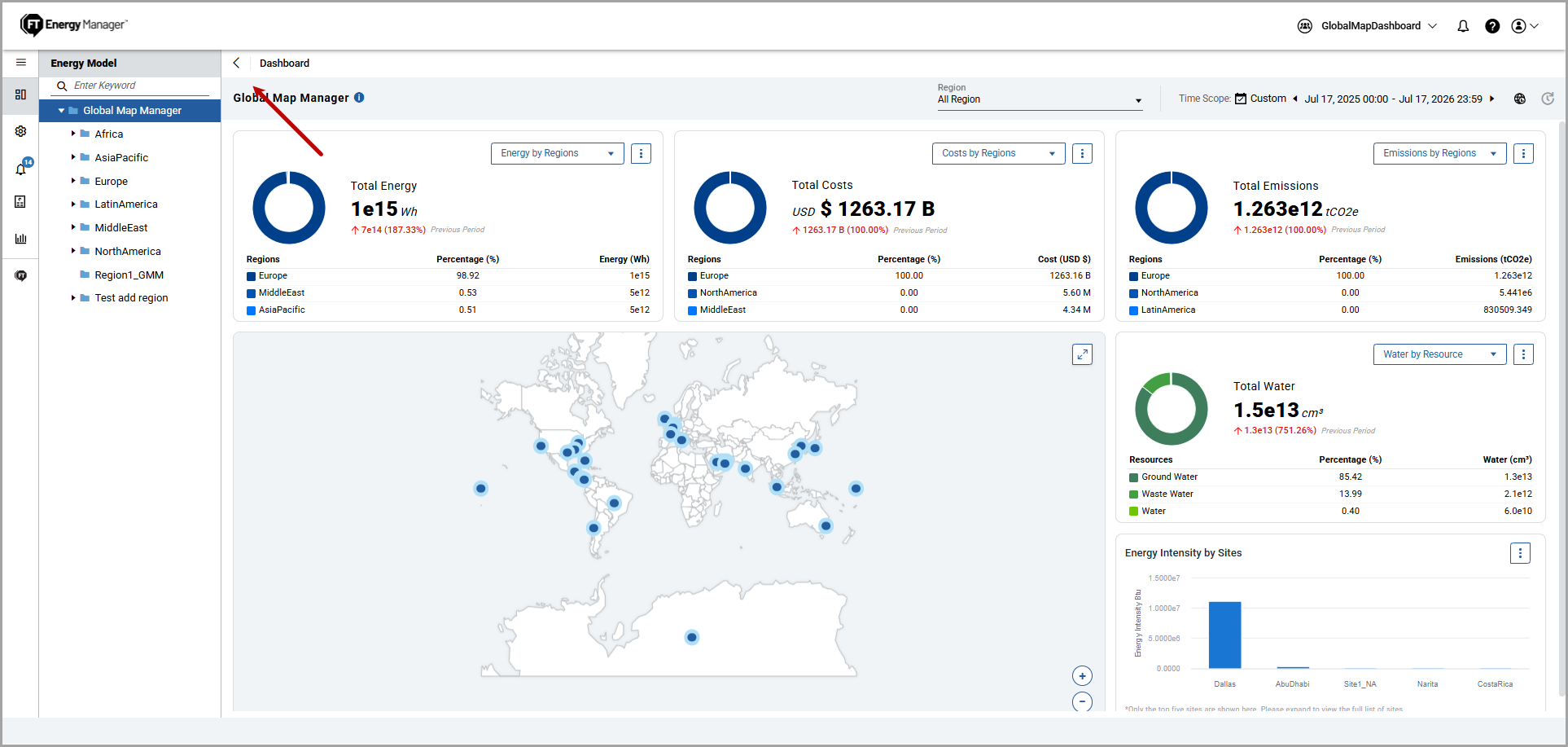 The application hides the Energy Model Panel and expands the dashboard view to provide more space for visualization.Expanded View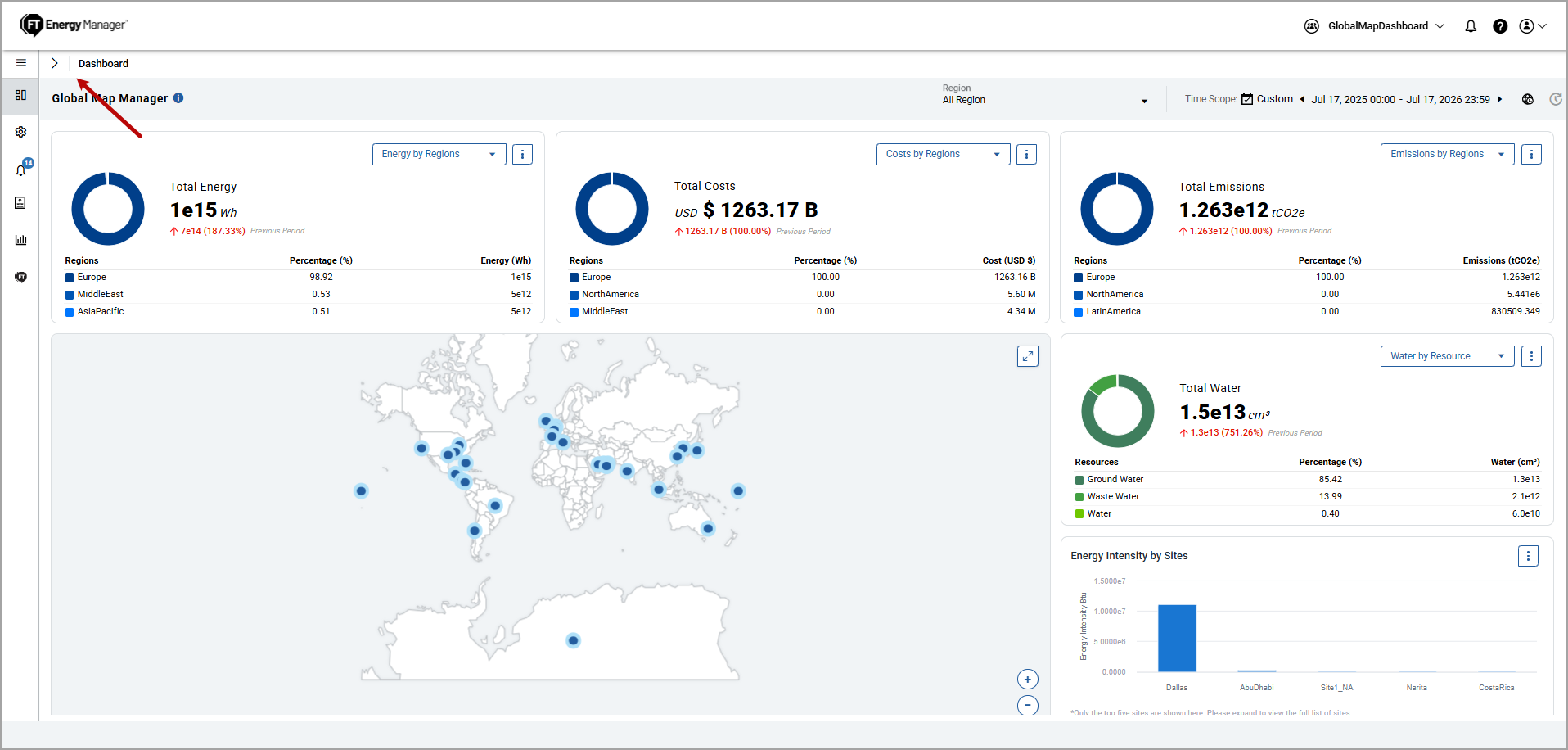
- Click the [
 ]
icon to view the Energy Model.
]
icon to view the Energy Model.
Provide Feedback