
Limitations
- After updating the currency, if the user changes the currency at the Sites/Region/Enterprise level, the application displays a pop-up message to update the exchange rate.Currency Change
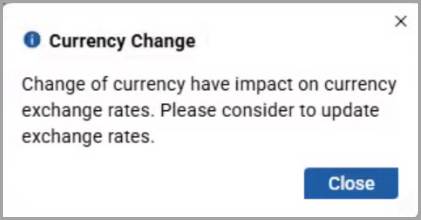
- ClickCloseand clickSave.
- Go to theCurrenciespage, and a blue dot is displayed in front of the newly updated currency, only if the currency combination is new.
- Update the exchange rate and save it.
- Deleting a node or currency automatically removes the corresponding currency combinations. The system displays a confirmation pop-up after successful deletion.
- If the user creates an enterprise without region or site currencies, the application displays it as a single entry.
- When the enterprise, region, and site use the same currency, the system records only one entry.
Provide Feedback