
Currency Dashboard Features
- Blue Dot: The blue dot before the currency exchange denotes that the item is new or a new currency is configured.
- Currency: Displays all currency exchanges from the Site to the Region level and Site to the enterprise level without duplicates.
- Exchange Rates: Displays the exchange rates between the sites to region or enterprise. By default, all the currency exchange rates are configured as one unit. Refer to the Update Exchange Rate section to update the exchange rate. Hover the mouse on the exchange rate to see the detailed view of the currency combination.
- Filter: To filter the list of available currencies or exchange rates. Refer to theFiltersection.
- Actions: To edit/update the Exchange Rate.NOTE:User with the Readers role cannot edit the exchange rates.
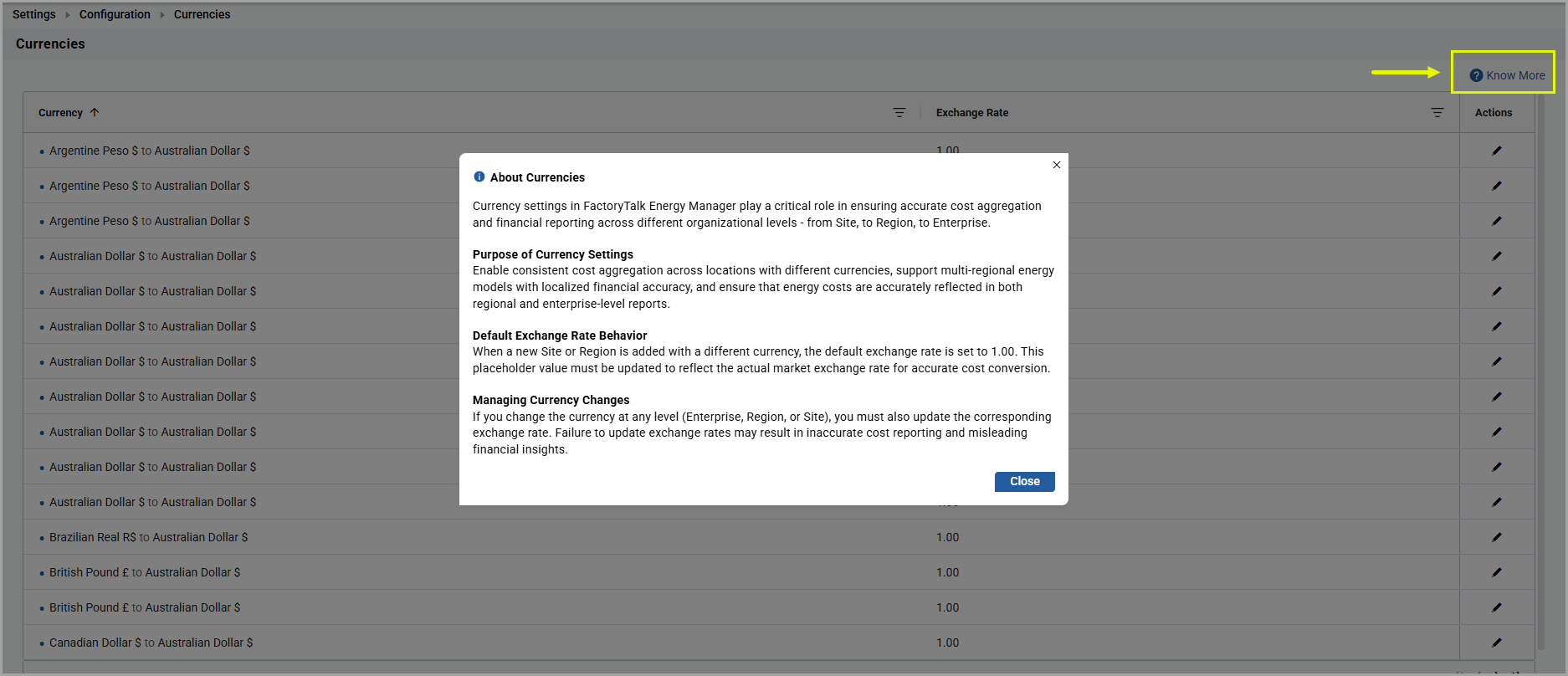
- Know More: To view the detailed description of currencies.About Currencies
- Navigation Keys: Only the latest ten entries are displayed on the first page. Use the navigation keys to browse through the list of other currencies in the dashboard.
Provide Feedback