
Conduits table
Manage conduits to add, edit, and delete connections between system components.
Conduits table interface
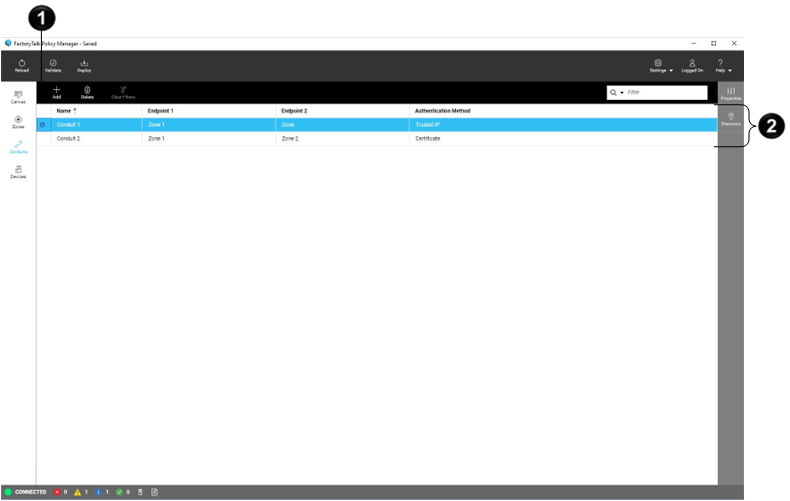
Item | Name | Description |
|---|---|---|
 | Table | Lists all conduits in the policy model. Select not grayed-out table cells to edit values. Select a table header title to sort elements based on the column values. Drag a table header to change the order of columns in the table. Filter tables by hovering-over a table header, selecting  |

Item | Description |
|---|---|
Add | Adds a conduit. |
Delete | Deletes the selected conduit. |
Clear Filters | Clears all filters. |
Filter | Filters table rows based on the specific criteria. See Filter tables. |
Provide Feedback