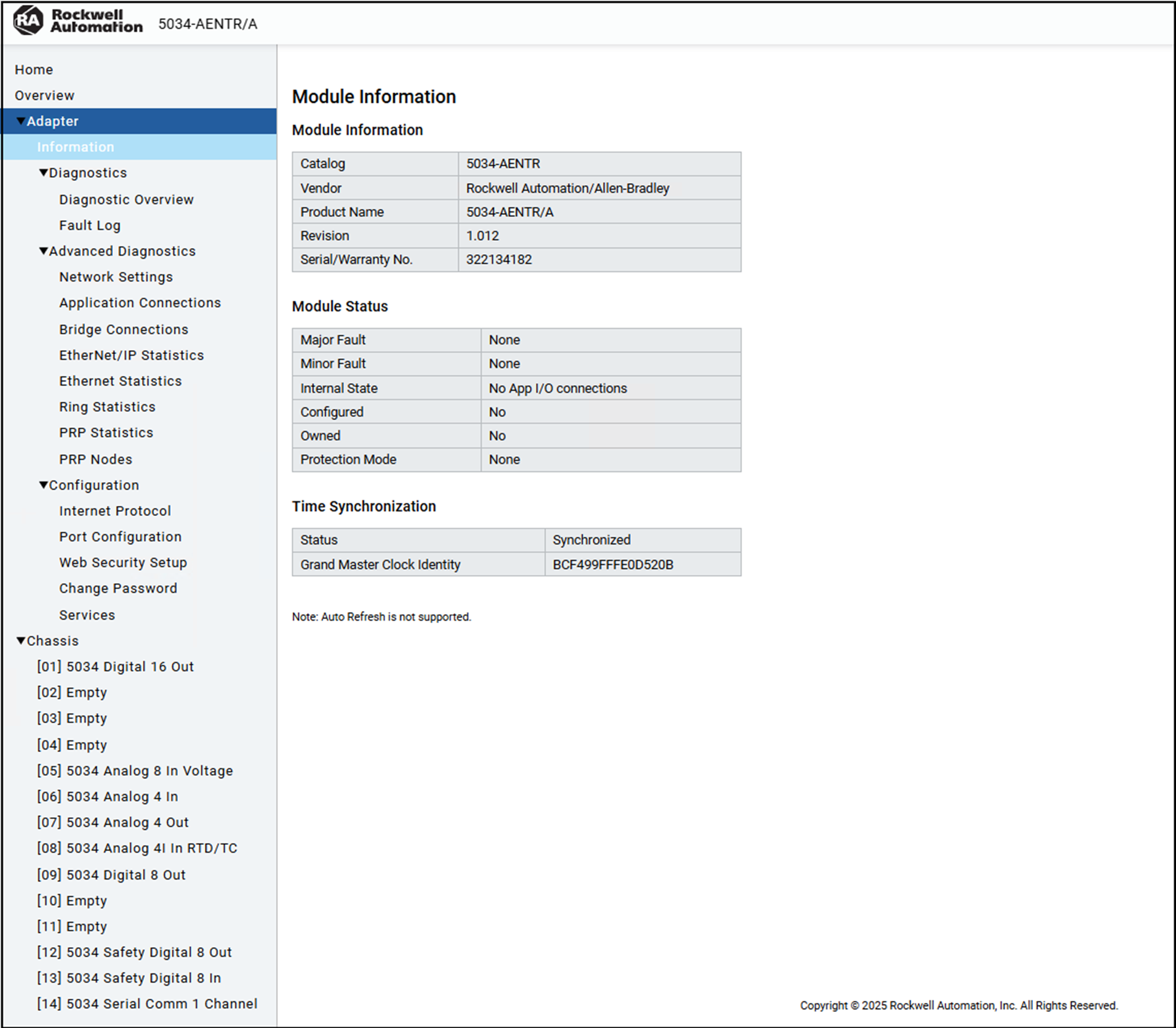
Navigate the web server pages by using the navigation panel on the left of the
screen.
Navigate the Web Server Pages
Diagnostic Pages
Diagnostics pages are read-only. Read-only pages automatically refresh according to
the configured Refresh Interval, set in seconds. The default Refresh Interval is set
to 5 seconds, which is both the minimum and initial value. You can adjust the
Refresh Interval up to a maximum of 15 seconds. If you set the Refresh Interval to
0, auto-refresh is disabled.
Configuration Pages
To view the configuration pages and make changes, you must sign in to the web
server.
TIP:
You cannot update the pages while
the module is in Explicit or Implicit Protection mode.
Internet Protocol Page
The Internet Protocol page shows the IP settings for the EtherNet/IP adapter.
Use the Internet Protocol page to complete the following tasks:
Select how IP settings are configured.
Configure IP settings
Port Configuration Page
The Port Configuration page shows the status information of the network ports.
Use the Port Configuration page to complete the following tasks:
Enable or disable network ports
Select whether to configure the port setings automatically or manually
Select the port speed
Select the port duplex mode
Web Security Setup Page
The Web Certificate Setup page shows the information on the HTTPS certificate for the
web server.
Use this page to complete the following tasks:
Generate a self-signed certificate
Generate a CSR
Upload a CA-signed certificate
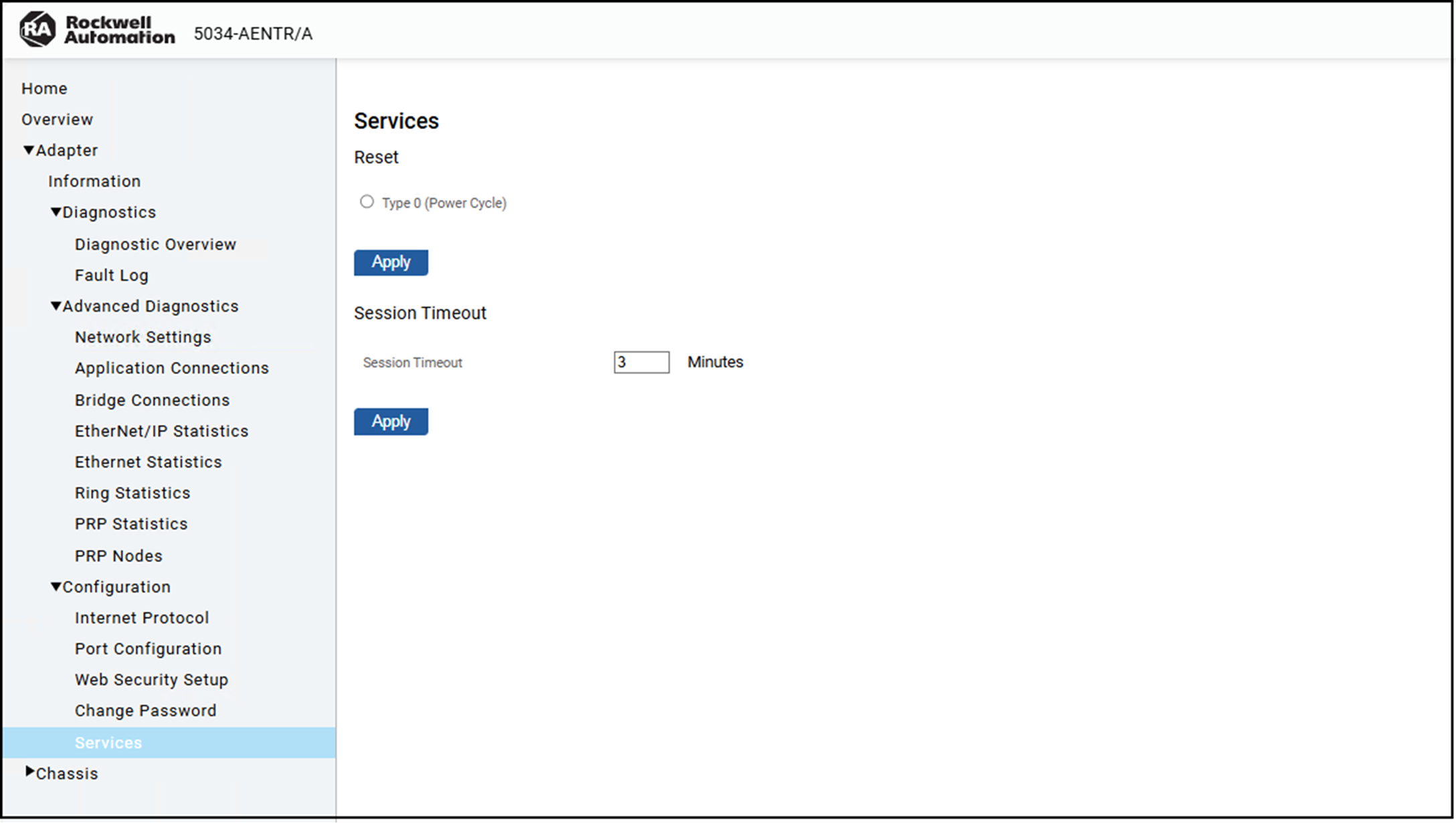
Services Page
Use the Services page to reset the adapter and set the
session timeout duration.
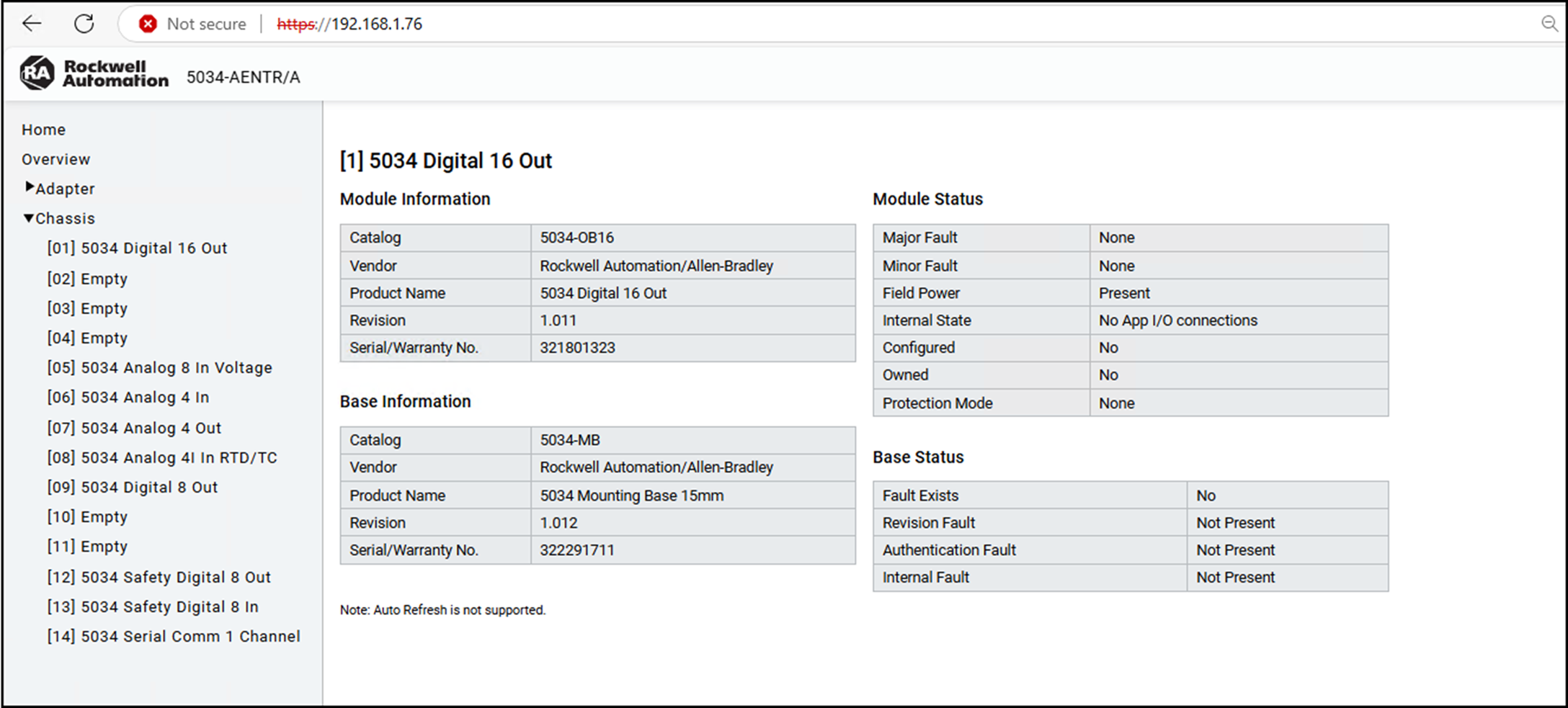
Chassis Page
The Chassis page shows the information for I/O modules and mounting bases connected
on the chassis.