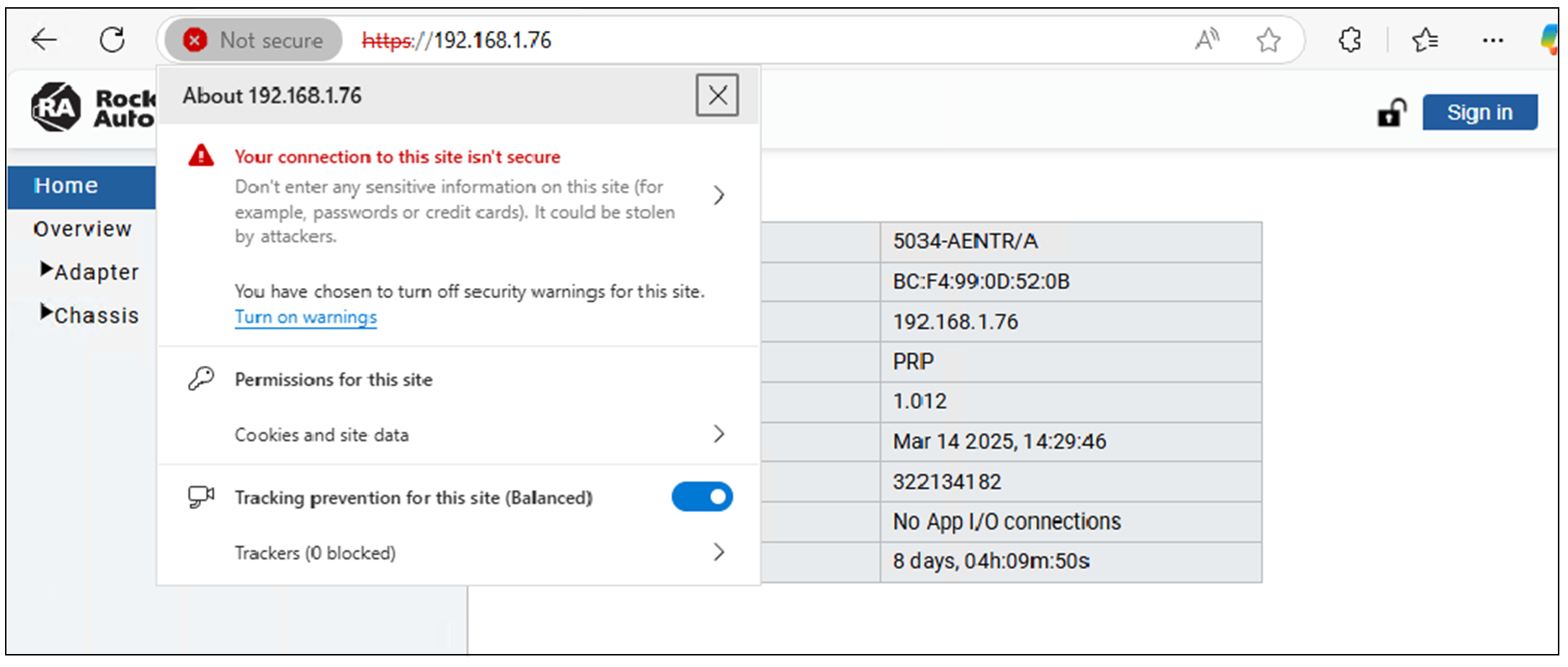
The first time that you enter the IP address of the module into your web browser, a
privacy error page opens. This occurs due to a self-signed certificate used to establish
a secure HTTP connection.
Example of Web Server Privacy Error
To proceed, you must acknowledge the privacy error. The steps to acknowledge the error
vary depending on the browser that you use. Follow the instructions on the error page.
Once you have acknowledged the error, the web server home page displays.
Without signing in, you can only view the diagnostics pages for the module. If you want
to view the configuration pages and make changes, you must authenticate with your
credentials.