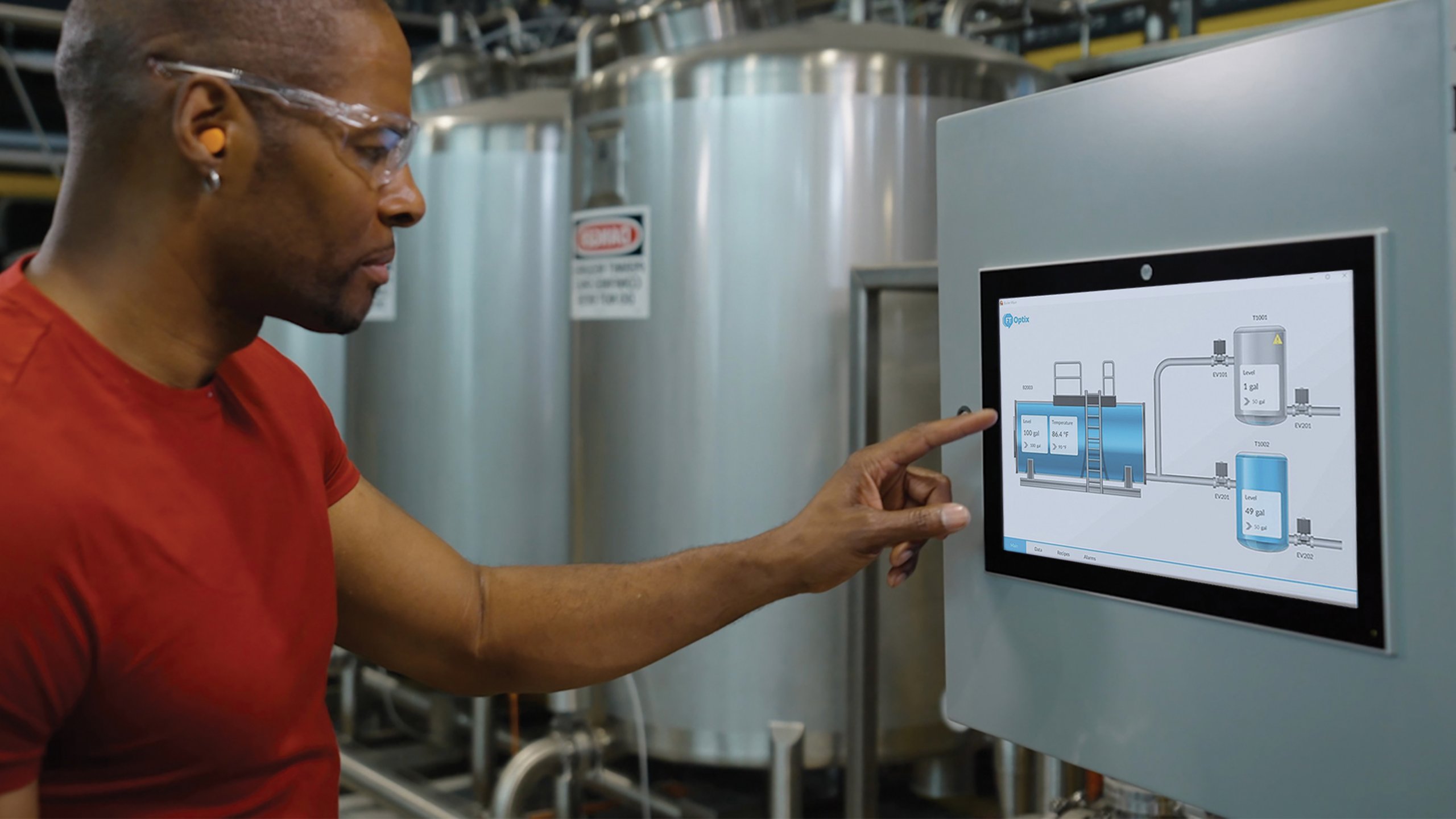
1: Fleet HMI rollout across similar machines
Scenario: 您擁有多個類似資產,例如產線、滑架、單元或場域,並希望獲得一致的人機介面(HMI)操作員體驗及可預測的更新模式。
容器化方法可透過在標準化容器環境中啟動執行階段應用程式來提供一致性,並透過使用記錄的容器啟動參數(如連接埠發佈、容器命名及選用的重啟行為)來實現可重複性。若需執行階段應用程式保留其建立的檔案或設定,請將容器連接至電腦上的實體資料夾。如此即使容器重啟或更換,資料仍可保留。
2: 並排模組化邊緣服務
Scenario: 您希望在邊緣進行視覺化,並可能希望同時部署相鄰功能(例如,FactoryTalk® Remote Access™ Runtime)。
容器可讓您在主機上並排部署多個元件,同時保持其獨立封裝。FactoryTalk Optix 容器執行指引提供了在 Docker 中執行 Optix 執行階段應用程式的具體機制,作為部署中的視覺化元件。
在可組合邊緣架構中,與視覺化執行階段並行運行遠端連線服務也很有利。例如,FactoryTalk® Remote Access™ Runtime 可作為 Docker 映像檔提供,使其能以獨立容器部署於 FactoryTalk Optix 執行階段容器旁(或與同一主機上的其他互補容器化服務並行)。這非常適合容器主機,因為容器設計為可在同一台機器上彼此相鄰運行,同時維持流程隔離。
3: 雲端部署
Scenario: 有些組織也會在需要集中管理執行階段佔用、標準化推出機制或更容易與雲端核心運作對齊時,將此容器化方法擴展至雲端主機環境。
在這些情境下,適用相同的核心容器化軟體原則。Optix 執行階段可封裝並作為容器化工作負載運作,底層運算則由客戶雲端基礎架構提供,並受其 IT 政策及安全態勢管理。
這與 Optix 雲端啟用的工作流程自然契合:FactoryTalk® Optix Studio™ Pro 支援雲端託管協作及基於儲存庫的開發。Rockwell Automation 亦說明了利用 FactoryTalk Remote Access 的遠端部署模式,減少必須親赴現場進行更新的需求。
FactoryTalk Optix 容器化部署考量
第三方邊界
對於剛開始使用容器化軟體者,請參閱第三方供應商(如 Docker 或 Portainer)以獲得協助及授權條款。
授權行為
若未提供授權許可金鑰,FactoryTalk Optix 應用程式將於 120分鐘後停止運行。更多資訊請參閱FactoryTalk Optix 說明。
連接埠發佈與應用程式組態相關
當 Optix 在容器中運行時,請選擇主機電腦上的連接埠並「轉發」至 Optix 用於其網頁用戶端的連接埠。該內部連接埠即為您在 FactoryTalk® Optix Studio™ 設定的Web Presentation Engine連接埠。
持續性應有明確規劃
請事先決定哪些資料應儲存、哪些可為暫存。Volume binding 選項可將執行階段變更寫入主機本機資料夾,確保容器重啟或更換時變更不會遺失。
重複性優先,其他其次
以容器化軟體部署 FactoryTalk Optix 的實際價值在於可重複性。
軟體容器提供一致且有文件記錄的方式,利用標準容器啟動概念(如連接埠發佈、重啟行為及(必要時)持續性卷映射)於不同環境中運行相同執行階段應用程式。這支持更廣泛的容器化目標:減少環境漂移,並提升從開發到生產的資訊技術與營運技術一致性。
想邁出下一步嗎?探索ThinManager® 軟體與 FactoryTalk Optix在更廣泛容器化討論中的關聯,且不改變上述基本原則。您亦可深入了解 FactoryTalk Optix 全產品組合的雲端型軟體與硬體裝置這裡。