
Controller Diagnostics with Linx-based Software
You can also view diagnostic information in Linx-based software.
- From the Communications menu, select Who Active or Network Browser.
- Navigate to the controller on theEtherNet/IP™network.
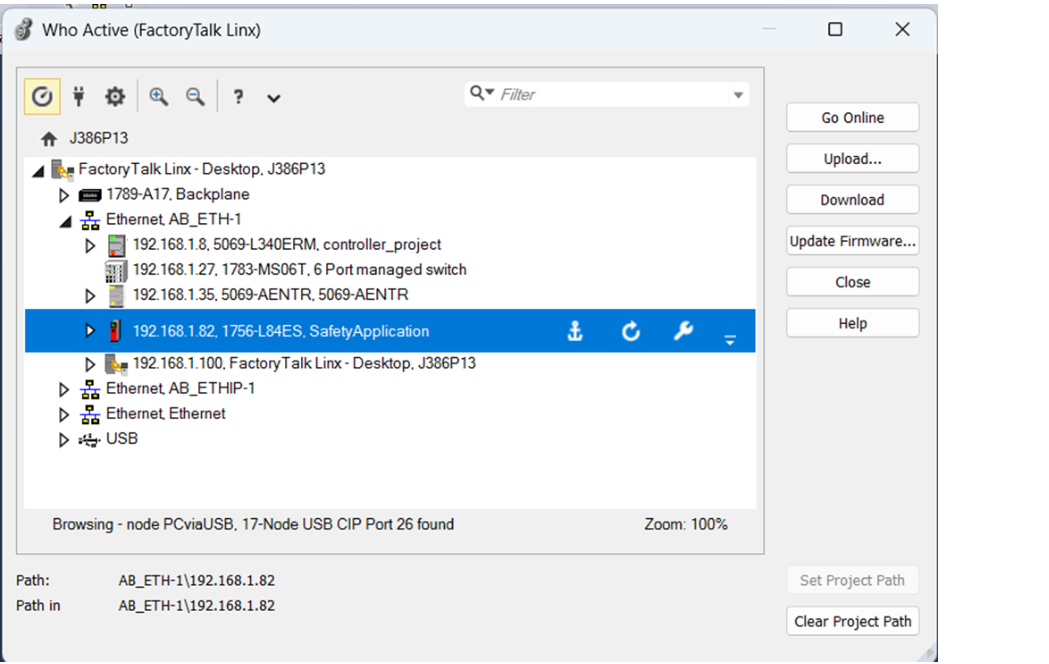
- Right-click the controller and choose Device Statistics.
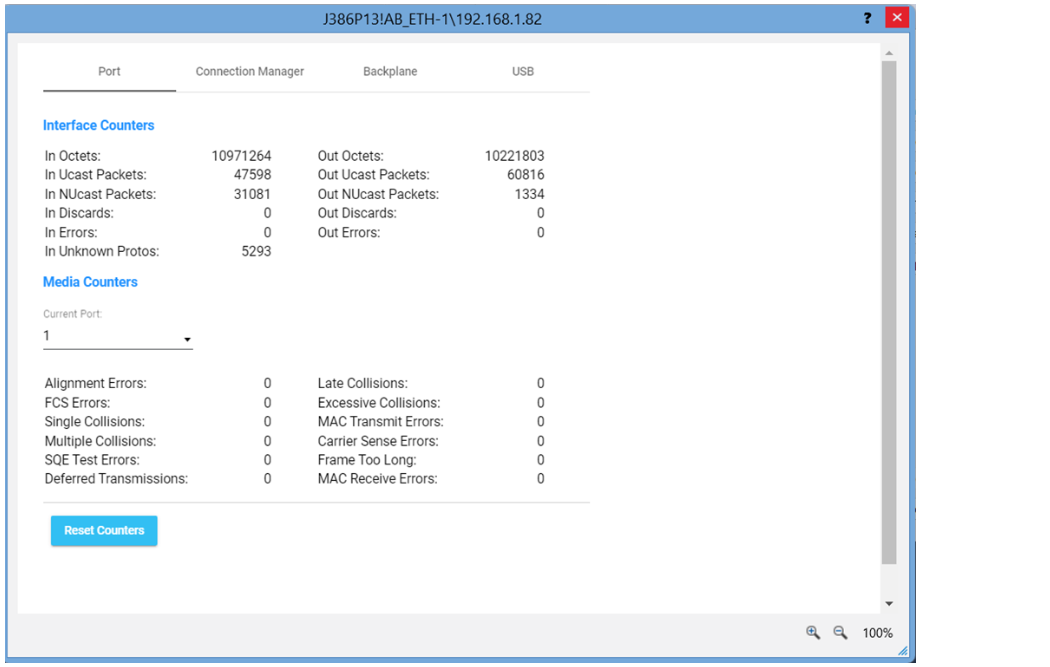
The Statistics dialog box shows a variety of information.
Provide Feedback