
Safety I/O Device Signature
Each safety device has a configuration signature that uniquely identifies the device configuration. The configuration signature is composed of an ID number, date, and time, and is used to verify a device’s configuration.
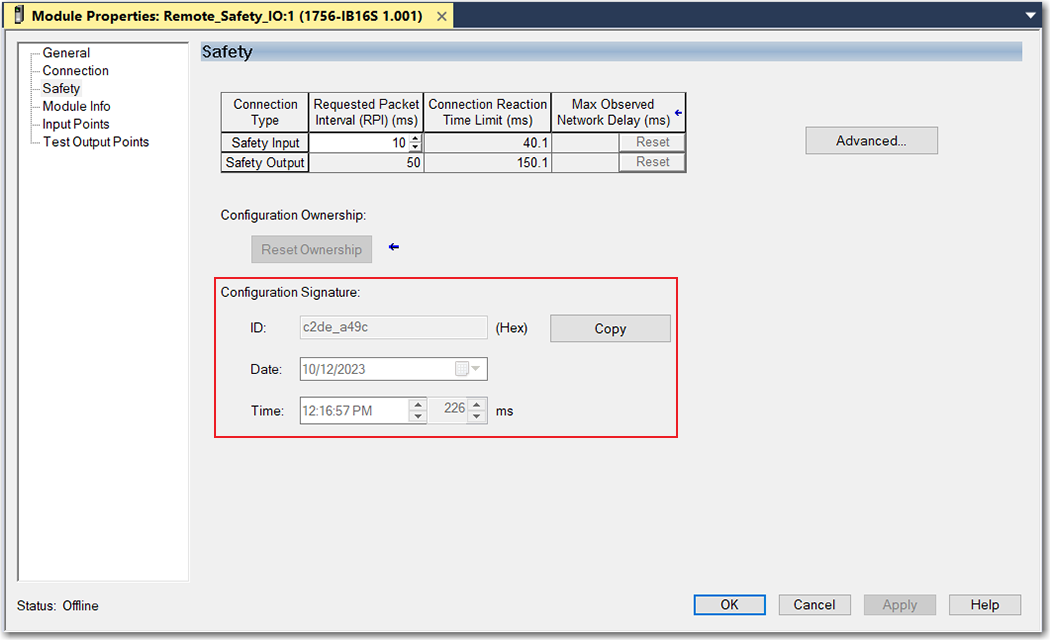
When the I/O device is configured via the Logix Designer application, the configuration signature is generated automatically. You can view and copy the configuration signature on the Safety view of the Module Properties dialog box.
View and Copy the Configuration Signature
Different Configuration Owner (Data-only Connection)
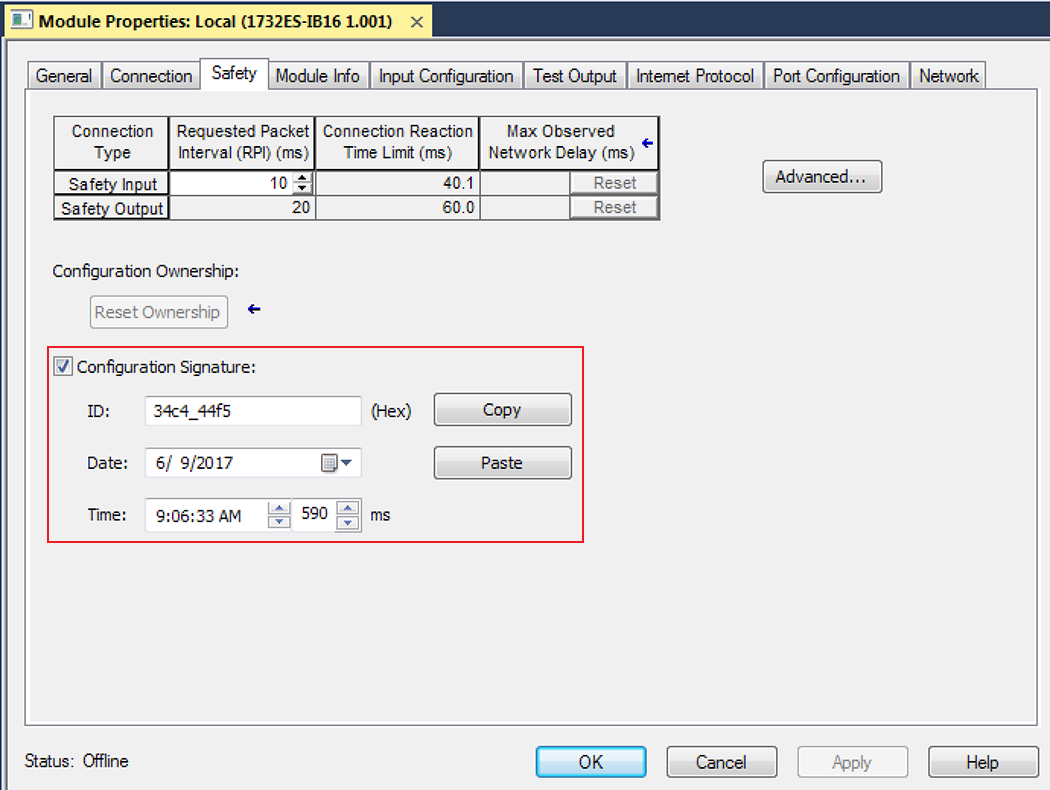
When the I/O device configuration is owned by another controller, you must copy the device configuration signature from its owner’s project and paste it into the Safety view of the device properties.
TIP:
If the device is only configured for inputs, you can copy and paste the configuration signature. If the device has safety outputs, they are owned by the controller that owns the configuration, and the configuration signature ID text box is unavailable.
View and Copy the Configuration Signature From a Different Device
Provide Feedback