
Purchase a FactoryTalk Optix Studio Pro entitlement
FactoryTalk® Optix™
Studio Pro is available by
subscription only. Purchase and allocate or assign an entitlement to an organization in order to
activate FactoryTalk® Optix™
Studio Pro. You must have a purchase order to
purchase software.Devices that are not activated operate in demo mode and stop
running
FactoryTalk® Optix™
applications after 2 hours. The
Emulator
client that runs FactoryTalk® Optix™
applications on the development computer does not require a runtime entitlement.- From the Commerce Portal, log in to your MyRockwellAutomation account.
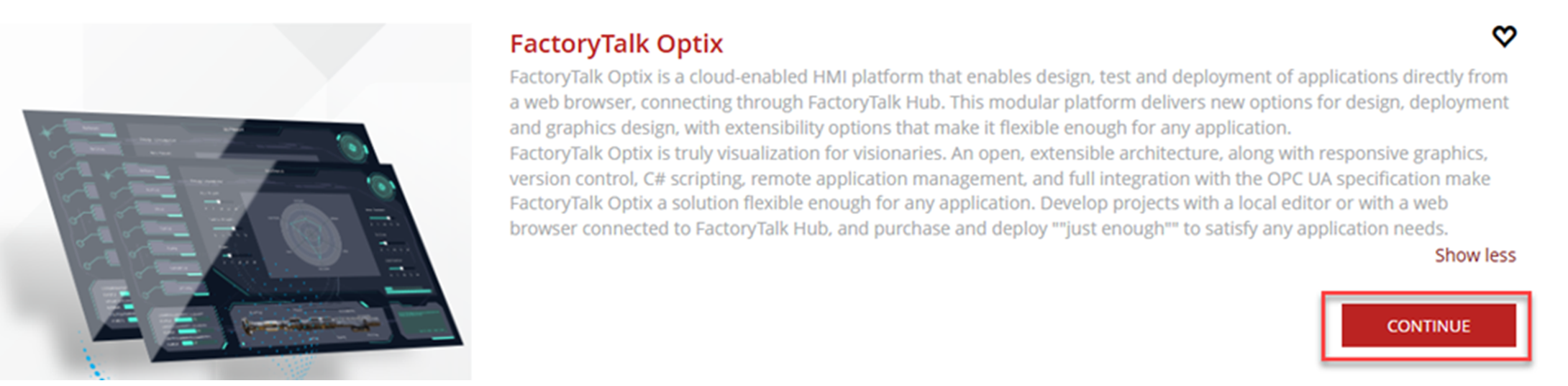
- Scroll toFactoryTalk® Optix™and underFactoryTalk® Optix™, selectContinue.
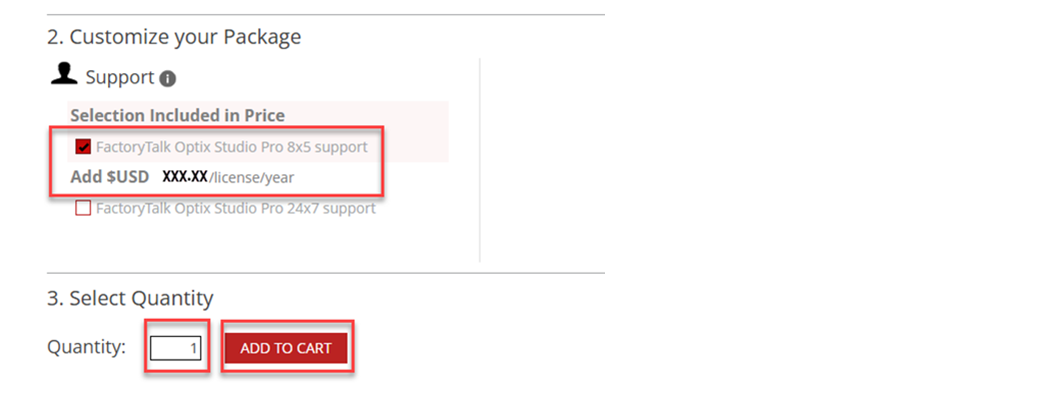
- Select your package, scroll to select options to customize your package, and then underSelect Quantity, select the number of entitlements.
- SelectADD TO CART. You can change the number of entitlements in your cart.
 TIP: If you copied aFactoryTalk® Optix™Runtime catalog number from the Runtime Sizing tool, you can paste the selected catalog number in the search bar at the top of the Commerce Portal page. Paste the catalog and select
 to add the catalog number
to your cart.
to add the catalog number
to your cart. - Review your cart and the pricing with your Distributor and then selectCHECKOUT.
- Confirm your shipping, billing, contract details, and order summary and then selectSUBMIT ORDER.
- On the confirmation page, selectManage Licensesand confirm your new contract.
Once the entitlement status is active, the entitlement appears
in FactoryTalk Hub. You can also confirm your order status in the Commerce Portal
by selecting
My Subscriptions/Manage Licenses
. Provide Feedback