
Establish communications with the controller via USB
Use these steps to establish communications with the controller via USB.
To establish communications with the controller via USB
- Power on the controller.
- Plug the USB cable between the computer and the controller.
- InFactoryTalk Design Workbench, openOnline centerby doing one of the following:
- Select
 .
. - InProject Organizer, right-click the controller node, and then selectDownload.
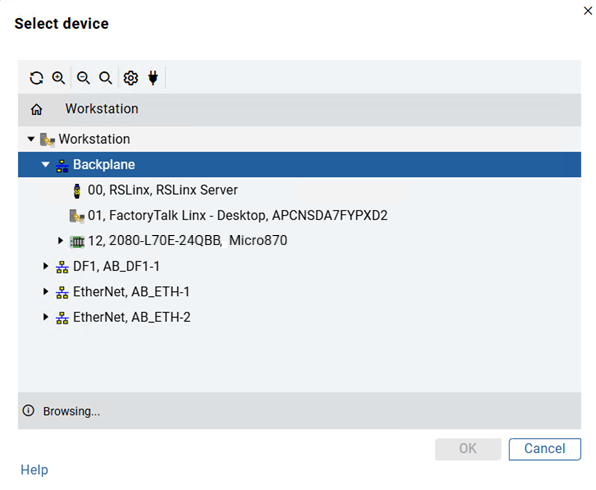
- InOnline center, select
 .
. - InSelect device, select theMicro870L70E controller located under the virtual backplane, and then selectOK. The controller is now recognized inFactoryTalk Design Workbench.
Provide Feedback