
About filtering searches using an operator
You can filter search definitions on a column by using an operator (such as Starts With, Contains and so forth) and entering the desired criteria. For example, under the
Timing Properties
, select the Starts with
operator and then type every day
to find all searches to be performed daily. You can also filter search definitions on specific column entries (including all or no column entries). For example, in the Status
column, you could select the operator Does not contain
and then select the column entry Disabled
to show only those records that are not disabled.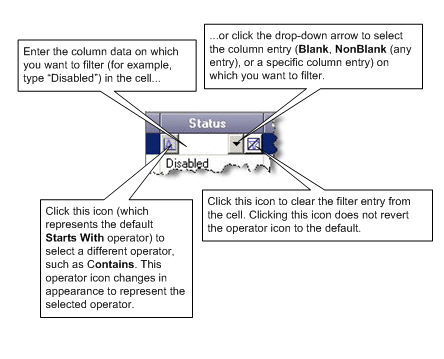
Provide Feedback