
Outputxx – Triggered Pulse View
Use Outputxx – Triggered Pulse to view or configure a specific output for the device.
This view is available when the output is configured as Digital Output in the Device
Definition dialog.
Outputxx – Triggered Pulse View Example
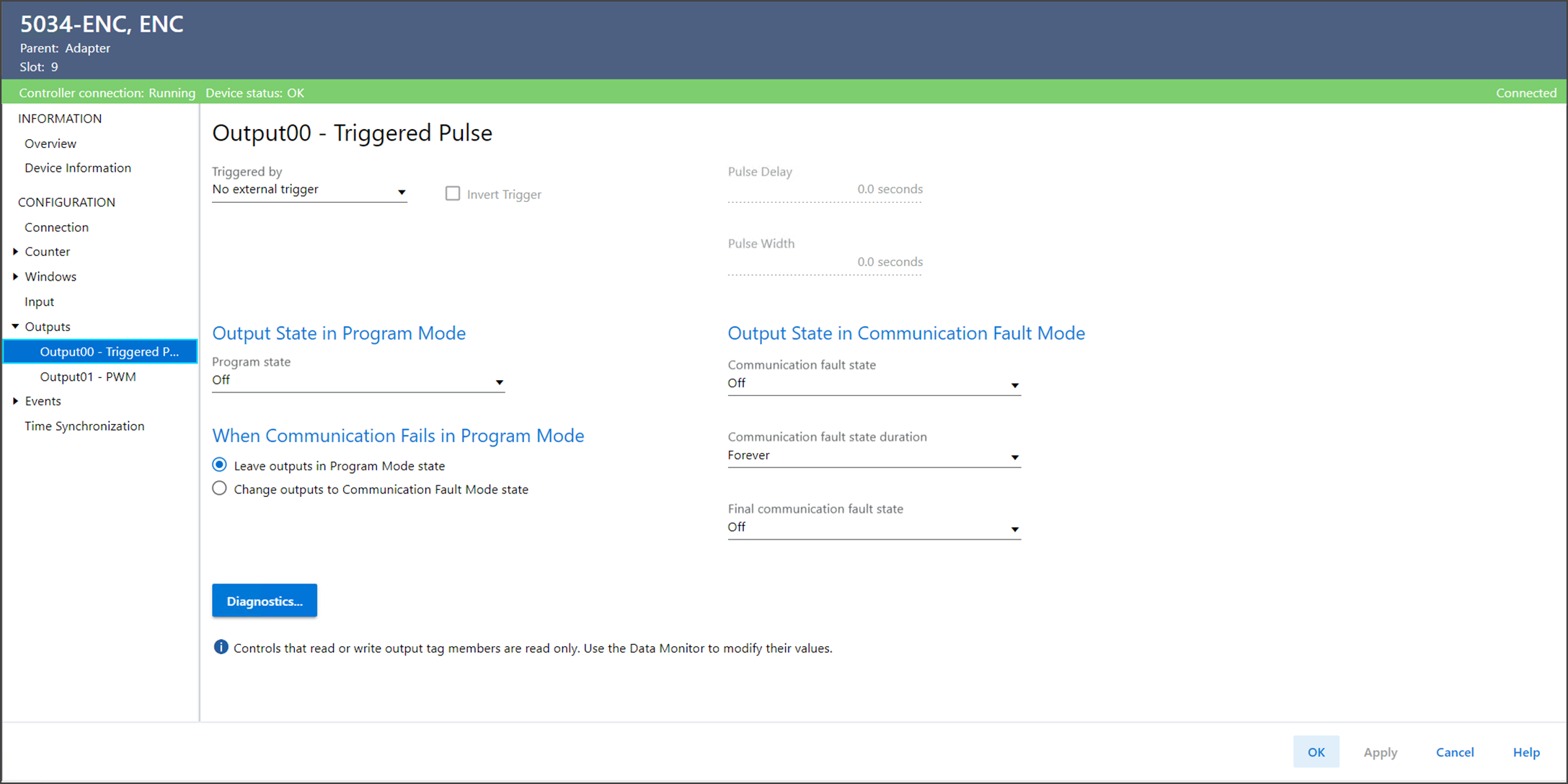
The Outputxx – Triggered Pulse view includes these parameters:
Parameter | Description |
|---|---|
Triggered by | Specifies the input that triggers the pulse function.
|
Invert Trigger | This option inverts the trigger edge for the input point that is
selected in the 'Trigger by' parameter.
|
Pulse Delay | Specifies the delay time in seconds between the trigger event and
the start of the output pulse. |
Pulse Active Time | Specifies the active duration in seconds for the generated output
pulse. |
Output State In Program Mode Program State | Determines the behavior of each output when the controller
transitions to Program Mode or Inhibit mode. While in Program
Mode or Inhibit mode, outputs from the controller are ignored
and the output behaves as follows:
|
Output State in Communication Fault Mode Communication Fault State | Determines what happens to the output of each point after a
communication fault occurs and the module enters Communication
Fault Mode.
|
Output State in Communication Fault Mode Communication Fault State Duration | Determines the length of time the output state in the
Communication Fault Mode is held before the Final Fault
State. |
Output State in Communication Fault Mode Final Communication Fault State | Determines whether the module transitions to On or Off after the
Communication Fault Mode Output State Duration elapses. The
default final state is Off. If you choose Forever for Duration, you cannot choose a final
state. The module retains its current Communication Fault Mode
state. |
Output State When Communication Fails in Program Mode | Determines the output action if communication fails in Program
Mode.
|
Diagnostics | Opens the Diagnostics dialog, which contains diagnostic
information. |
Provide Feedback