
Develop a combo box to pick styles
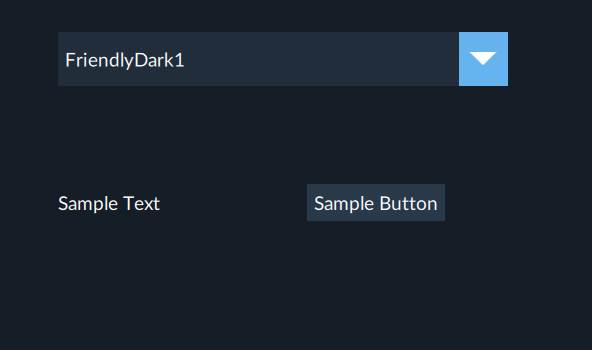
Create a combo box to choose different application styles. Select a style from the combo box to change the application style at runtime.
Application example

NOTE:
Download a sample project:
StylePicker.zipPrerequisites
- To develop the project
- (optional) Add more graphic objects.For example, add a button and a label. For more information, see Graphic objects.
- Arrange the interface elements.
- Save the project.
Application design example

Select  to run the project using the client
emulator to test your project. To run the project on a remote client, see Add a target device.
to run the project using the client
emulator to test your project. To run the project on a remote client, see Add a target device.
Run
Provide Feedback