
Zoom the trend
To zoom in on a specific time span for a set of data
- Click
 .The button color changes to grey (
 ). The data on the trend is no longer refreshed.
 - Click and drag the mouse pointer to draw a grey box over the time span on which you want to zoom in.
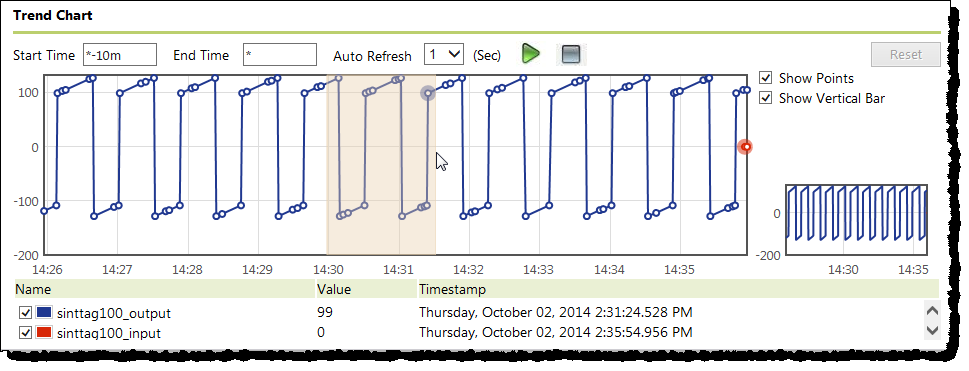
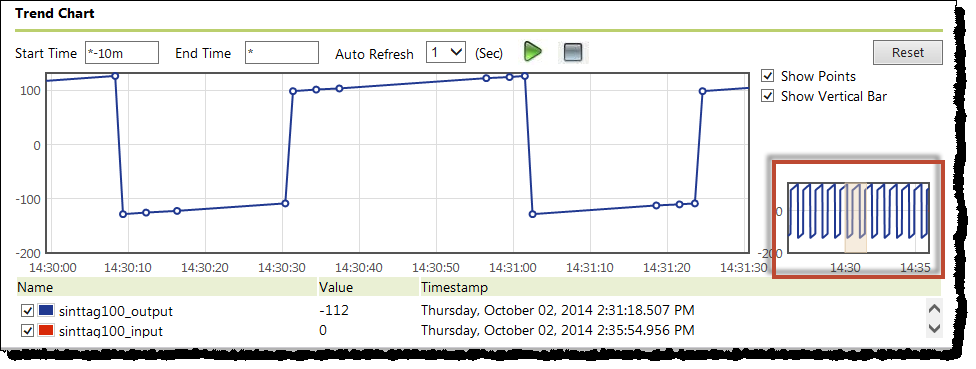
- Release the mouse pointer.The point data from the time span that you marked with the box appears in the trend. The selected time span is highlighted in the total time period window next to the trend.
Provide Feedback