
Home Page
The
FactoryTalk Energy Manager
home page comprises the title bar, the navigation menu, the enterprise-level hierarchy tree, and the dashboard.FactoryTalk Energy Manager
Home Page
Title Bar
Title Bar

Symbol | Description |
|---|---|
 | Navigate to the home page. |
 | Displays the current FactoryTalk Hub Organization name. The user can choose an organization from the dropdown. |
 | To view the FactoryTalk Hub notifications. |
 | View the FactoryTalk Energy Manager online help document, release notes, customer support, and copyright. |
 | To view the user profile details. To log out of the session, click Sign Out . |
Navigation Menu
Navigation Menu

Click the [ ] icon to expand the navigation bar.
] icon to expand the navigation bar.Menu Options | Description |
|---|---|
 | Expand/collapse the navigation bar. |
 | View the dashboard. |
 | To configure the currency, energy model and User management. |
 | View the notifications. |
 | View the reports. |
 | View the analytics and perform baseline calculation and analysis. |
 | Navigate to the FactoryTalk Hub home page in a new window. |
Energy Model Hierarchy Tree
The hierarchy tree displays the Region, Site, Area, Work Center, Work Unit, and various
meters configured under the Enterprise-level for the Energy Model.
Sample Energy Model Hierarchy

Dashboard
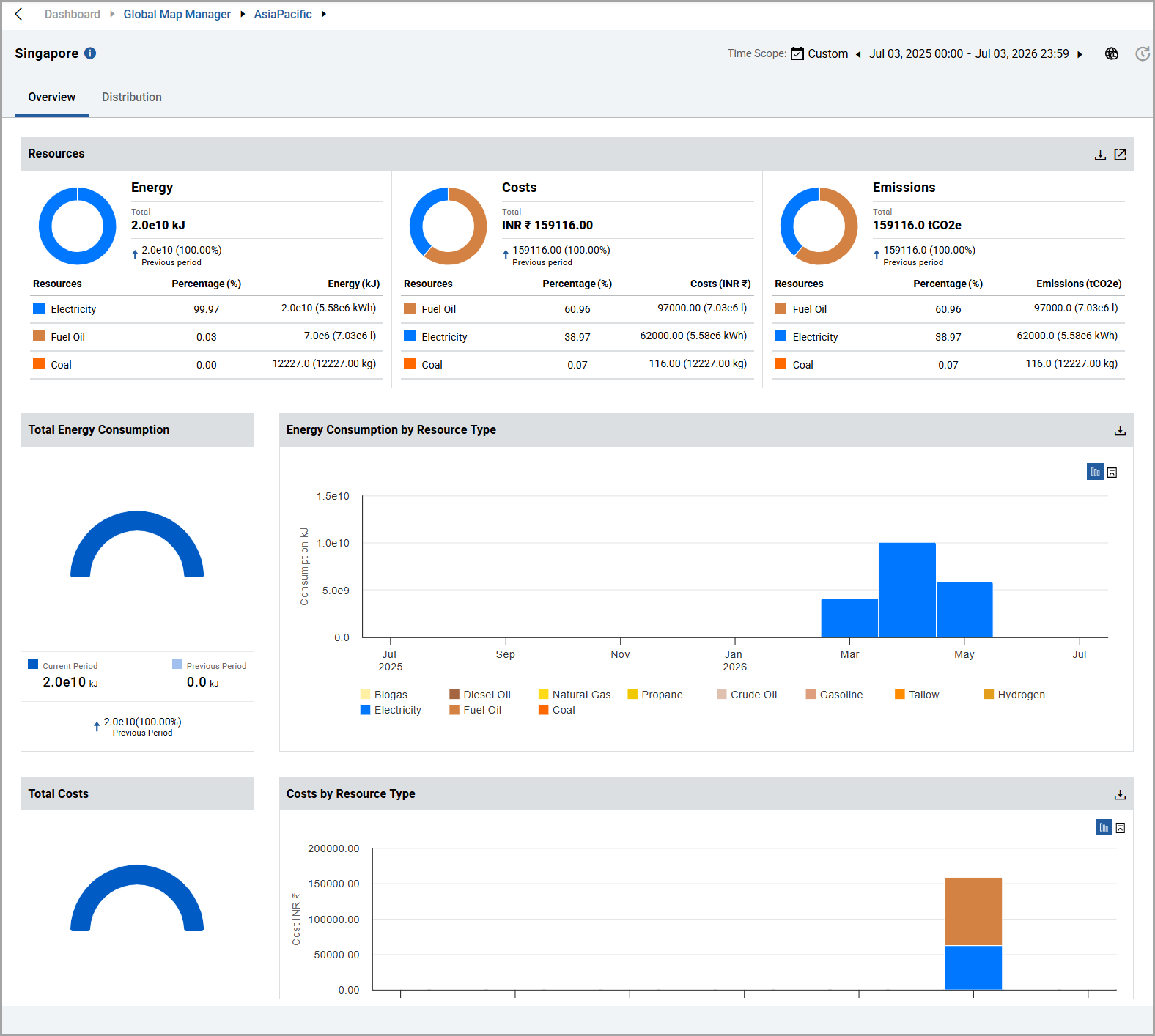
The dashboard provides insights of total energy consumption, cost, emission, global map
overview, water consumption, and energy intensity through widgets and charts. These
representation of insights may vary based on the Organization hierarchy.
Dashboard (Enterprise and Region)

Dashboard (Site/Area/Work Center/Work Unit)
Provide Feedback