
Update Exchange Rate
Perform the following steps to edit a currency exchange:
- Click the [
 ] icon to edit the currency exchange.
 - Update the exchange rate.Edit Exchange Rate
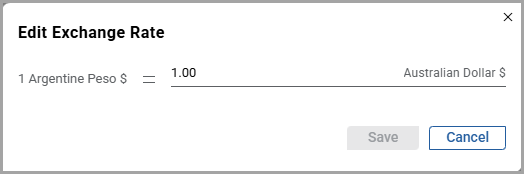 NOTE:The user can enter exchange rates as whole numbers or with decimals, but you cannot enter values less than or equal to zero. A maximum of ten decimal places is allowed.
 - ClickSave. The “Updated successfully” message is displayed and the new exchange rate is updated in the currency dashboard.The charts and widgets will get updated according to the new exchange rate in the enterprise and region dashboards.
Provide Feedback