
Creating material types
- From theEditmenu, selectMaterial Types. TheMaterial Typesdialog opens.
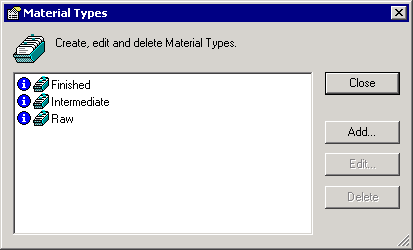
- Click theAddbutton. TheEdit Material Typedialog opens.
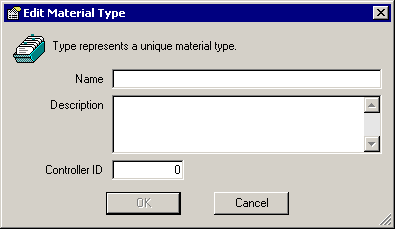
- In theNamebox, type a unique name for the selected material.
- In theDescriptionbox, type a detailed description of the selected material.
- TheController IDfield defaults to the next numeric value in sequence. If necessary, you can change this to a unique number, which is used for PCD phase programming. [See the for more information.]
- ClickOKto save the new material type.
Provide Feedback