Loading

EtherNet/IP In-cabinet Solution Technical Resources

Quickly access manuals, diagrams, and videos for your product.
EtherNet/IP In-cabinet Solution
  • New to the EtherNet/IP In-Cabinet Solution?
  • Technical Details
  • Installation, Use, and Operation
  • Troubleshooting
  • Related Content
Documentation Center Home
 

The EtherNet/IP™ In-cabinet system provides a secure infrastructure to access identity, state, runtime, and maintenance information from devices in the control panel. This system eliminates control wiring, reduces panel space requirements, and reduces commissioning efforts.

An EtherNet/IP In-cabinet system is a linear flat media network with up to 25 meters (82 ft) connectivity and 40 connected nodes. A single flat media network cable incorporates both device power bus (NP) for communications along with a switched power bus (SP) for powering larger loads such as electronic coils.


New to the EtherNet/IP In-cabinet Solution?

Start with these resources to help you select what you need:

DownloadDownload
EtherNet/IP In-cabinet System Specifications
InformationInformation
EtherNet/IP In-cabinet System Specifications
PlayPlay
Watch EtherNet/IP In-cabinet Solution Overview video on YouTube
 
  • Local Network (Bus) architecture

    Local network (bus) architecture: The local network bus supports one gateway and as many as 39 additional devices.

    Learn more about planning a local network (bus) architecture


Local Network (Bus) architecture

Local network (bus) architecture: The local network bus supports one gateway and as many as 39 additional devices.

Learn more about planning a local network (bus) architecture


Chevron LeftChevron Left
Local Network (Bus) architecture
Chevron LeftChevron Left

Technical Details

Select your device for information on technical specifications and approximate dimensions.

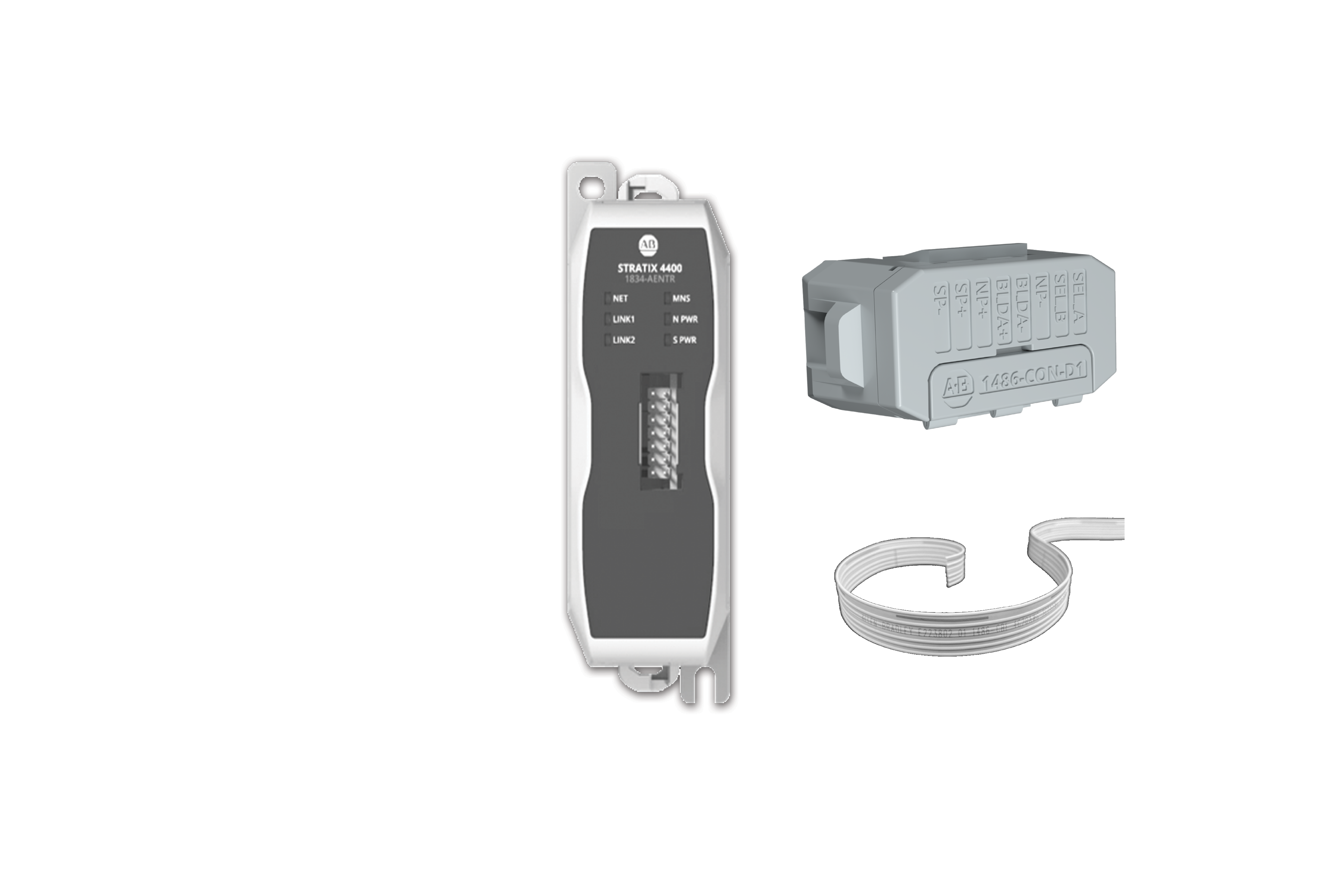
1834-AENTR Gateway 1486-CBL Flat Media Cable 1486-CON Connectors
100-E and 104-E Communication Interface Modules 800F-INT Push Button Communication Interface Modules 1834-SUP-PWR Supplemental Power Tap

Installation, Use, and Operation

Select your device for information on installation, configuration, and monitoring.

PlayPlay
Watch Add-on-Profile (AOP) and Device Creation video on YouTube
1486-CBL Flat Media Cable 1834-AENTR Gateway 1486-CON Connector to the 100-E/104-E Communication Interface Module
800F Operator to the 800F Communication Interface Module 1834-SUP-PWR Supplemental Power Tap

Troubleshooting

Select your device for information on status indicators.

1834-AENTR Gateway 100-E and 104-E Communication Interface Modules
800F-INT and 800F-INT-L Communication Interface Modules 1834-SUP-PWR Supplemental Power Tap
 

Related Content

 
Need specifications?
DownloadDownload
EtherNet/IP In-cabinet System Specifications
InformationInformation
EtherNet/IP In-cabinet System Specifications

Certifications

Literature LibraryLiterature Library
Browse EtherNet/IP in-cabinet certification documents
Ready to install?
DownloadDownload
EtherNet/IP In-cabinet System: Gateway Product Information
DownloadDownload
EtherNet/IP In-cabinet System: Supplemental Power Tap Product Information
DownloadDownload
EtherNet/IP In-cabinet System: Contactor Communication Interface Modules for 100-E/104-E Contactors Product Information
DownloadDownload
EtherNet/IP In-cabinet System: EtherNet/IP In-cabinet System: Push Button Communication Interface Modules for 800F Operators Product Information
Use your product.
DownloadDownload
EtherNet/IP In-cabinet System User Manual
InformationInformation
EtherNet/IP In-cabinet System User Manual
  1. Chevron LeftChevron Left Rockwell Automation Home
  2. Chevron LeftChevron Left Sup...
  3. Chevron LeftChevron Left Doc...
  4. Chevron LeftChevron Left Technical Documentation Center
  5. Chevron LeftChevron Left Ethernet/IP Devices Technical Documentation
  6. Chevron LeftChevron Left EtherNet/IP In-cabinet System
Please update your cookie preferences to continue.
This feature requires cookies to enhance your experience. Please update your preferences to allow for these cookies:
  • Social Media Cookies
  • Functional Cookies
  • Performance Cookies
  • Marketing Cookies
  • All Cookies
You can update your preferences at any time. For more information please see our {0} Privacy Policy
CloseClose