
Connection View
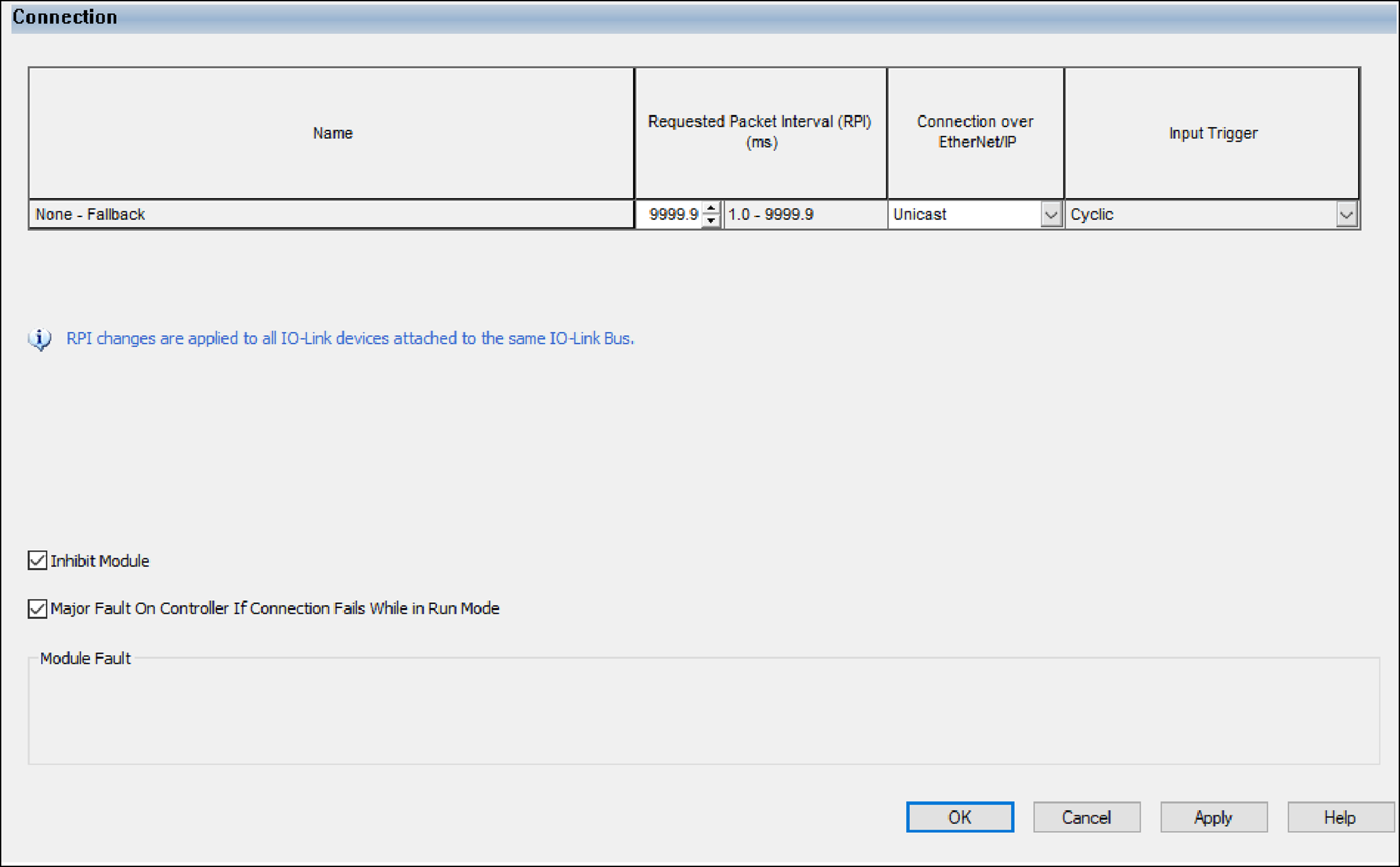
Use this view to complete the following tasks:
- Set the RPI rate.All IO-Link devices that are attached to the same IO-Link master module share the same RPI. If the RPI for one device is changed, the RPI for all other devices under the same IO-Link master module are also changed.For more information about RPI, see Requested Packet Interval.
- Set the connection type to use on the EtherNet/IP network.For more information on unicast and multicast connections, see the following:
- Ethernet Reference Manual, publication ENET-RM002.
- Inhibit the device. For more information on inhibiting the device, see IO-Link Device Inhibiting.
- Configure fault response for connection failure while the controller is in Run mode.
TIP:
The Module Fault area of the Connection view is
useful for troubleshooting. For more information on the Module Fault area, see Module Fault Descriptions on Connection View.
WARNING:
You cannot test the process data output of an
output device while the device is inhibited.
Provide Feedback