
Configuration Changes in an Input Module with Multiple Owners
This section applies to standard digital input modules only.
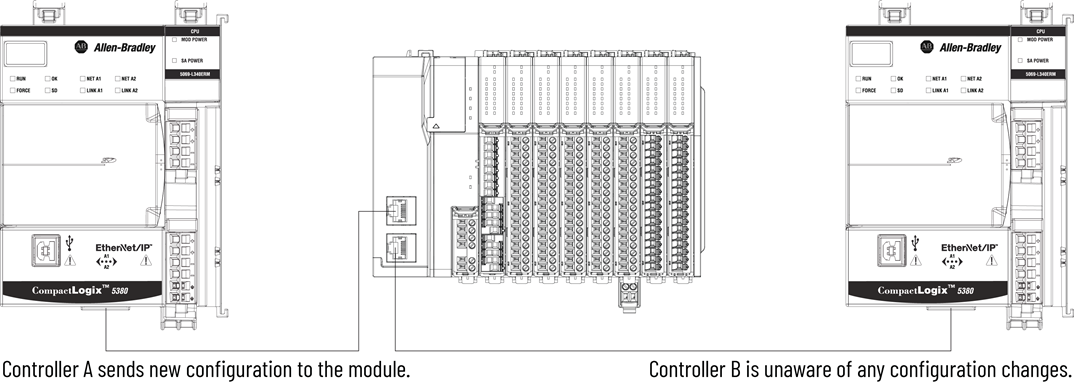
You must be careful when changing the configuration data of an input module in a multiple
owner scenario. If the configuration data is changed in owner A and sent to the module,
that configuration data is accepted as the new configuration for the module. Owner B
continues to listen unaware that any changes have been made in the behavior of the input
module, as illustrated.
Module Configuration Changes with Multiple Owners
IMPORTANT:
A message in Studio 5000 Logix Designer
alerts you to the possibility of a multiple owner-controller situation and lets you
inhibit the connection before changing the module configuration. When changing the
configuration for a module with multiple owners, you should inhibit the
connection.
To prevent other owner-controllers from receiving potentially erroneous data, use these
steps when changing the configuration of a module in a multiple owner scenario while
online.
- For each owner-controller, inhibit the connection to the module either in the software on the Connection tab or the message dialog box warning you of the multiple owner condition.
- Make the appropriate configuration data changes in the software.
- Repeat step 1 and step 2 for all owner-controllers, making the exact same changes in each.
- Clear the Inhibit checkbox in each owner-controller configuration.
Provide Feedback