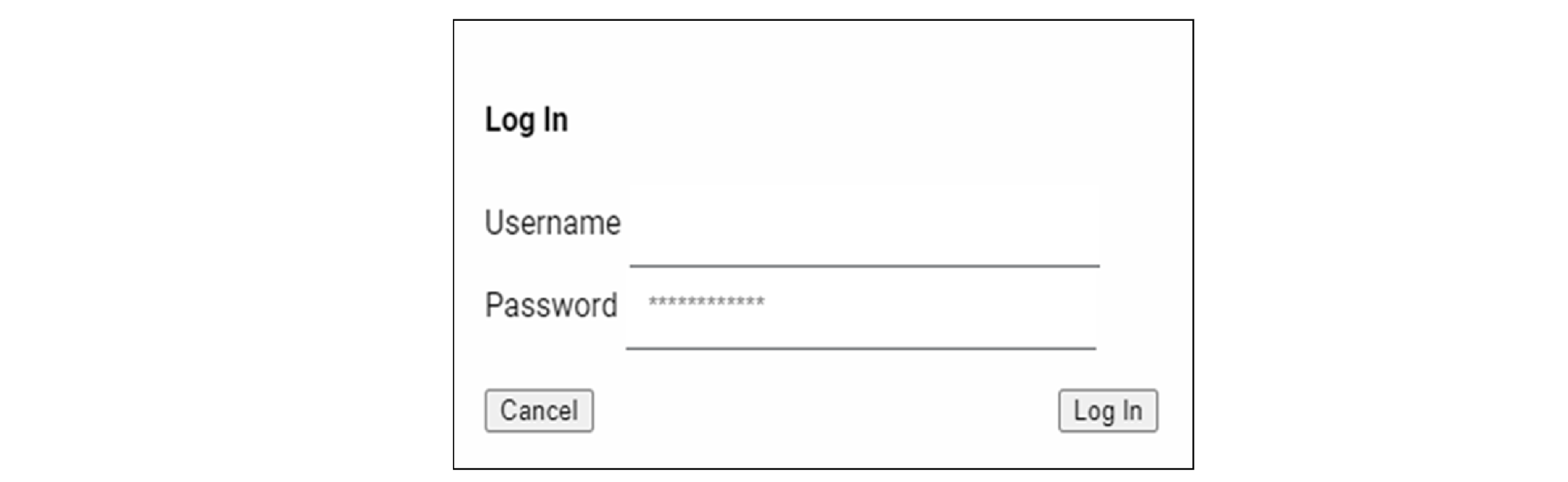
Many of the adapter features require you to sign in with the appropriate access. If you
want to view the configuration pages and make changes, you must sign in with your
username and password.
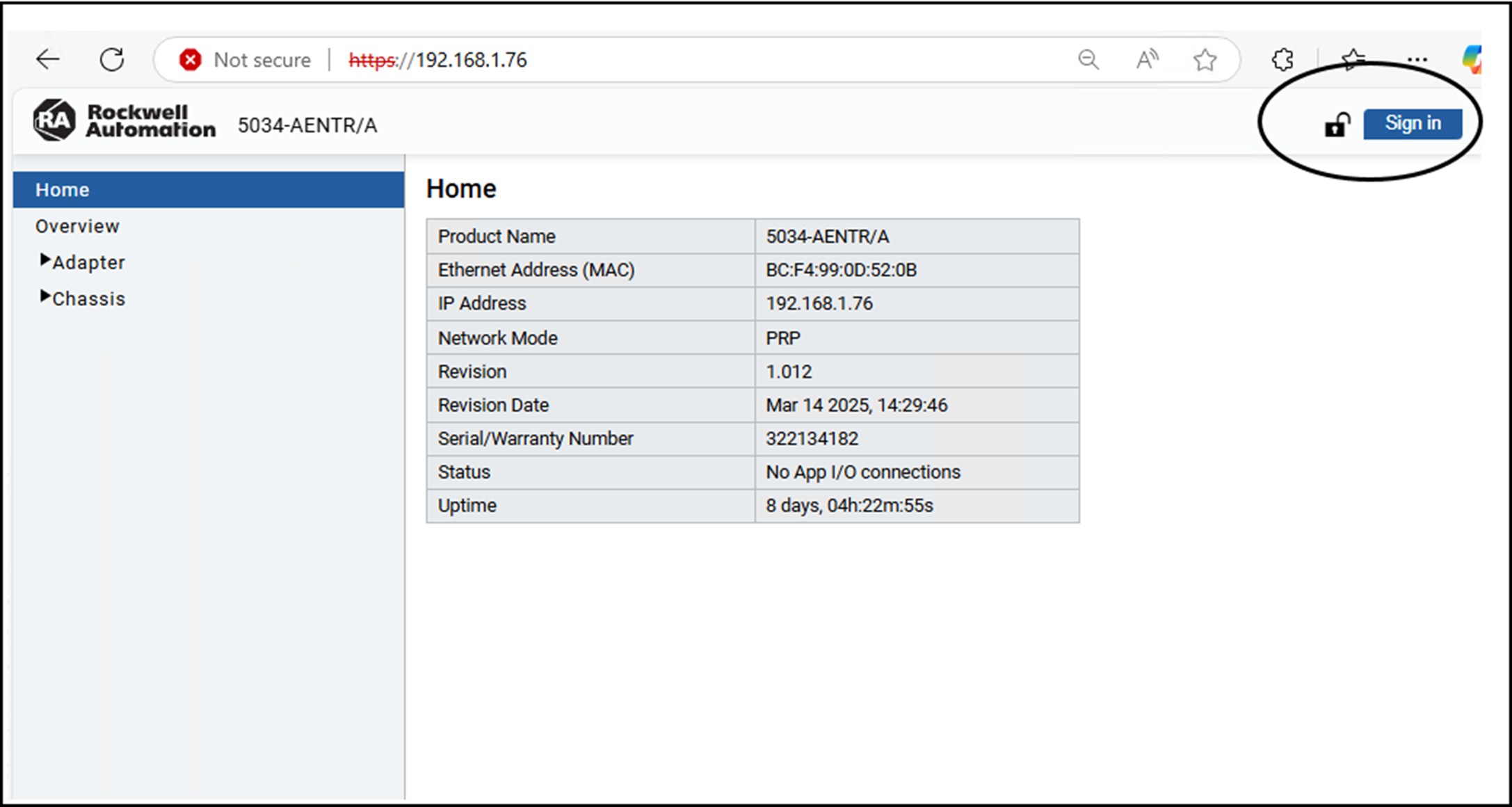
Select Sign in on the top right of the page to launch the sign in dialog.
Mandatory First-time Password Change
You must change the default password when you access the web server for a module that
is in the out-of-box state, or when the module has been reset to factory
default.
If you do not change the default password before establishing an initial I/O
connection, the web server remains in the read-only state and you can only access
the diagnostics pages. To access the configuration pages, you must perform a factory
reset and change the default password before establishing an initial I/O
connection.
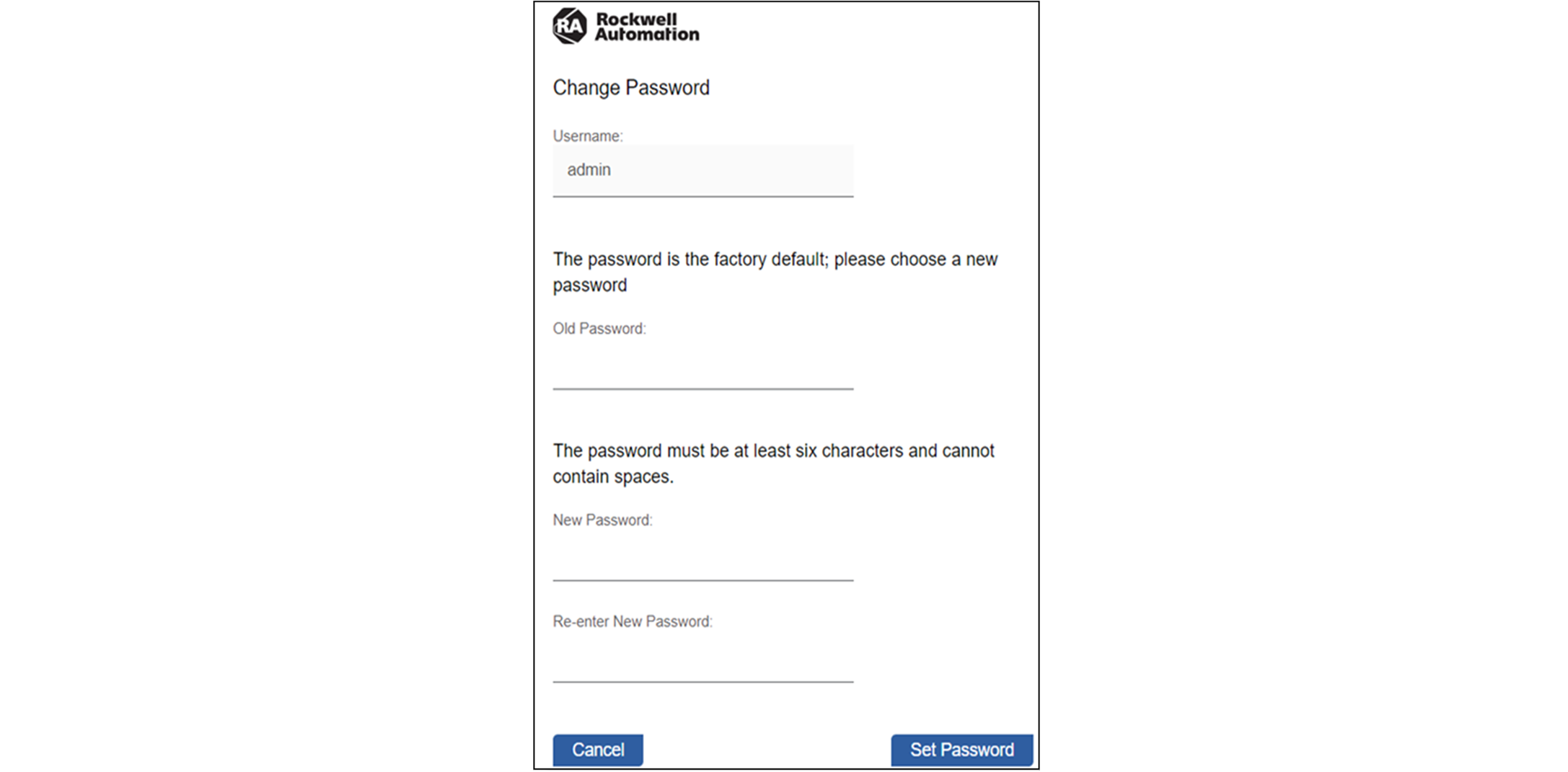
The first time that you access the Configuration page, the Change Password dialog
appears as shown below.
Change Password Example
Factory default username: “admin”
Factory default password: “password”
The newly set password must adhere to the following criteria:
Does not contain spaces
Does not match the default password
Password length must contain 8…64 characters
Username and password are case sensitive
The on the top
right of the page remains unlocked until you change the default password.
Maximum Limit of Unsuccessful Sign in Attempts
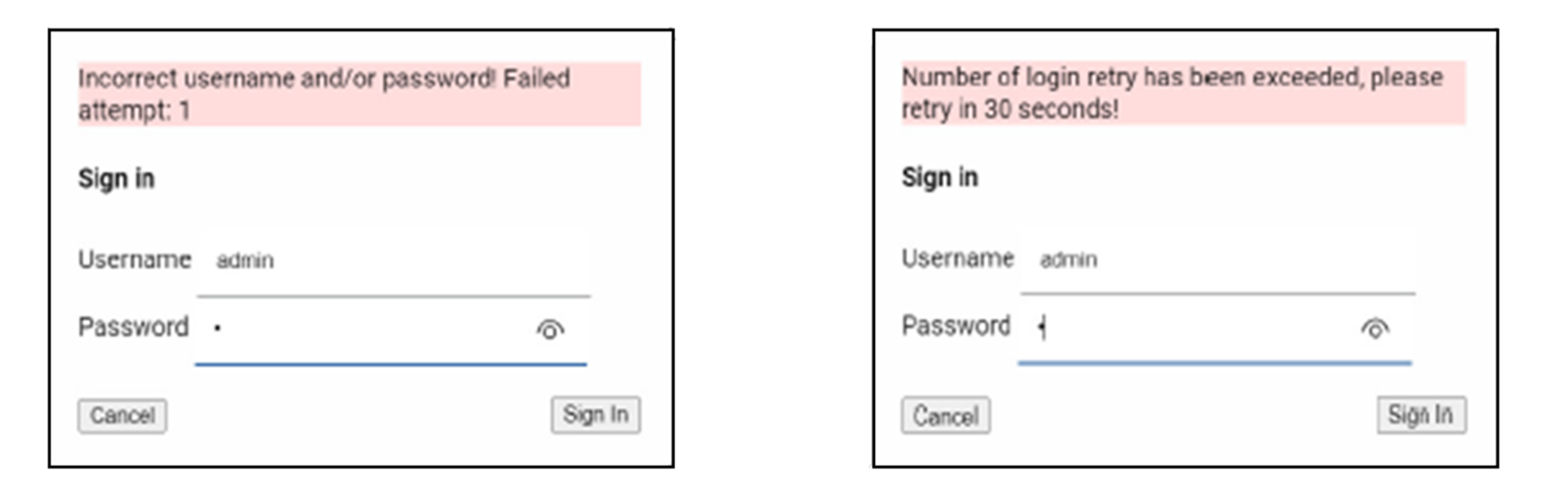
You are allowed up to three unsuccessful attempts to sign in to the web server.
The error message “Incorrect username and/or password! Failed attempt: x” displays,
where x is the number of attempts. After three unsuccessful attempts, the message
“Number of login retry has been exceeded, please retry in 30 seconds!” displays and
you are locked out of the web server for 30 seconds.
Session Timeout - Inactivity Timeout
The web server monitors webpage usage and locks you out of the current session if no
input or movement is detected for three minutes. The webpage goes to the default
home page. If you wish to continue the session with user access, you can sign in
again using the Sign in option at the top.
TIP:
Session timeout is based on the request that is sent to the web server from
the Configuration pages only. If there are no requests that are processed
from the Configuration pages for three minutes, the session times out.

 on the top
right of the page remains unlocked until you change the default password.
on the top
right of the page remains unlocked until you change the default password.