
Remove the Mounting Base
To remove a mounting base that is not at the end of the rack of I/O, you must also
remove the I/O module to its left and to its right to be able to remove the mounting
base.
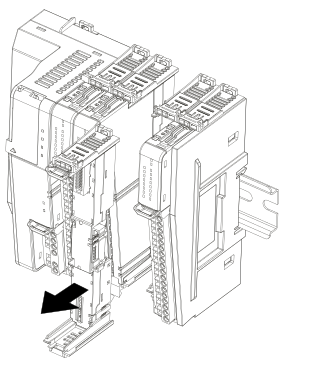
In the following example, to remove the mounting base in the middle, do the
following:
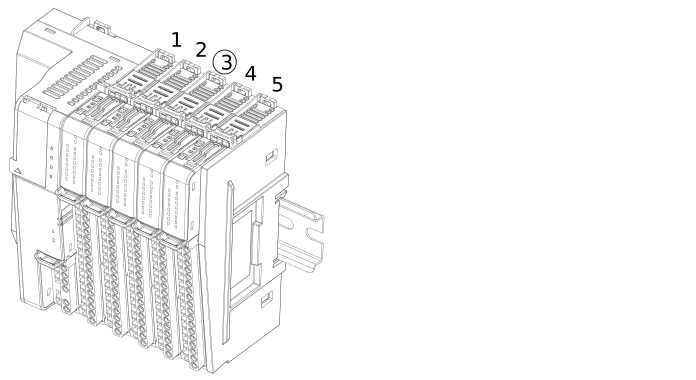
- Remove the RTBs from the I/O modules in slot 2, 3, and 4.
- Remove the I/O modules from mounting bases 3 and 4.
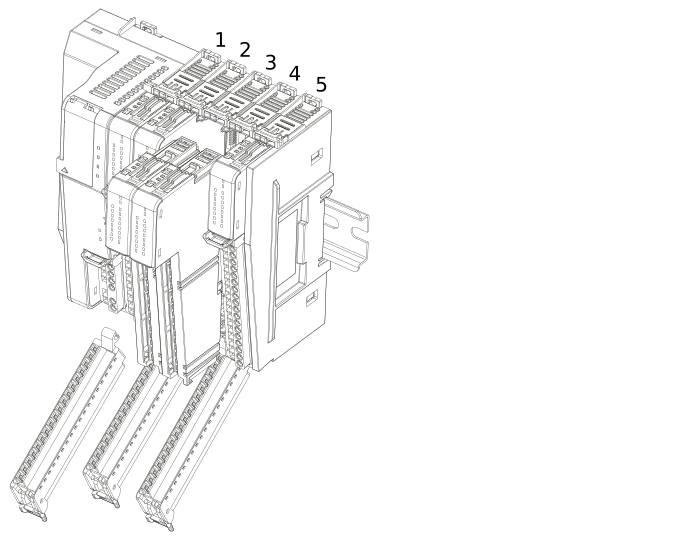
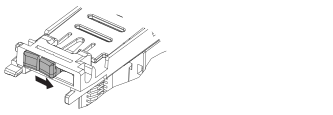
- Unlock the side latch on mounting base 3 and 4.
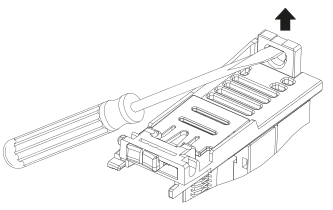
- Insert a small screwdriver into the DIN rail latch of mounting base 3 and pull up to unlock.
- Pull the mounting base straight off the DIN rail.
Provide Feedback