
Insert an RTB Key into the RTB Slot
- Make sure that you are using the correct RTB supported for your I/O module. See PointMax I/O System Specifications Technical Data, publication 5034-TD001 to know supported RTB information for your specific I/O module.
- Identify the key slot positions for your I/O module. See RTB Keying. Each module require three keys.
- Insert a key into the RTB key slot corresponding to the I/O module keying.
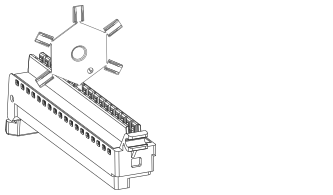
- Twist the key plate until the tip breaks off in the key slot on the RTB.
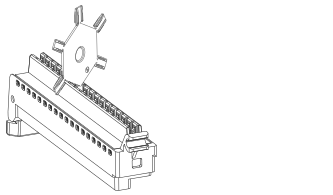
- Remove the key plate.
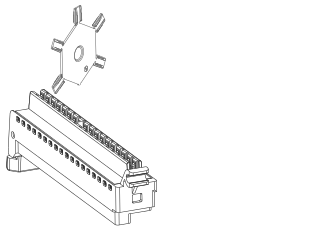
- Repeat step 3…5 to insert two more keys in the respective RTB key slots.
Provide Feedback