
Download Report
Perform the following steps to download a reports:
- In theReportstable, on the required report name, click the [
 ] icon to expand.
 - On the required report, click the [
 ] icon.Download Report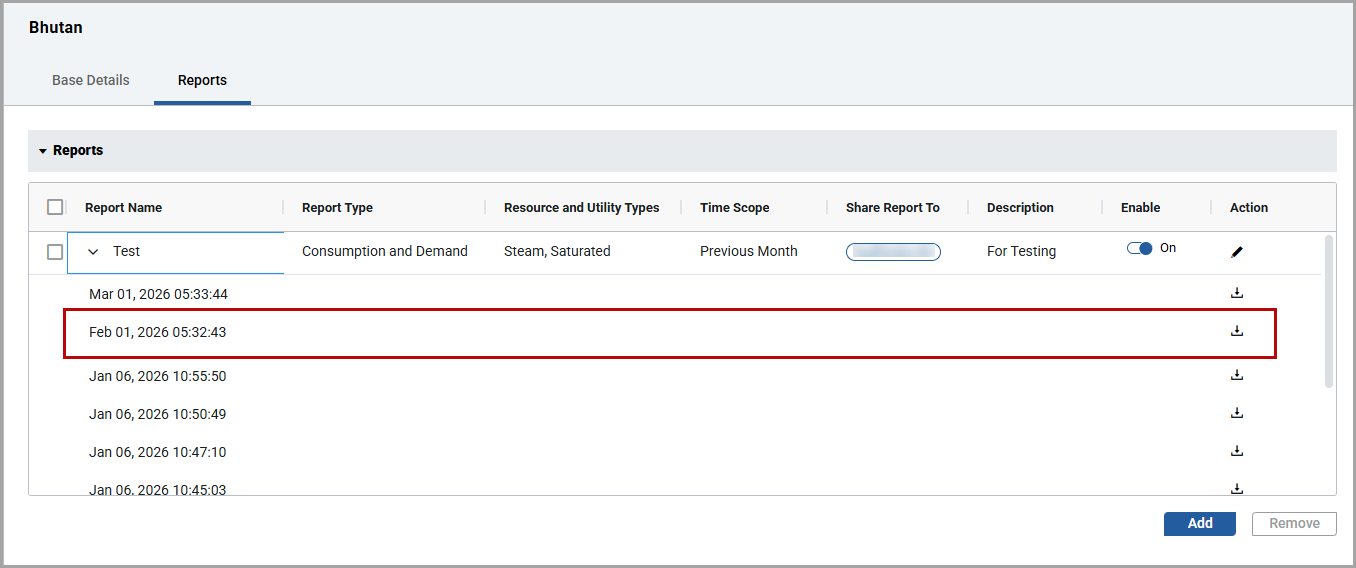
The “
Downloaded successfully
” message is displayed.
NOTE:
The units shown in the reports are taken from the Site-level configurations.
The sample report of daily electricity for work units with email message:
Sample Email Message

Report - First Page

Report - Second Page

Third Page Report

Provide Feedback