
Add Process Value Meter
Provides insights into various process parameters. This information contextualizes energy data within specific process values, facilitating targeted energy-saving actions and process optimization. By correlating energy consumption with process metrics, managers can identify inefficiencies, implement corrective measures, and enhance overall process performance.
Perform the following steps to add a
Process Value
meter to the hierarchy list:
NOTE:
The following point is required to view data on
Process Value
meter dashboard:- Correct tag mapping should be done for the respective process value attributes.
- SelectSiteorAreaorWork Center, orWork Unitfrom the hierarchy list.
- Click the [
 ] icon and click Add.Work Unit - Add
 User can also add the Process Meter from the Site Configuration page.Add Meter from Site
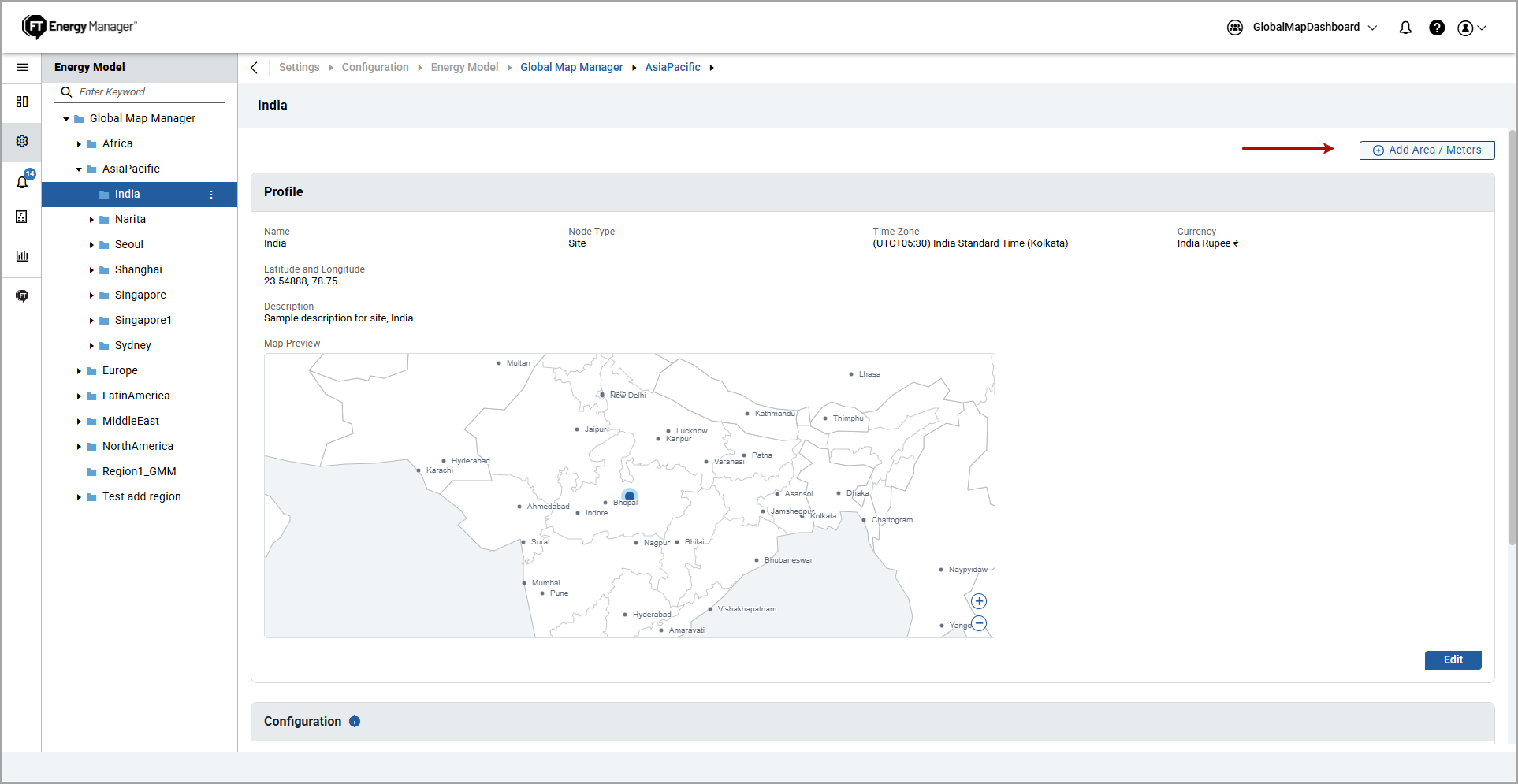 TheAdd Componentdialog box is displayed.
 - UnderMeterfrom the left pane, selectProcess Valueand provide the following details:
- Name: Provide a process value meter name.
- Description: Provide a description of the process value meter.
- ClickAdd.Add Process Value Meter
 The "Added successfully" message is displayed.Process Value Meter Added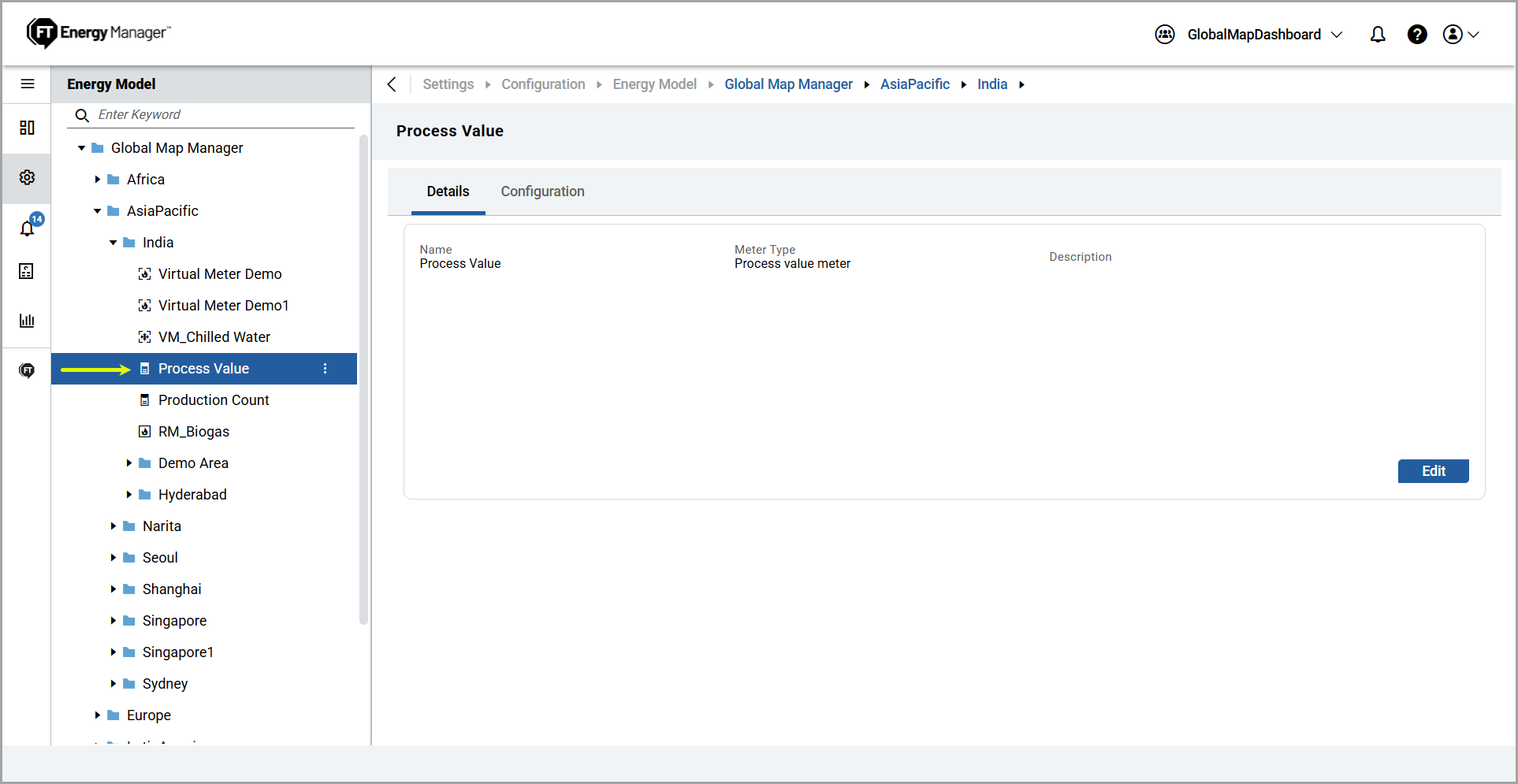
- To edit the details, refer to the Edit Component section.
Provide Feedback