
Configure Enterprise Node
Edit Enterprise Node
Perform the following steps to edit the component fields:
- Under theProfilesection, clickEdit.Edit Base Details
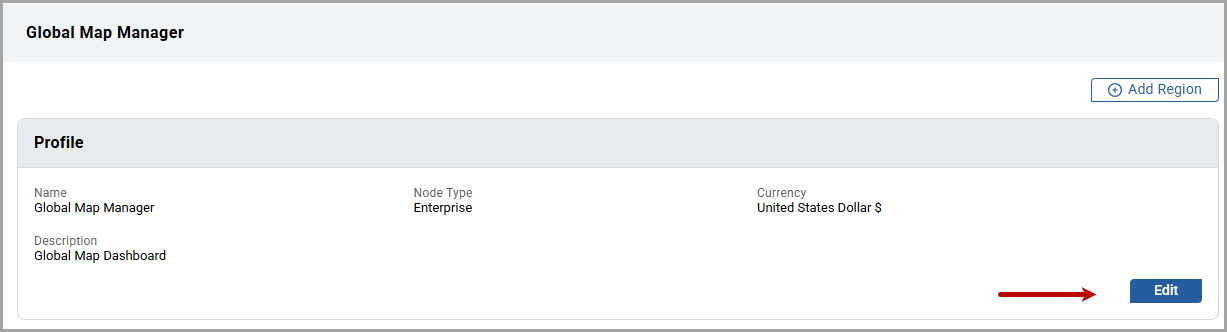
- Edit the required fields and clickSave.The "Updated successfully" message is displayed.
Edit Units
Perform the following steps to edit the Resource and Measurand unit at the Enterprise
level:
- Under theConsumption and Demand Unitstab orMeasurandtab.
- On the required default unit, click the [
 ] icon.Edit Resource Configuration
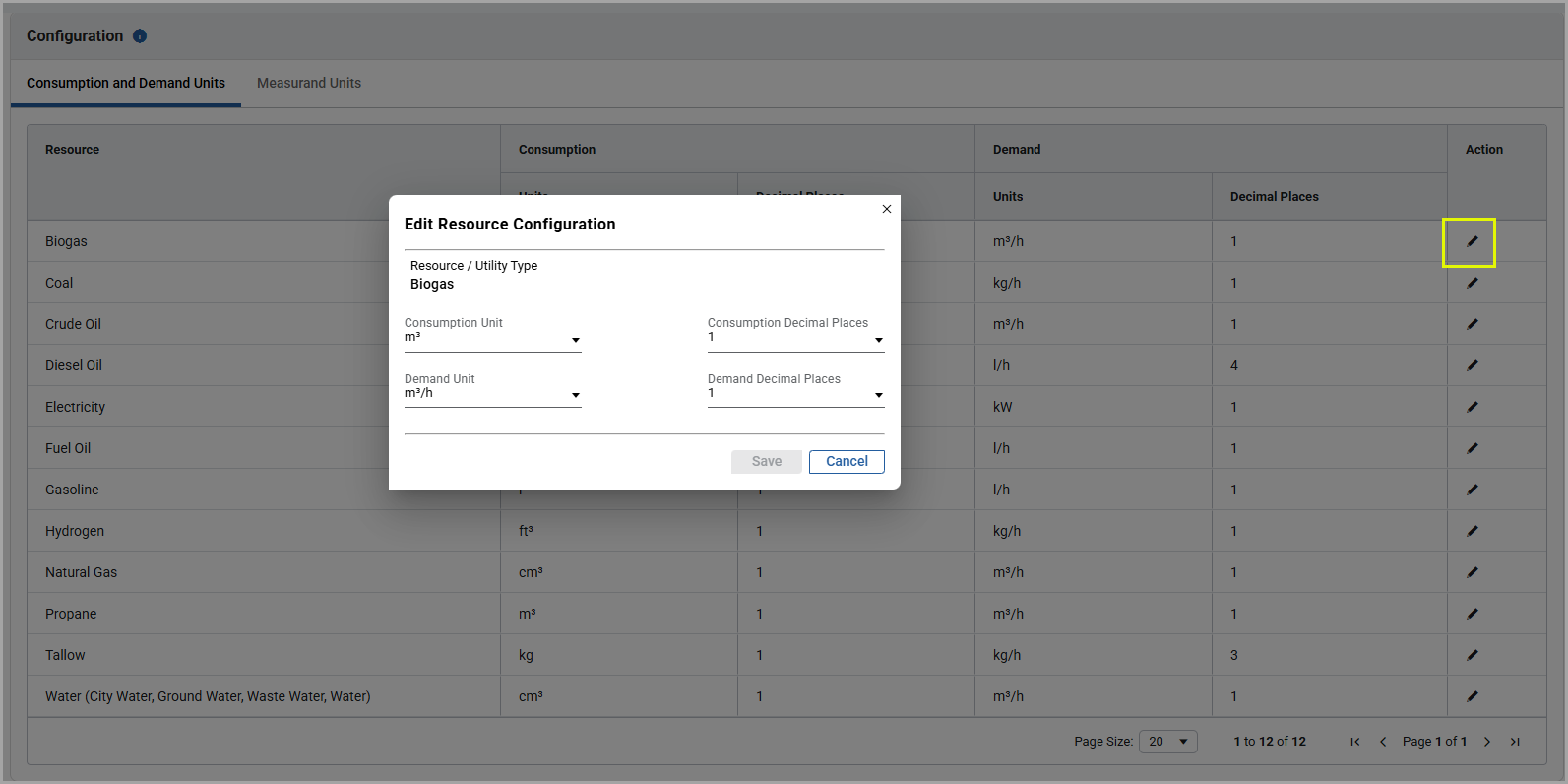 Edit Measurand Configuration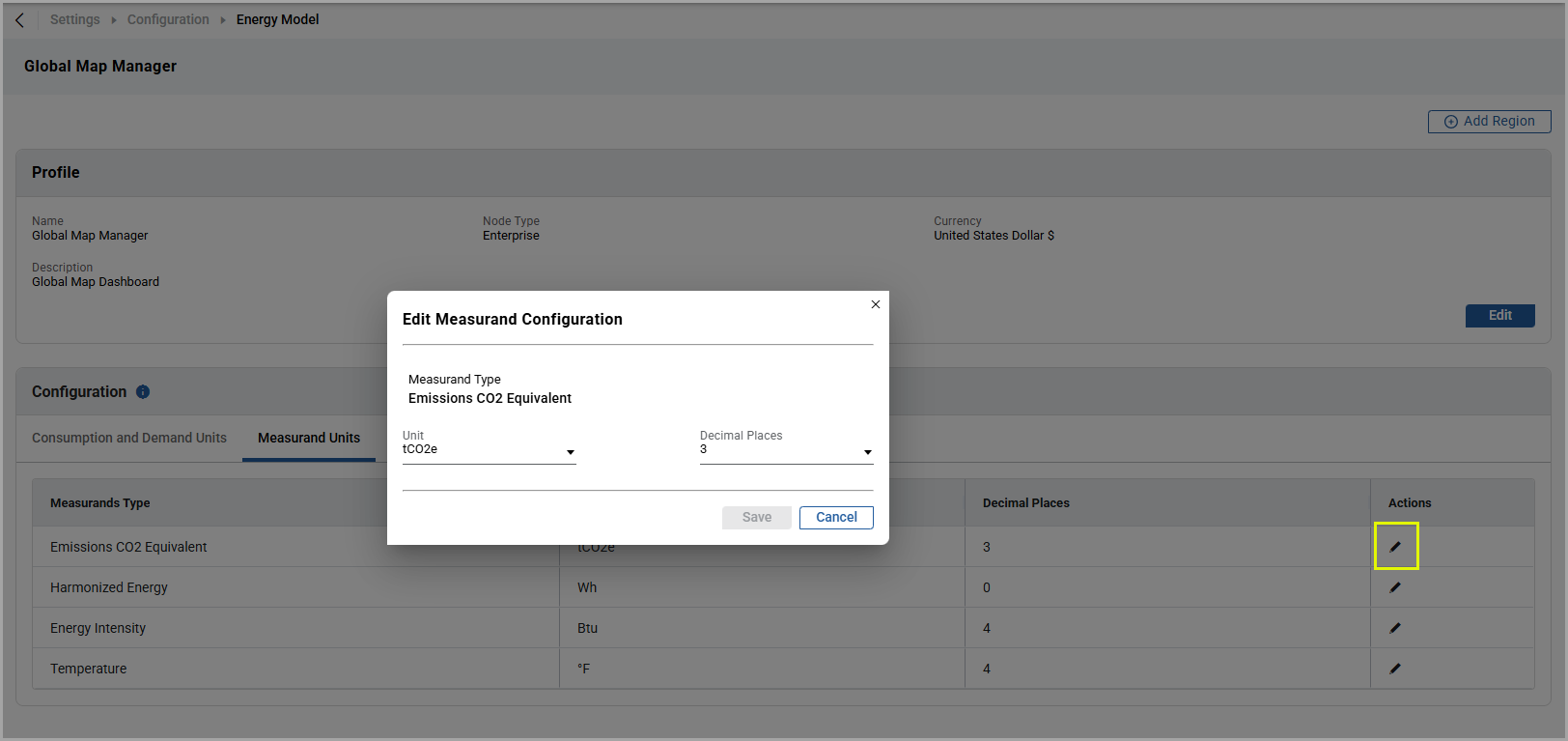
- Edit the required fields.
- ClickSave.The "Updated successfully" message is displayed.
Provide Feedback