
Sign in to FactoryTalk DataMosaix SaaS
- Click here to navigate to theFactoryTalk DataMosaix SaaSLogin page.Alternatively, you can paste the following URL in your browser's address bar and pressEnter.https://datamosaix-portal.cloud.rockwellautomation.com/
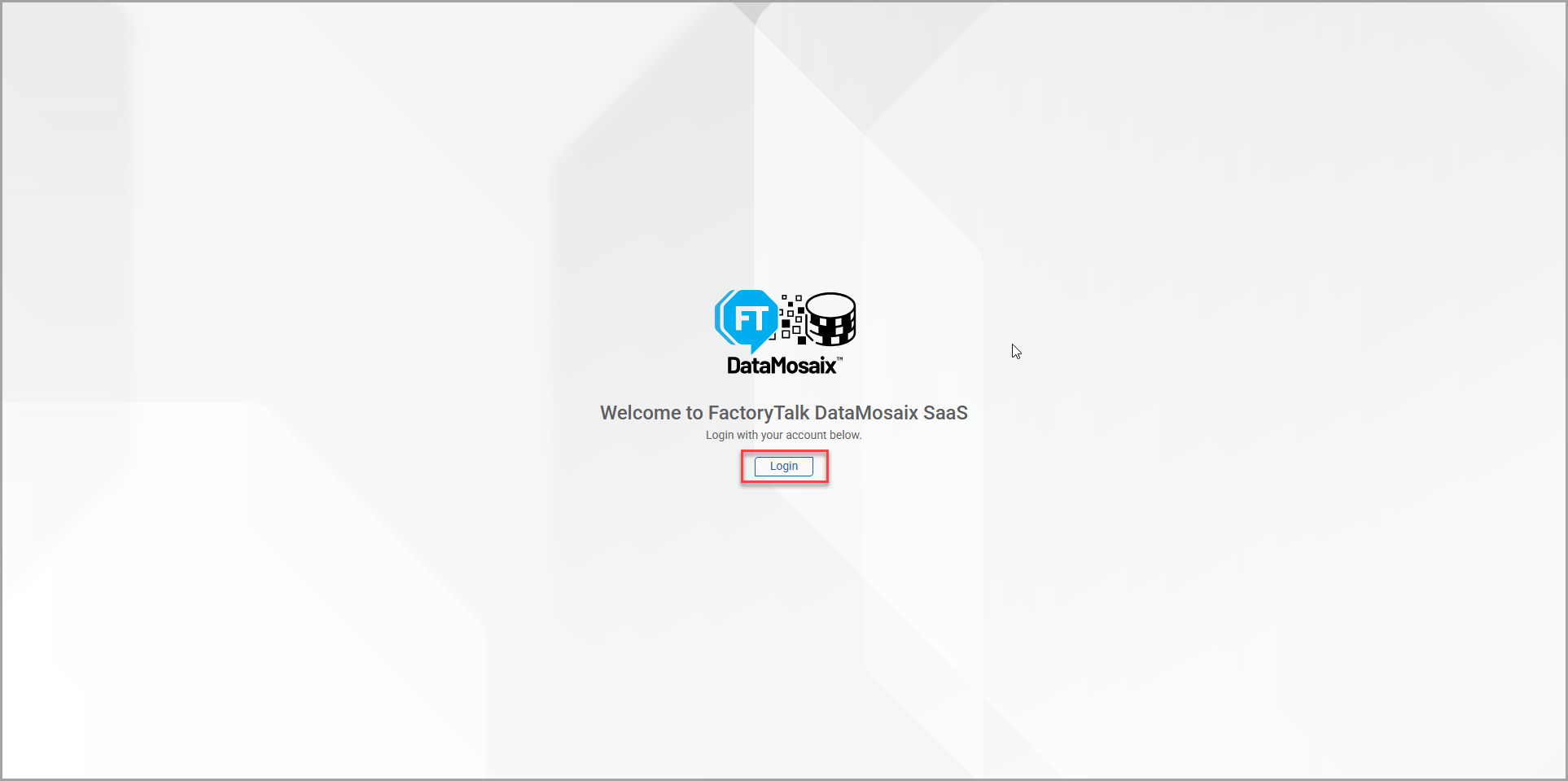
- ClickLogin.Sign in to FactoryTalk DataMosaix SaaS
- ClickSign in with MyRockwell/SSO.MyRockwell Login Screen
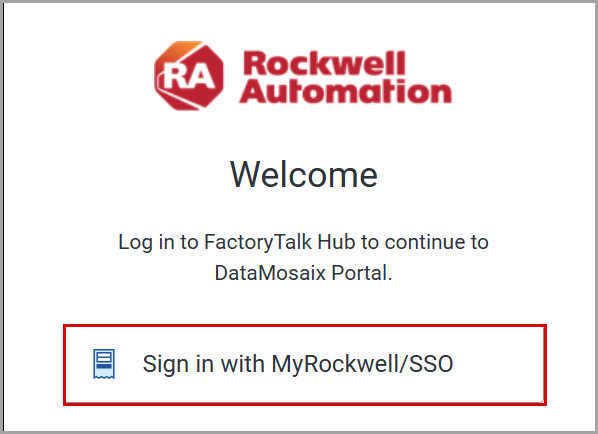 TheSign inpage is displayed.
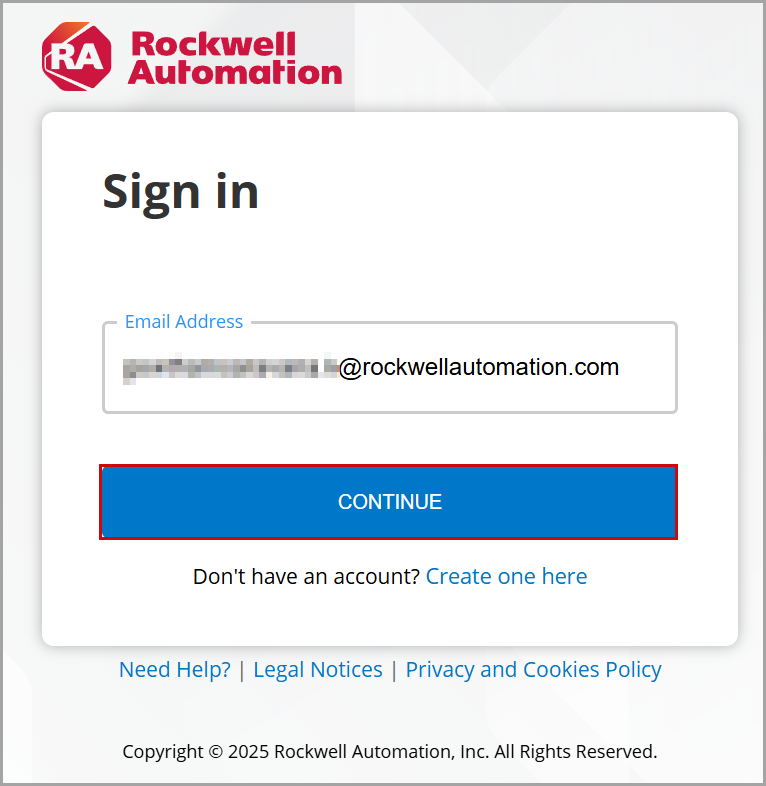
 - Provide the email address in theEmail Addressbox and clickCONTINUE.NOTE:If you are a new user, clickCreate one hereto create an account.Sign in Page
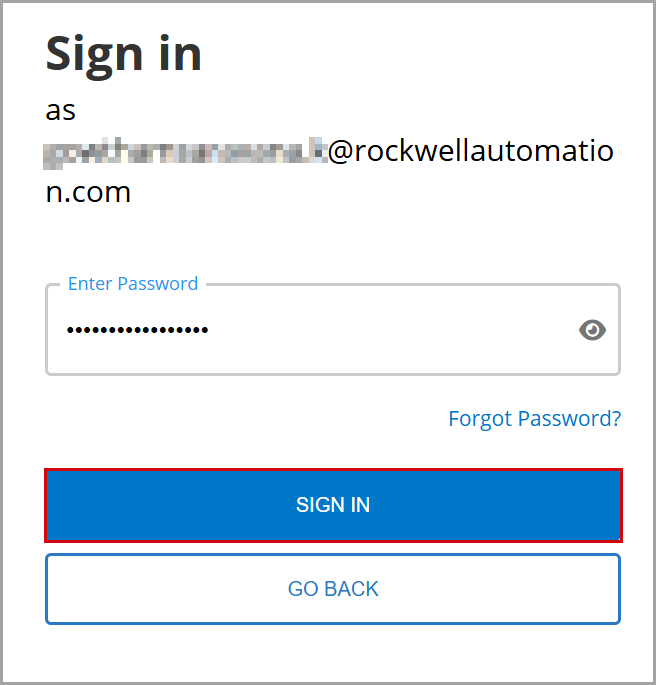
- Provide your password in theEnter Passwordbox and clickSIGN IN.Sign In Page
 TheFactoryTalk DataMosaix SaaSapplication opens. TheManage Accesstab is displayed by default.IMPORTANT:FactoryTalk DataMosaix SaaSapplication is role-driven. A valid role is required to access the UI and perform operations.FactoryTalk DataMosaix SaaS Home Page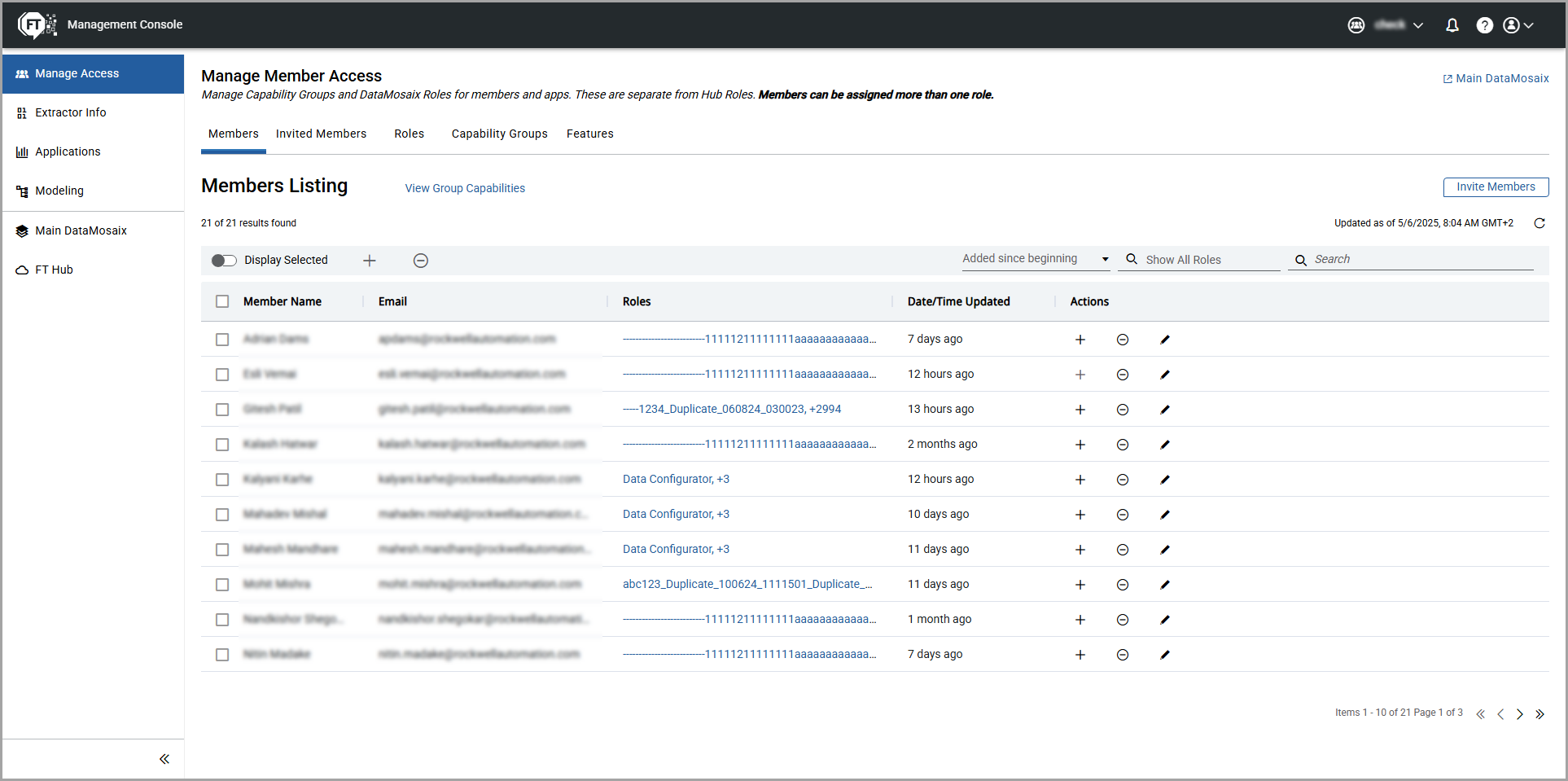
Provide Feedback