
View Fiix Data
Perform the following steps to view Fiix data in Main DataMosaix:
- In MainDataMosaix, clickStagingunderIntegratesection.Main DataMosaix
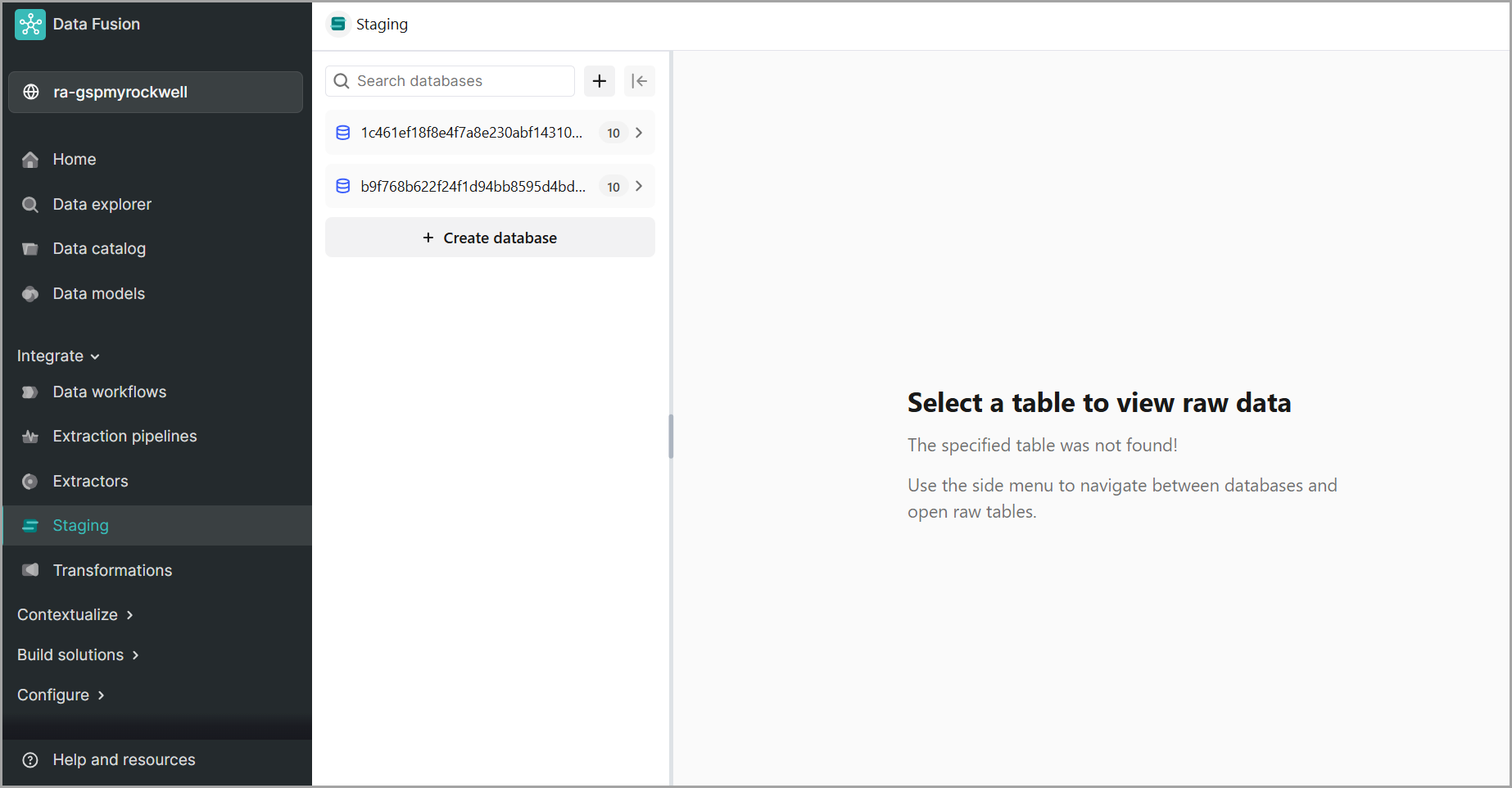
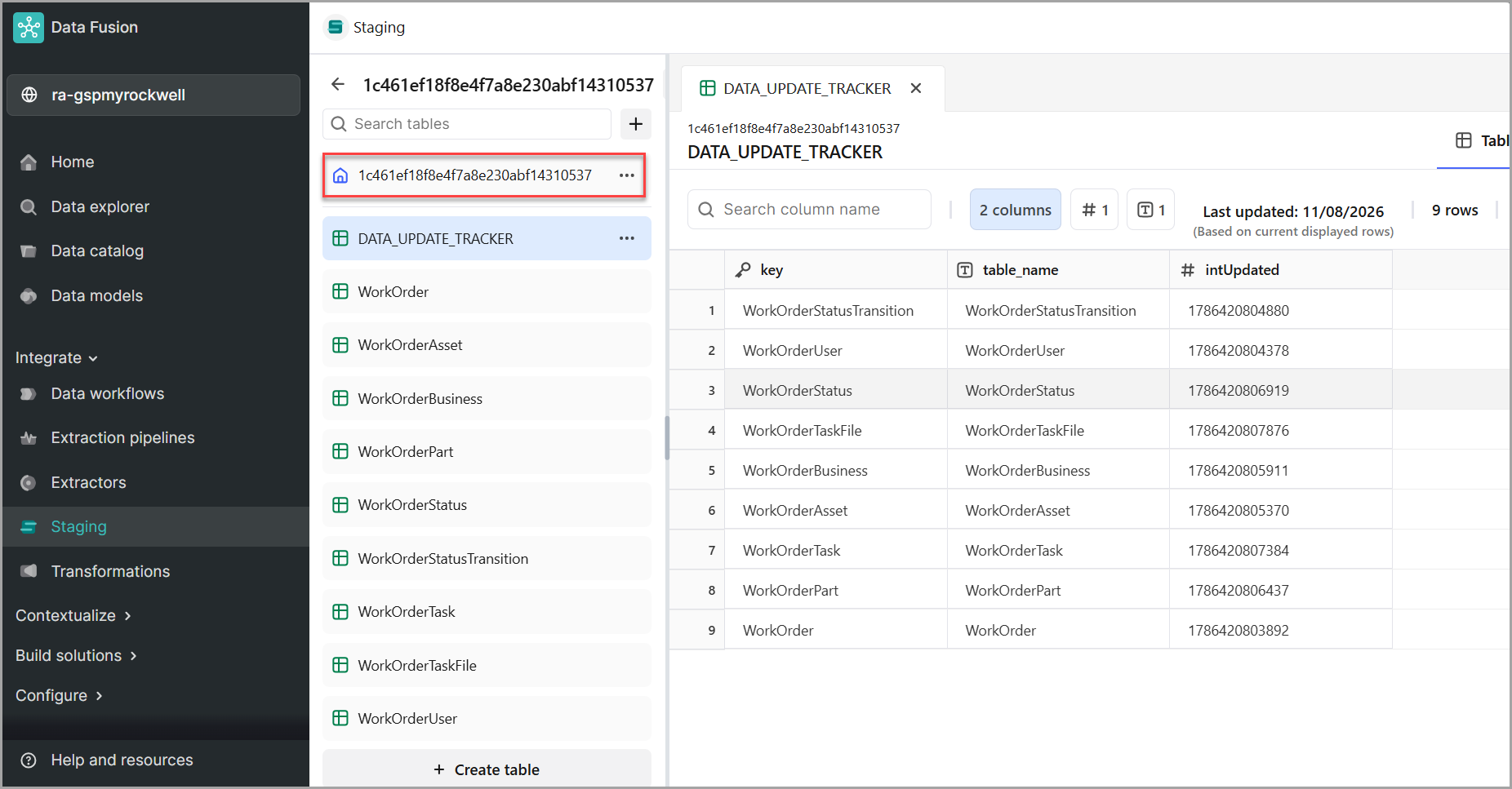
- Click on the extractor id to view the data.Main DataMosaix - View Data
NOTE:
After data is extracted from Fiix and stored in the Main DataMosaix staging layer, it becomes available for further processing within
FactoryTalk DataMosaix SaaS
. Users can leverage this data for contextualization, enabling maintenance and asset information to be linked with operational data and business context. Provide Feedback