
Inputs View
Use Inputs to view or configure the points for the device.
Inputs View Example
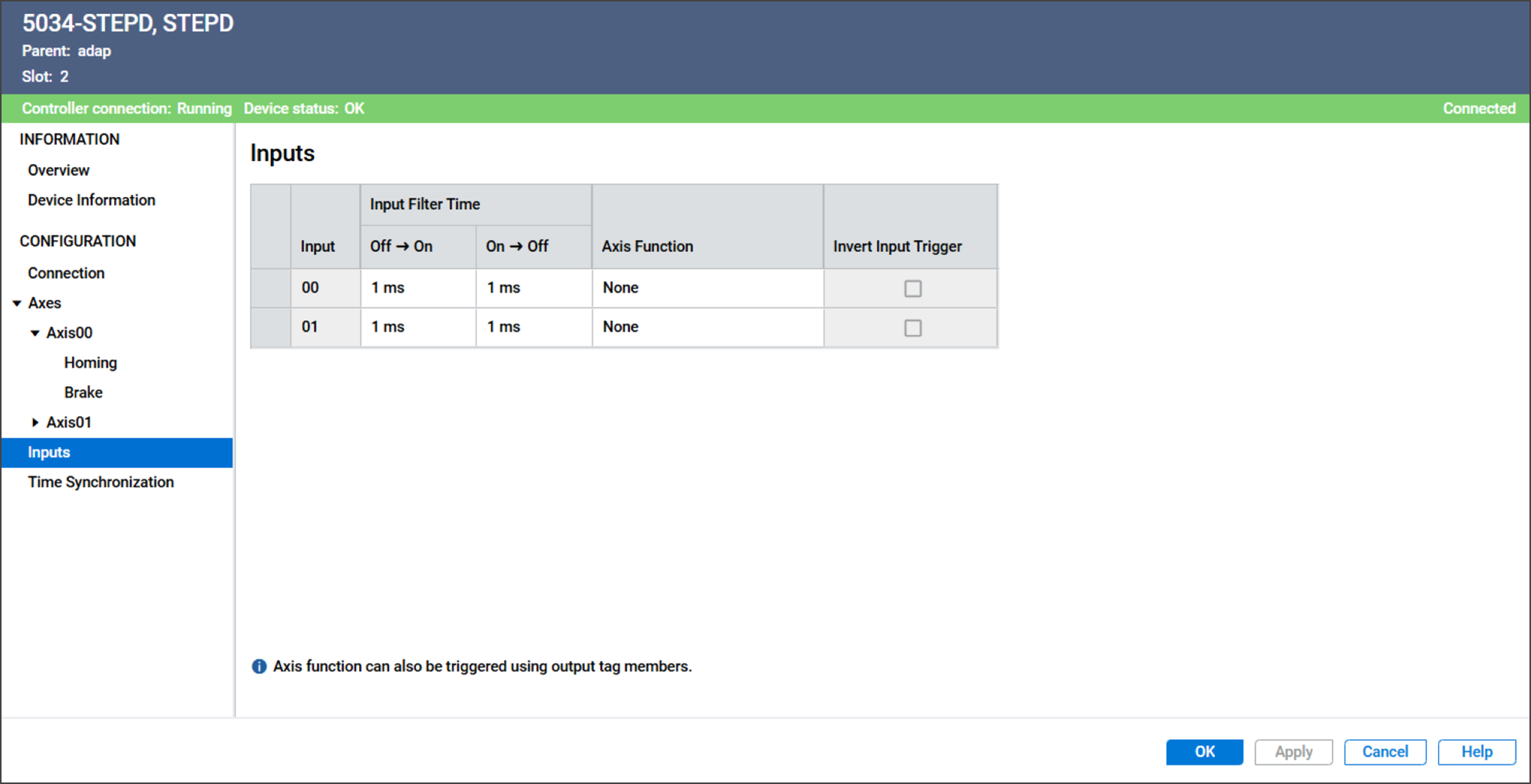
The Inputs view includes these parameters:
Parameter | Description |
|---|---|
Input | Displays the Input number to which this configuration
applies. |
Input Filter Time Off → On | Defines how long an Off to On input transition must remain in the
On state before the device considers the transition valid. |
Input Filter Time On → Off | Defines how long an On to Off input transition must remain in the
Off state before the device considers the transition valid. |
Axis Function | Determines the axis function that this input triggers.
You cannot set the same axis function for both inputs. |
Invert Input Trigger | Determines whether to invert the input trigger.
|
Provide Feedback