
Develop automatically generated UI
Develop a UI populated automatically with graphical elements based on the properties of objects in the Model folder.
NOTE:
Download a sample project:
UIGeneratedFromModel.zipExample application

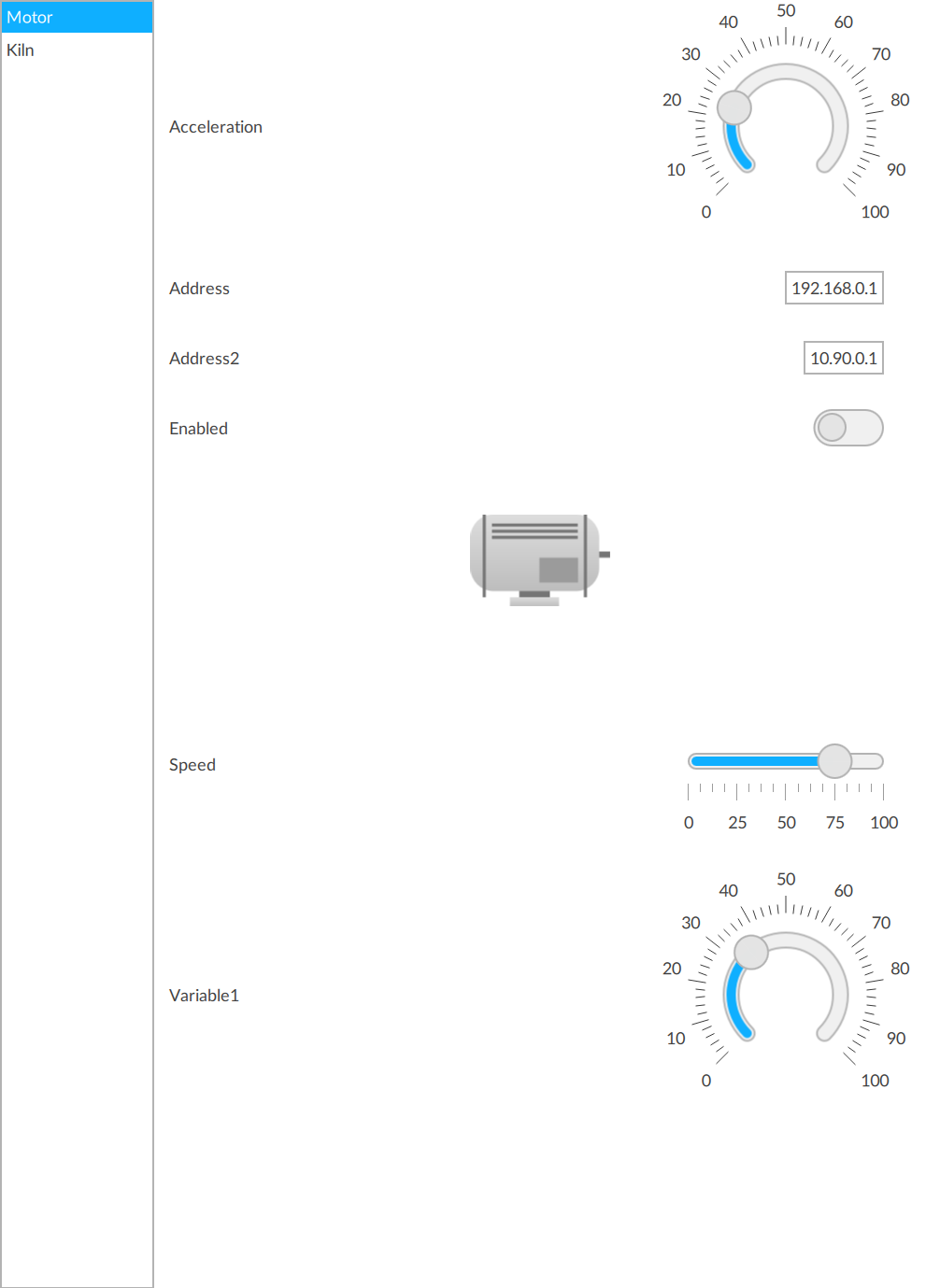
Prerequisites
- Download, extract, and copy the images into thefolder.ProjectName/ProjectFiles
- To develop the project
- Arrange the interface elements.
- Save the project.
Select  to run the project using the client
emulator to test your project. To run the project on a remote client, see Add a target device.
to run the project using the client
emulator to test your project. To run the project on a remote client, see Add a target device.
Run
Provide Feedback