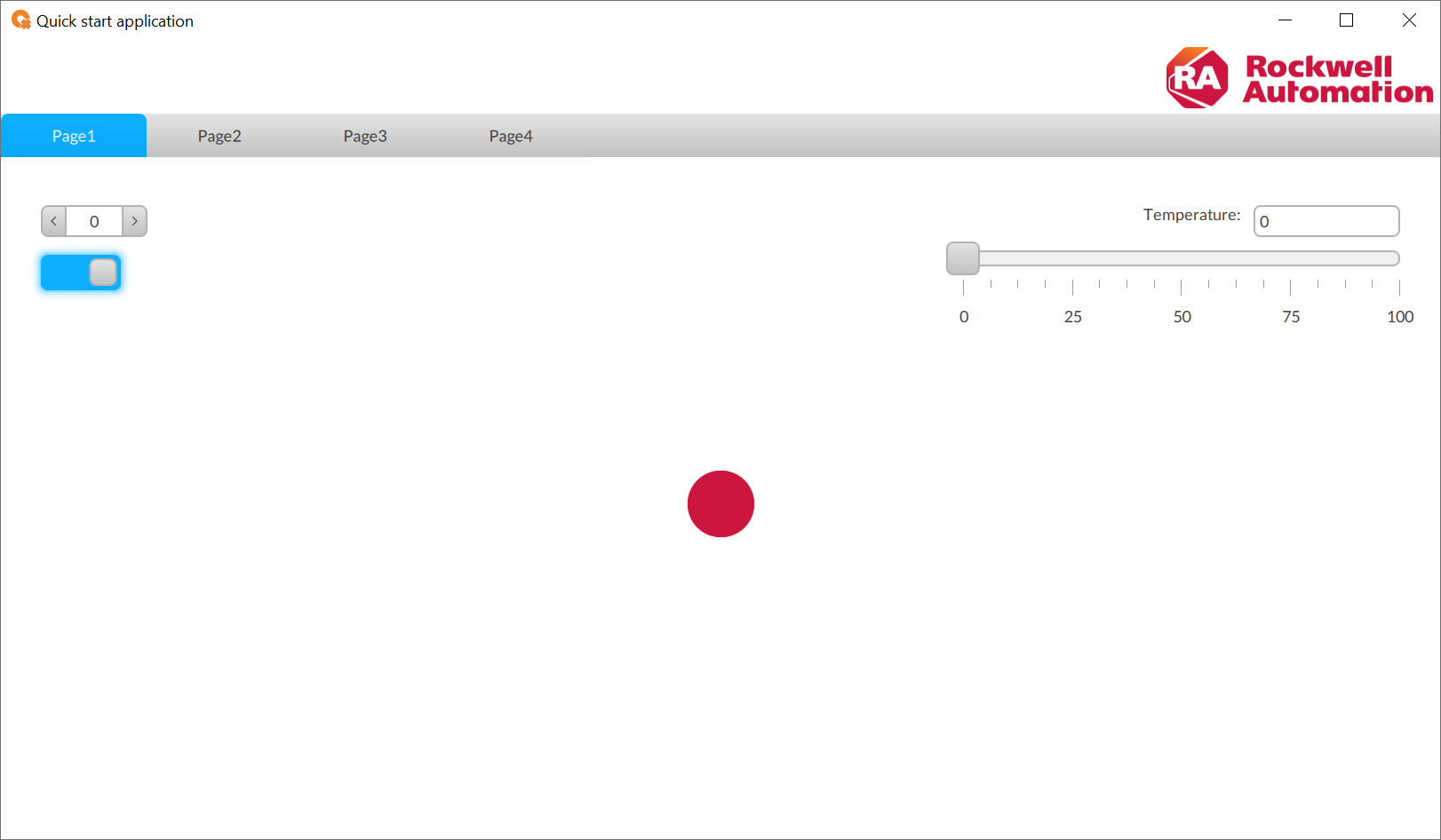
Associate the LED status with the switch

Turn the LED object on and off with the switch.
  1. In
    Project view
    , select
    LED1
    .
  2. In
    Properties
    , create a dynamic link between
    Active
    and
    ProjectName
    UI
    Pages
    Page1 (type)
    Switch1
    Checked
    .
    For more information about dynamic links, see Create dynamic links.
LED toggle
The application interface shows the LED in the off state, with the toggle switch set
            to off and the LED indicator as an empty red circle.
The application interface shows the LED in the on state, with the toggle switch set
            to on and the LED indicator as a filled red circle.
Provide Feedback
Have questions or feedback about this documentation? Please submit your feedback here.
Normal