
View Timeseries Data and Chart
Perform the following steps to View
Time-Series Data
and Validate Historian Data Points
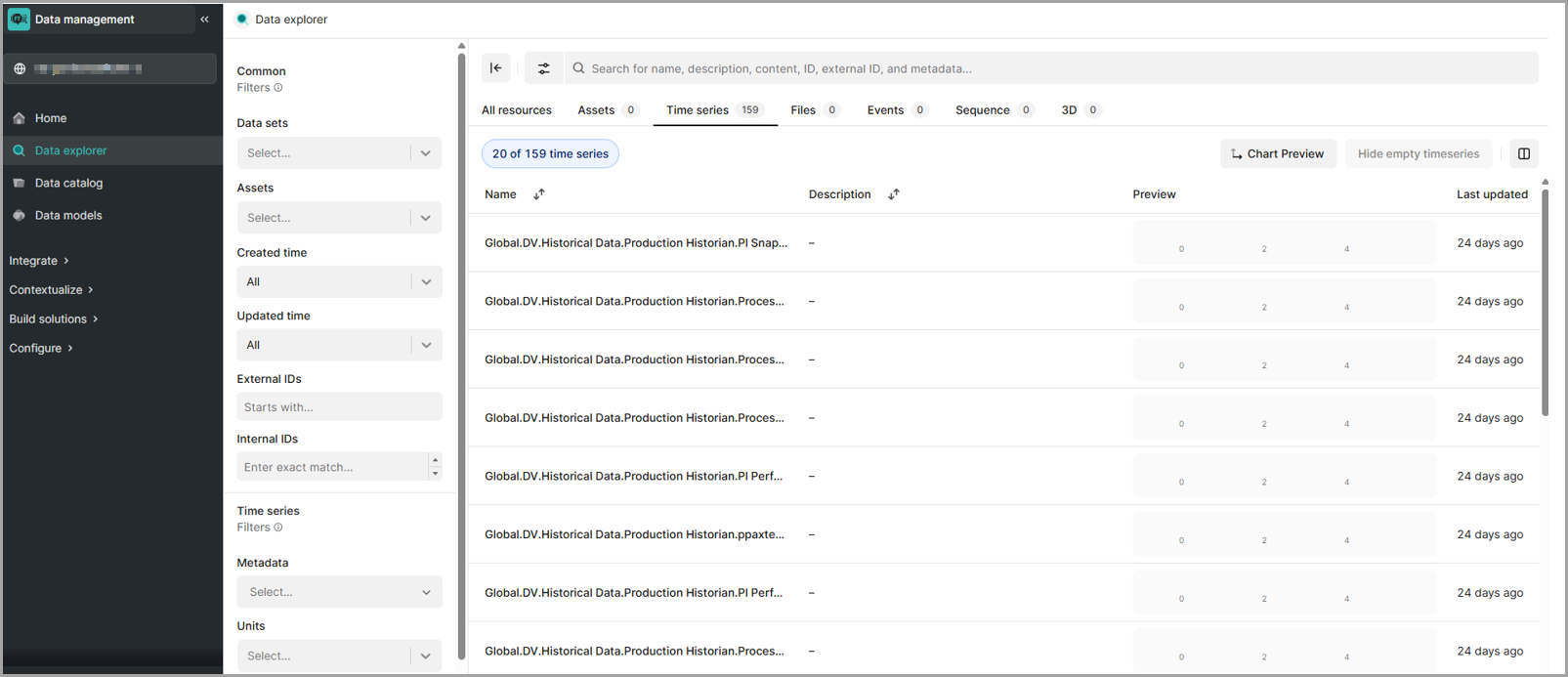
in Main DataMosaix:- Click onData Explorerin the left panel of Main DataMosaix.Click Data Models
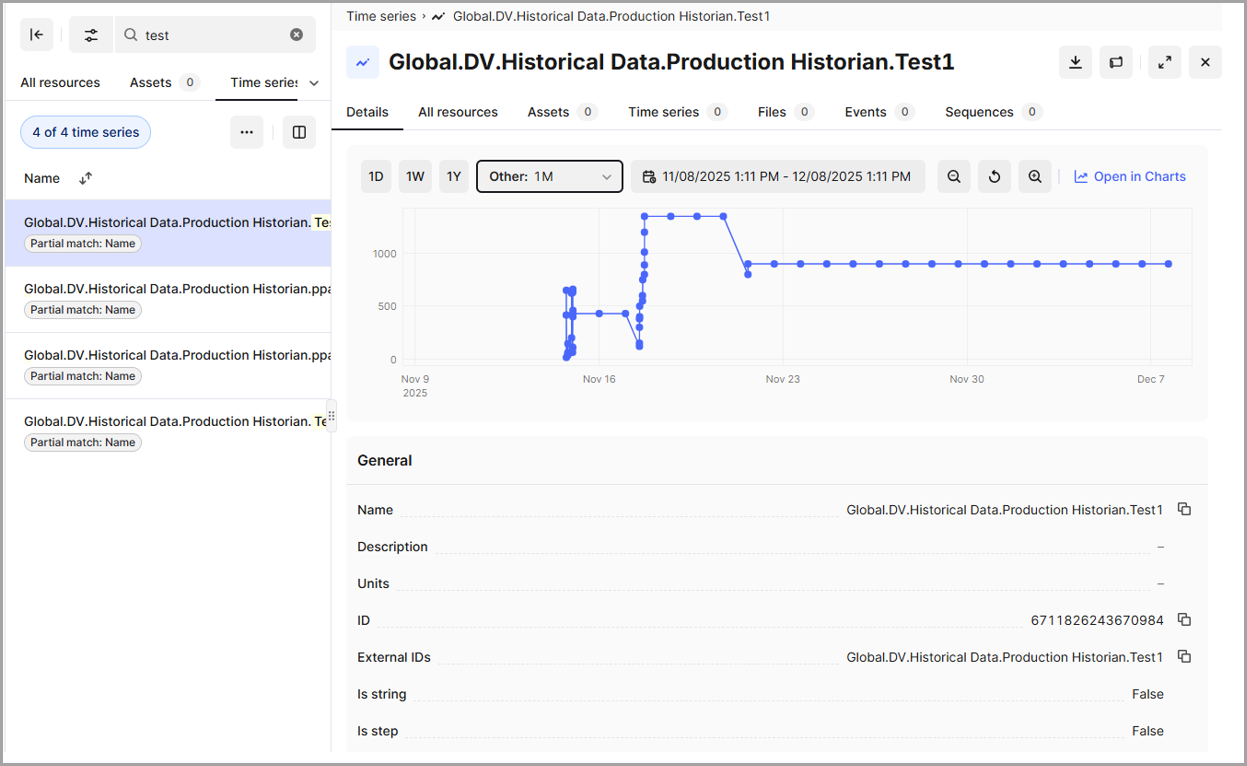
- Search for the required tag and open it in atime-series chartto view the data points.Expanded View
Provide Feedback