
Add a New Module
To use the New Module method with PointMax I/O modules, complete these steps:
TIP:
Example shows how to add a module when the Studio 5000 Logix Designer
application project is offline.
You can add new modules when the project is online, if desired. In this case,
the steps are similar to the steps described in Discover Modules. One
exception is that, in Step 1, you must choose New Module instead of Discover
Modules.
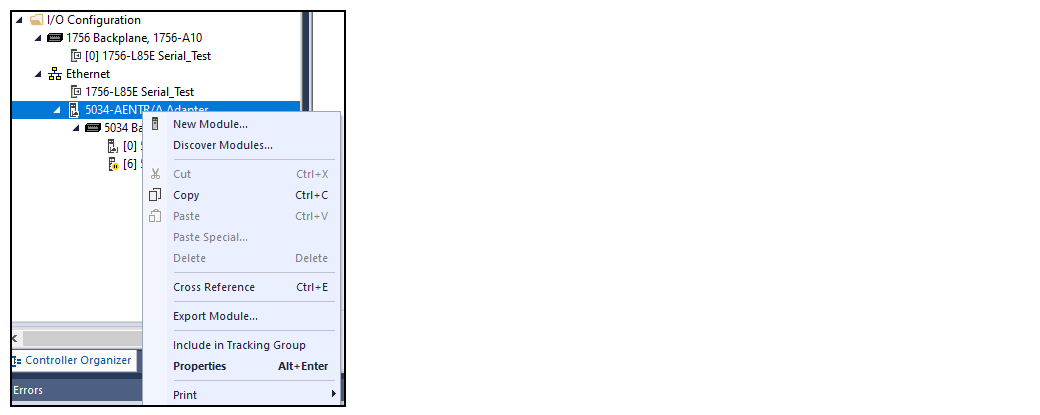
- Right-click the PointMax EtherNet/IP adapter and select New Module.
- In the Select Module Type dialog, choose the module you want to add and select Create.
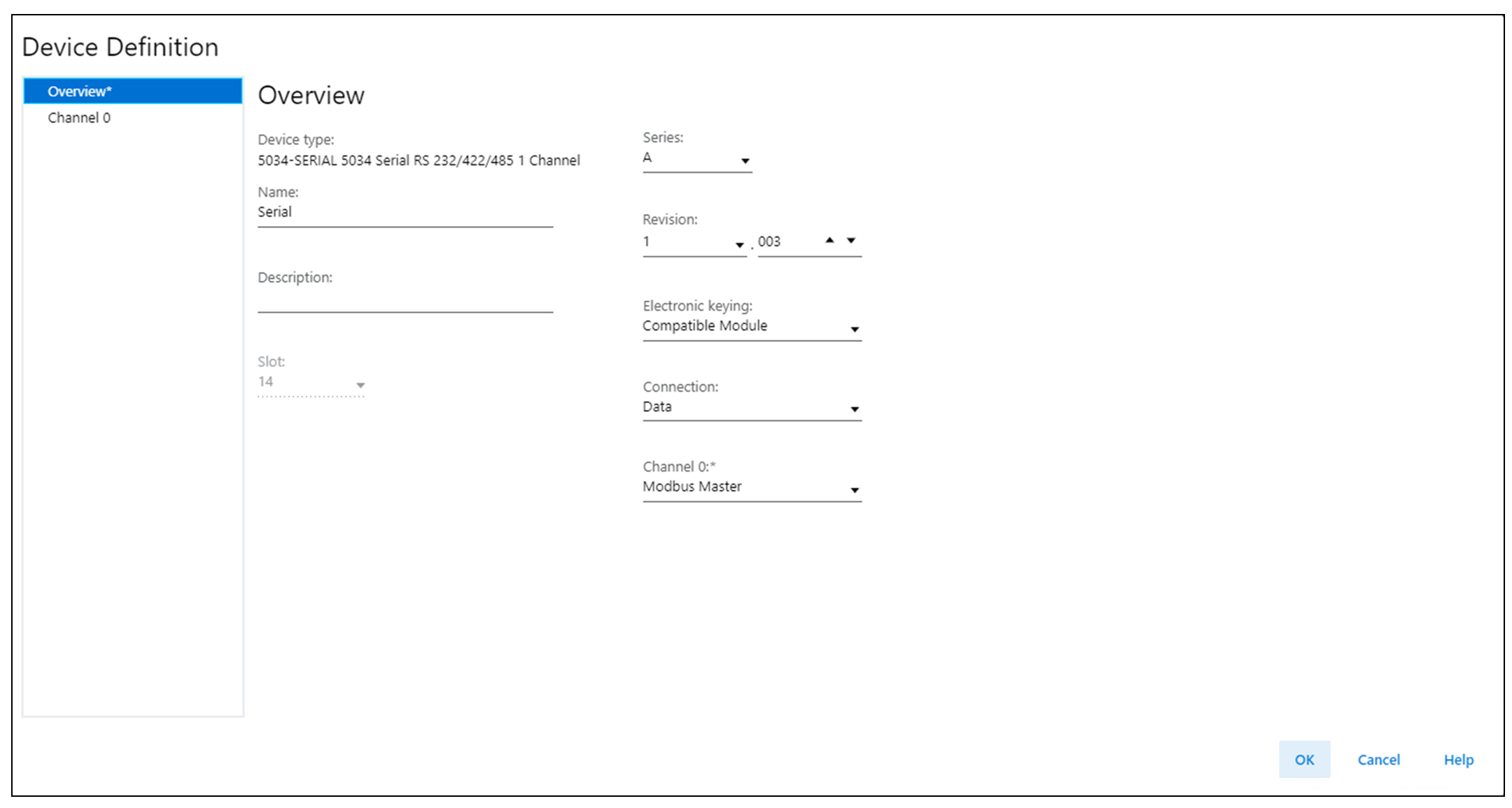
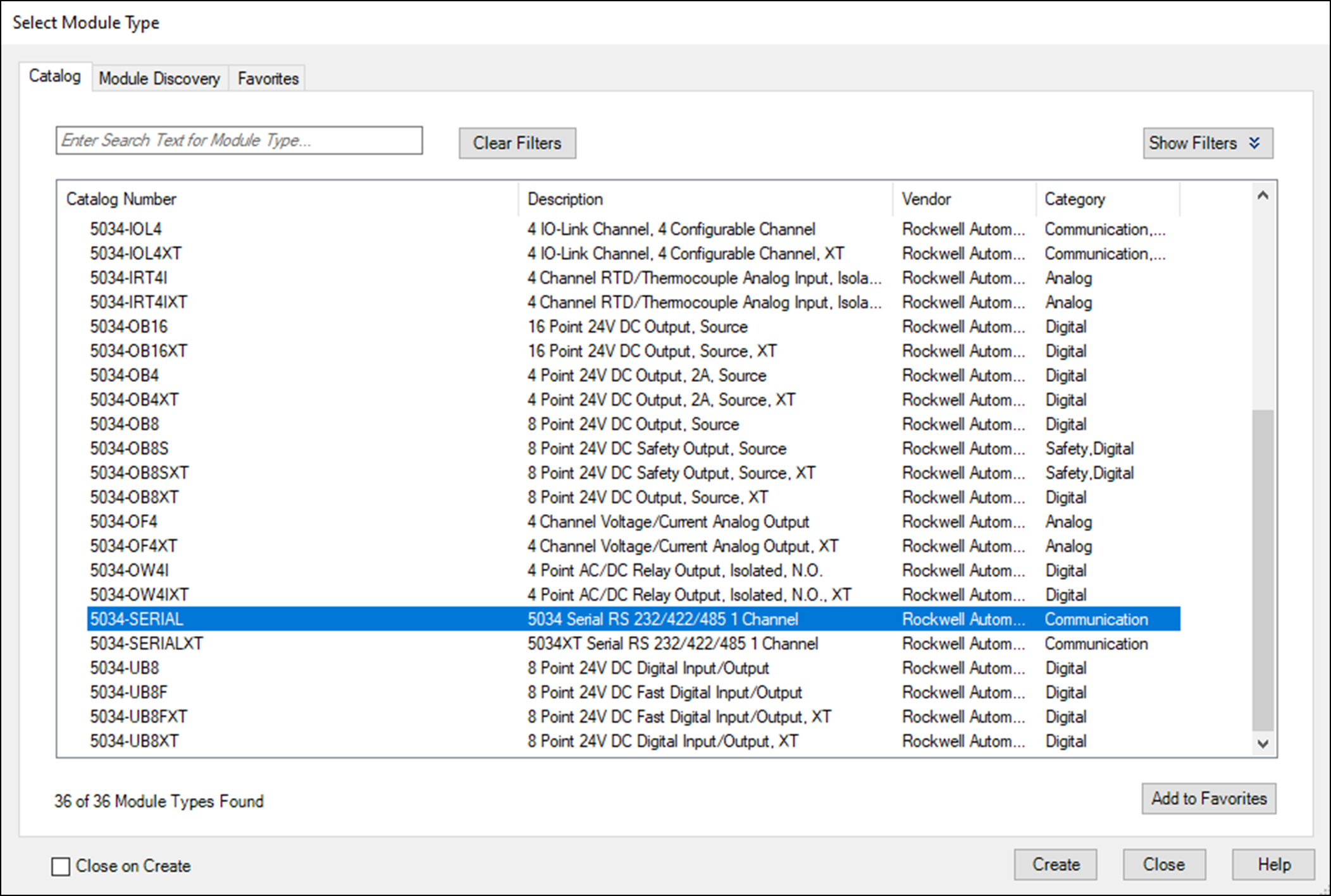 The New Module window appears with Device definition dialog.
 - You can select OK to use the default configuration as shown or edit the module configuration.
- After adding as many as module you need, close the Select Module Type dialog.To add additional remote I/O modules with this method, complete one of the following:
- If you selected the Close on Create checkbox when you created the first I/O module, repeat steps 1…3.
- If you did not select the Close on Create checkbox when you created the first I/O module, repeat steps 2…3.
Provide Feedback