
Discover Modules
To use the Discover Modules method with PointMax I/O
modules, complete these steps:
- Go online with your Studio 5000 Logix Designer application.The project must include a PointMax EtherNet/IP adapter.
- Right-click the PointMax EtherNet/IP adapter and select Discover Modules.
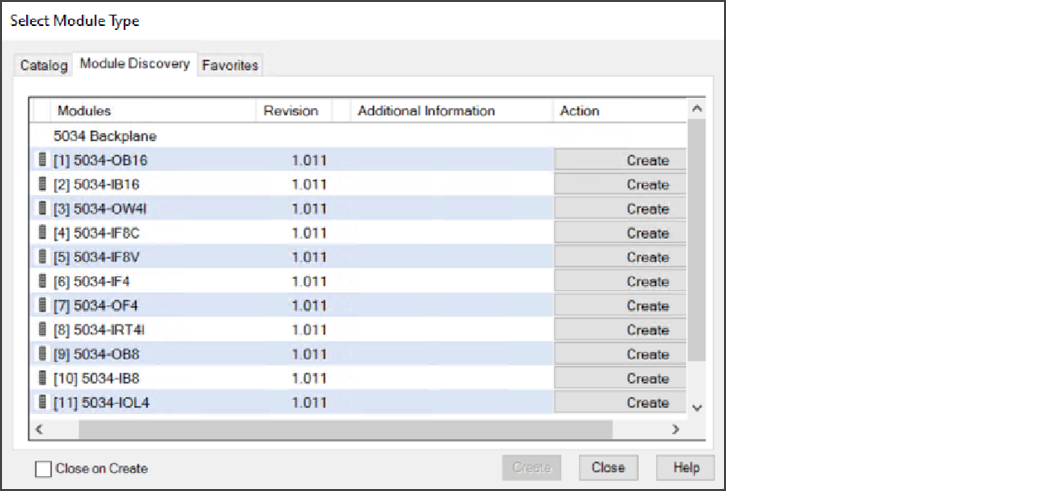
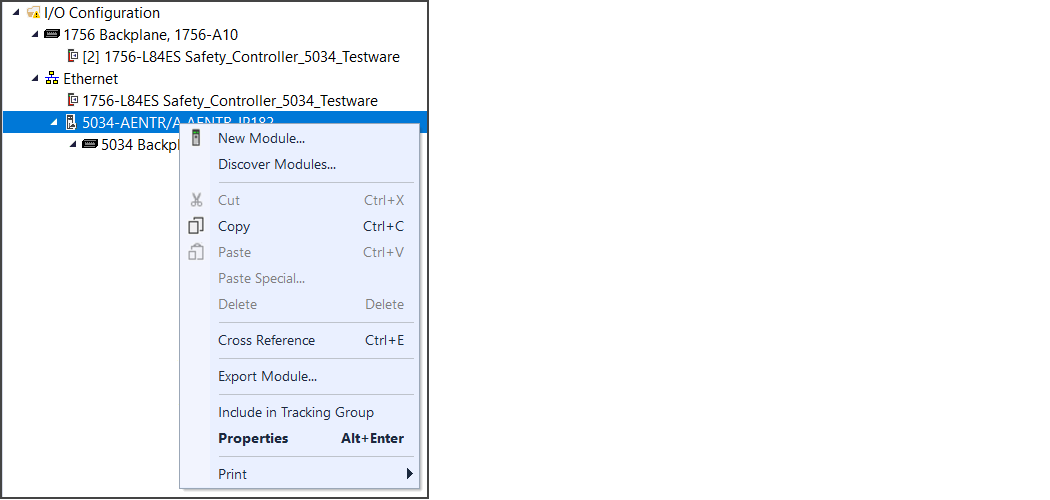 The Studio 5000 Logix Designer application automatically detects available modules that are connected to the backplane. The Select Module Type dialog appears with a list of modules detected.
 - In the Select Module Type window, select Create for the module that you want to add.
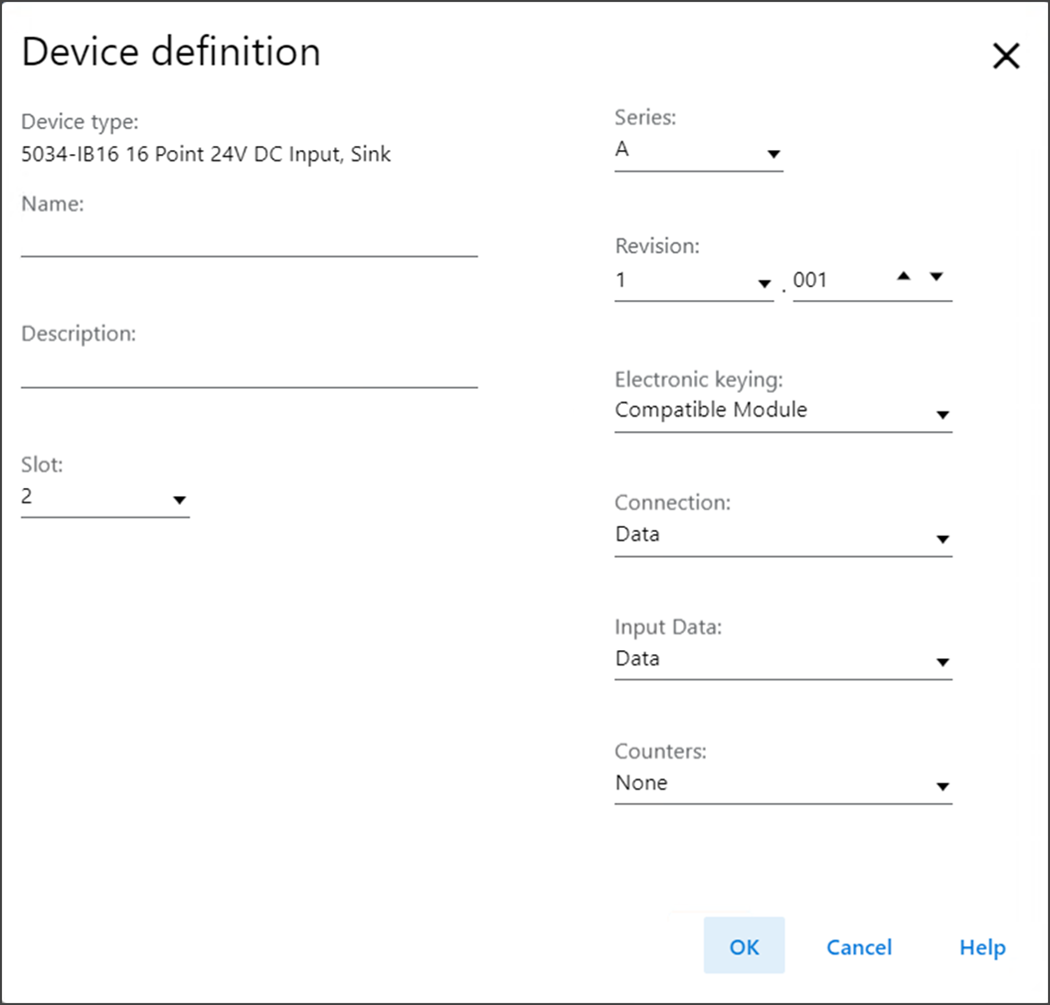
 The New Module window with Device definition dialog appears.
 - In the Device definition dialog, configure the module properties and select OK.
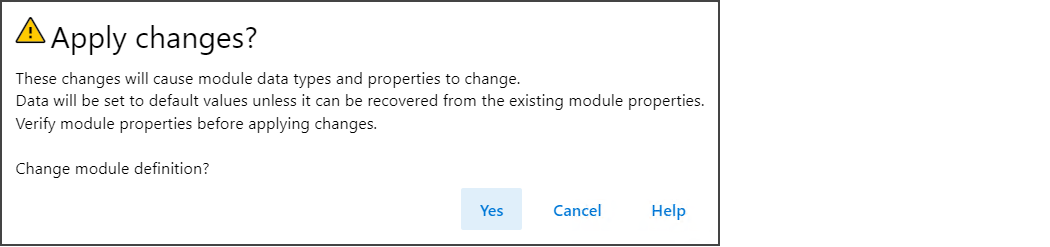
- If Apply changes warning dialog appears, select Yes.
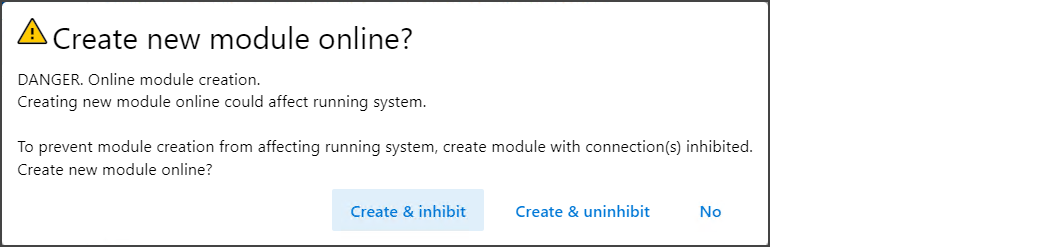
- At the Create new module online warning dialog, select Create & inhibit.
- After adding as many as module you need, close the Select Module Type dialog.To add additional I/O modules with this method, complete one of the following:
- If you selected the Close on Create checkbox when you created the first I/O module, repeat steps 2…7.
- If you did not select the Close on Create checkbox when you created the first I/O module, repeat steps 3…7.
Provide Feedback