
Refresh the Reference Topology
Once you have added the devices in the system, refresh the reference topology.
- Select the gateway and select Reference Topology > Update.Refresh the Reference Topology
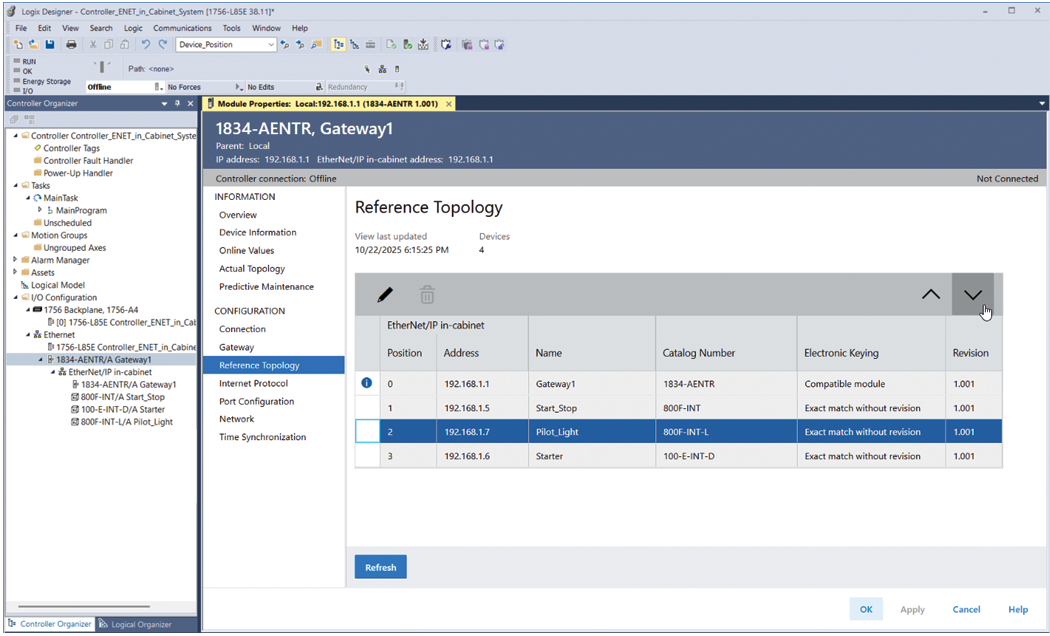
- Use the arrows to match the position of the devices on the network.
Provide Feedback