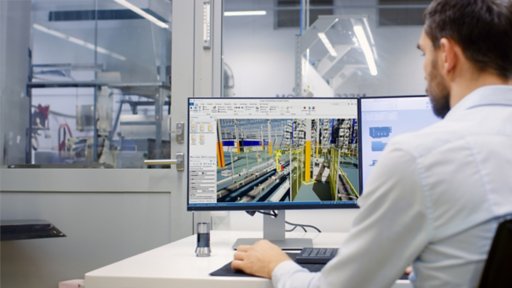
The Studio 5000® environment combines elements of design into one standard framework that optimizes productivity and reduces time to commission. This intuitive integrated design environment focuses on rapid design, re-use, collaboration and virtual design. The updated user interface provides a common, modern user experience across all Studio 5000 applications.



Studio 5000 Design Software

Studio 5000 Logix Designer
Studio 5000 Logix Designer® is an intuitive programming environment that allows users to work collaboratively to design and maintain their systems.

Studio 5000 View Designer
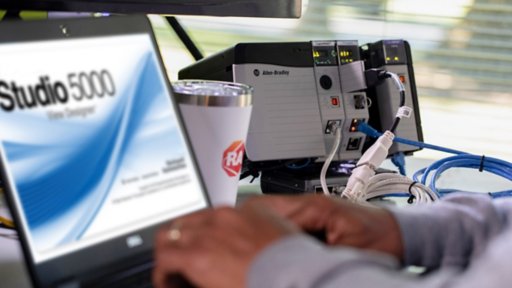
Studio 5000 View Designer® is the design environment for the PanelView™ 5000 family of operator terminals.

Studio 5000 Architect
With Studio 5000 Architect®, you can jump-start your initial system creation for your control and visualization applications.

Studio 5000 Application Code Manager
Studio 5000® Application Code Manager is a tool that enables more efficient project development with libraries of reusable code.

Studio 5000 Logix Emulate
With Studio 5000® Logix Emulate™ you can validate, test and optimize application code independent of hardware.

Studio 5000 Simulation Interface
Studio 5000 Simulation Interface connects controllers – physical or emulated – to simulation and modeling tools to enable virtual commissioning and model-based design.
A Simplified Buying Experience
Saving You Time, Money and Confusion with Software Subscriptions
What's all the buzz about? Subscription-based software! Simplicity. Ease. Flexibility. Agility. Success. The demand for subscription-based software in the commercial and industrial markets has accelerated; and, the pace of this change is not expected to slow down. We’re embracing the change and are here to help usher you into this new way of doing business.



Ready to Order Your Software?

Connect With the Best
Find Partners that Can Help You Design, Build and Maintain Better Solutions
Our global ecosystem of solution and support providers can help drive the speed and success of your control system design efforts. Partner program members have experience delivering products or services that are designed to work with our solutions. And they take a collaborate approach to help you simplify project implementations and get the most value from your investments.
Recommended For You

You may also be interested in