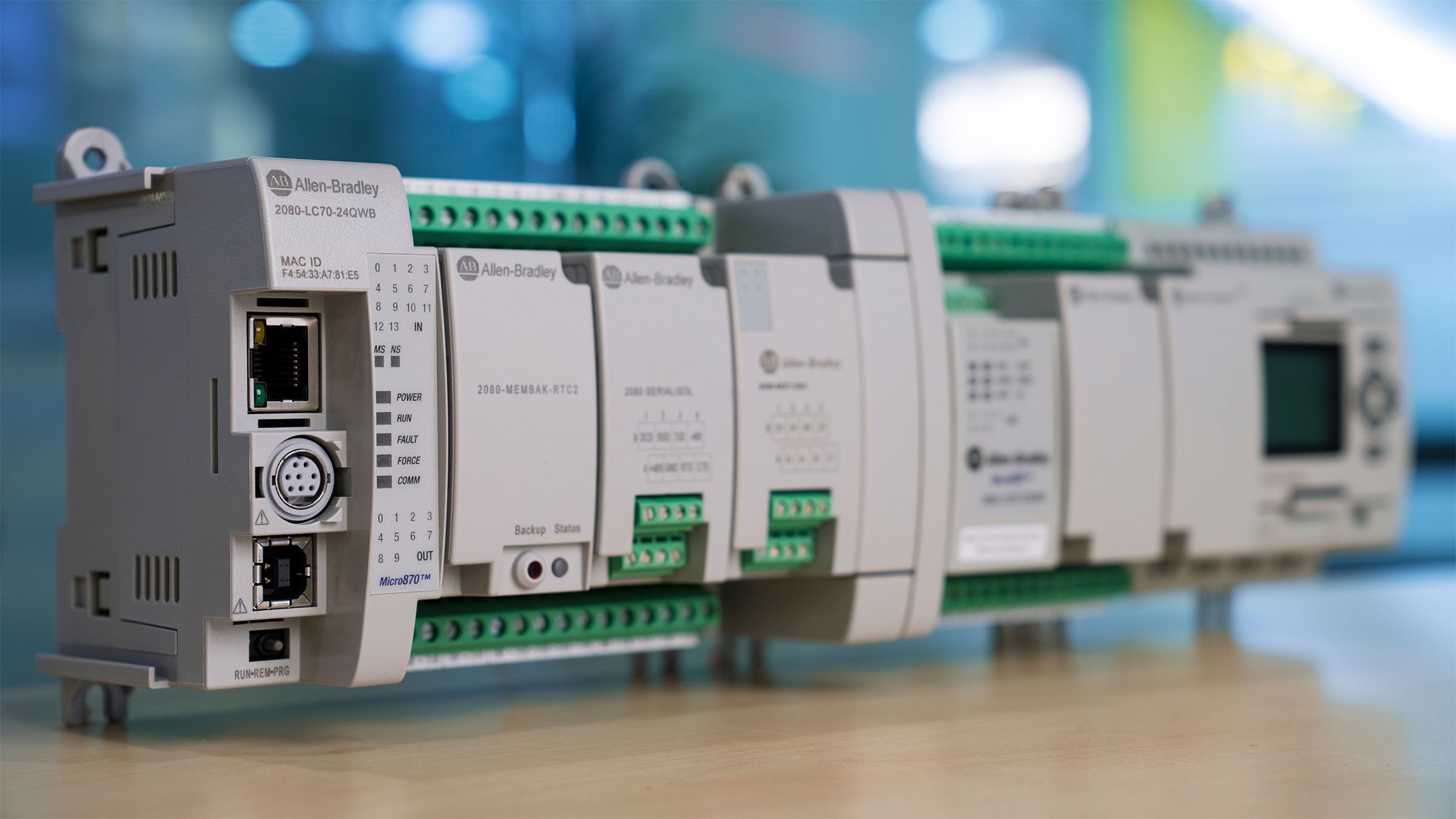
As market needs of industry and application requirements evolve, and as available technology improves, we continue to enhance our Micro Control system with expanded capabilities. Designed for large standalone machine applications, our Micro Control system offers a cost-effective and customizable solution to machine builders. It helps to reduce development time and improve productivity with easy network connectivity at the convenience of one programming software.
Modernize Your Control Today
Optimized for Customization, Cost and Performance
It is a challenge for machine and equipment builders to stay current with technology and ahead of competition. Start to consider Micro800™ controllers as a smart, productive, and secure solution throughout all phases of your machine lifecycle, which include:
- Design
- Develop
- Deliver
- Engage

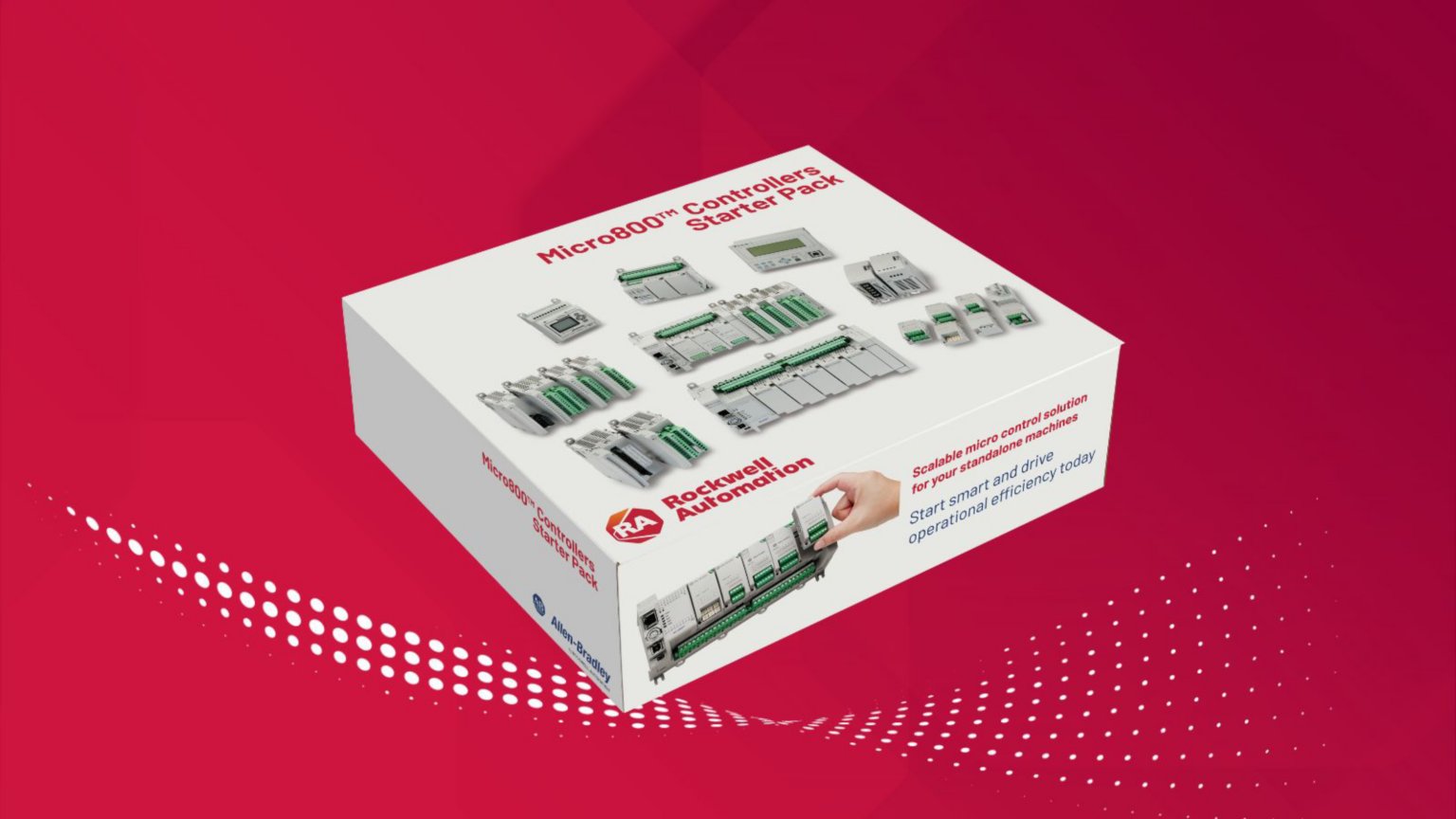
Begin Your Smart Automation Journey with Micro800 Controllers Starter Pack
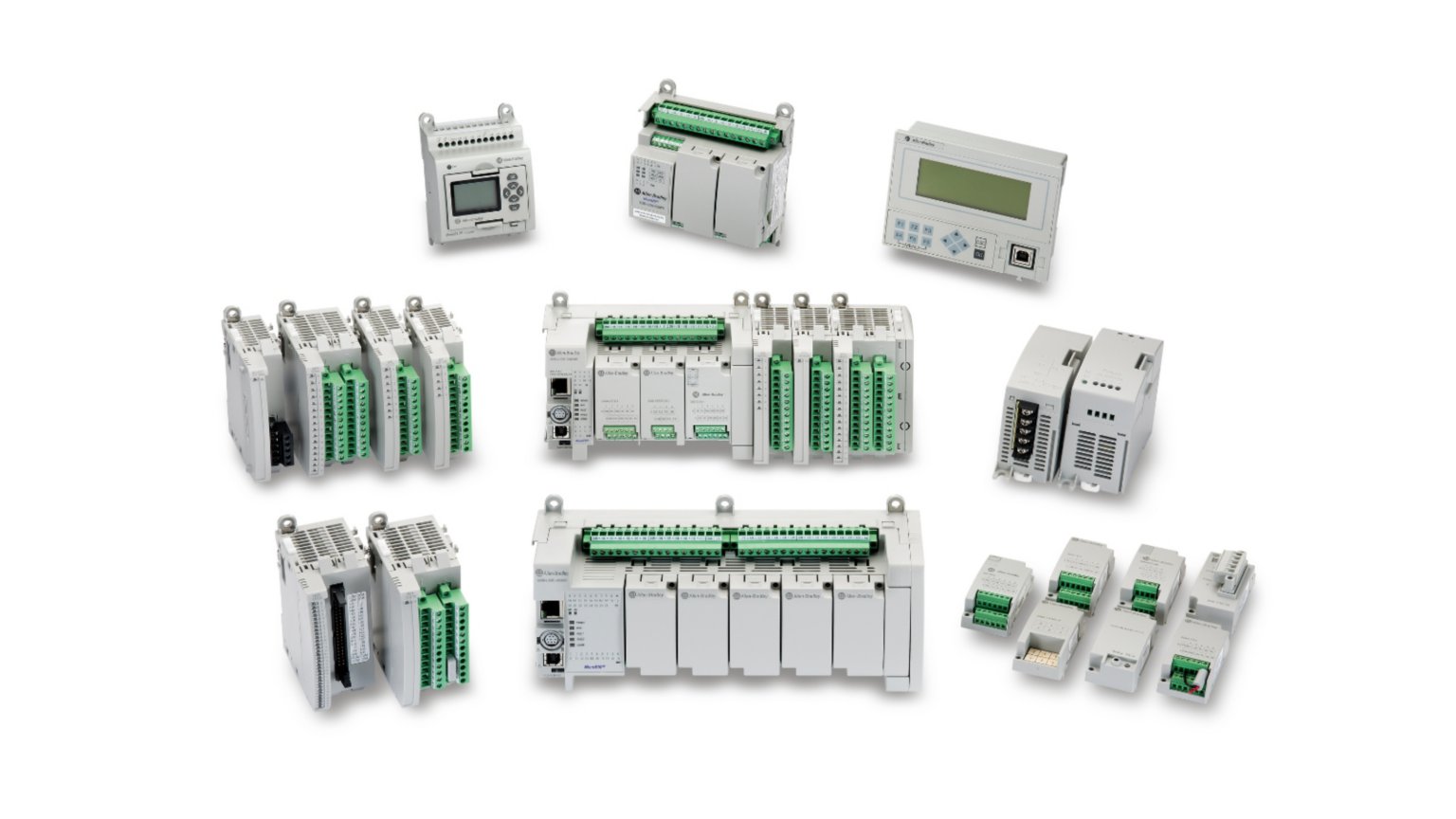
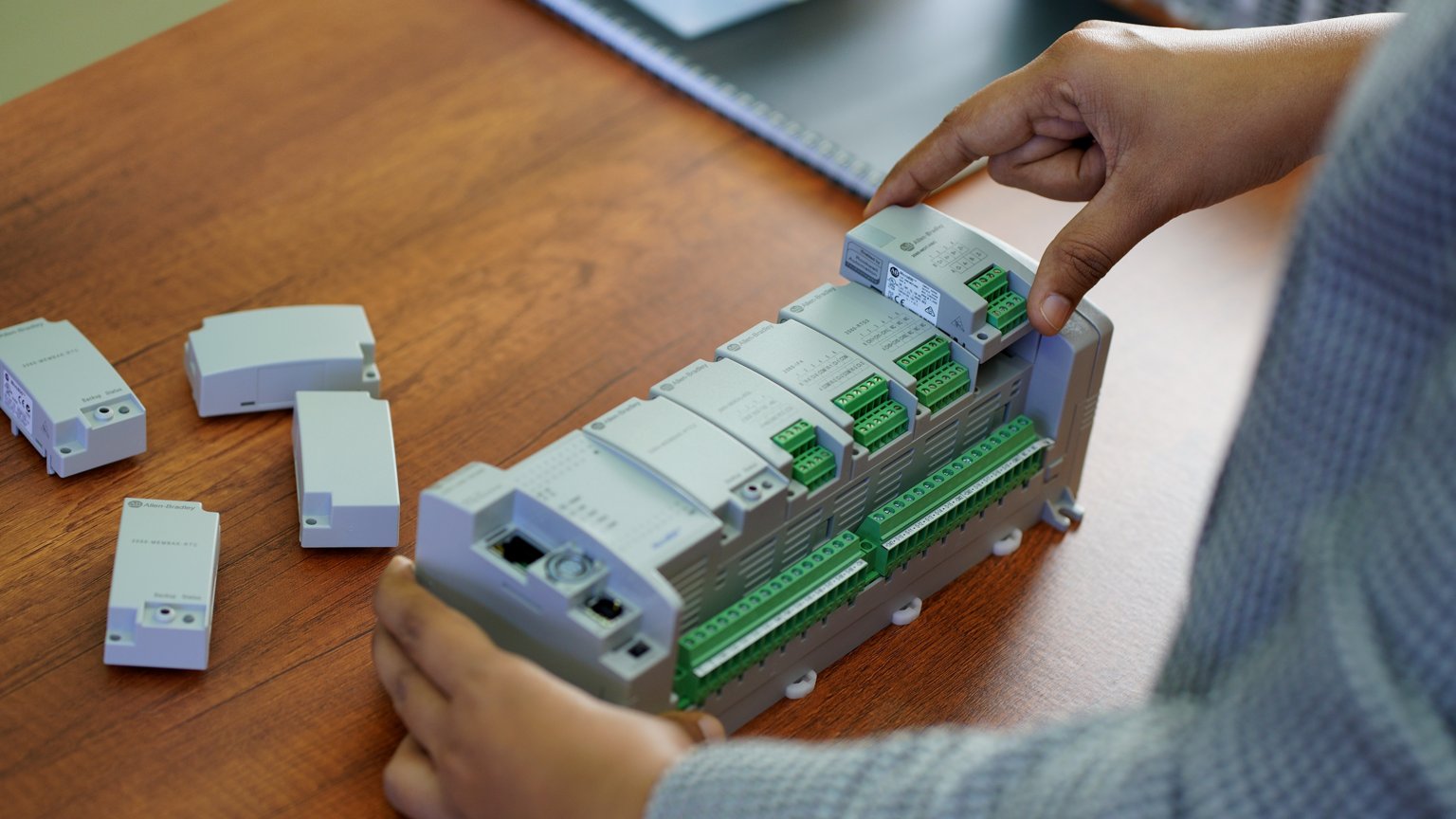
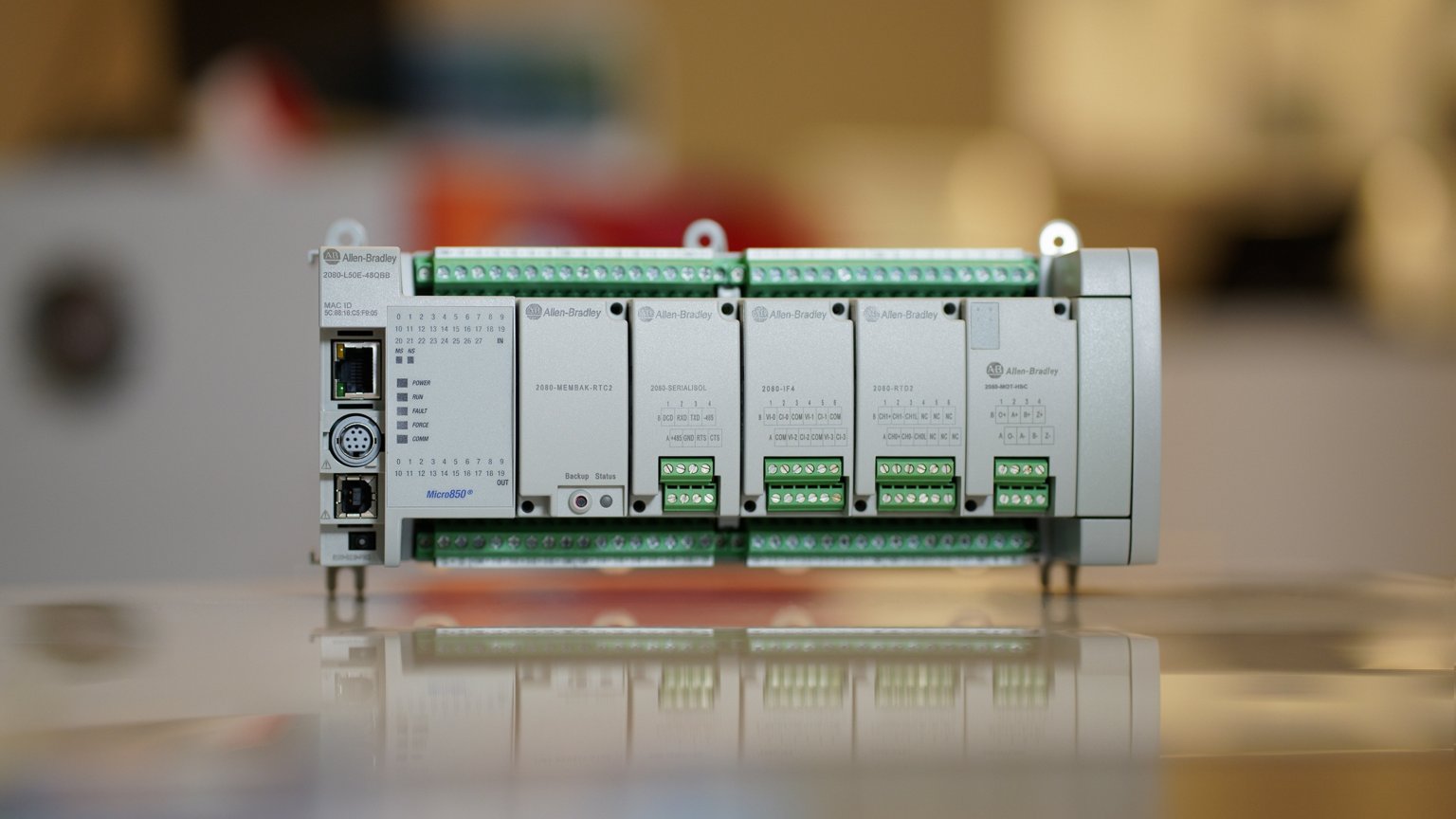
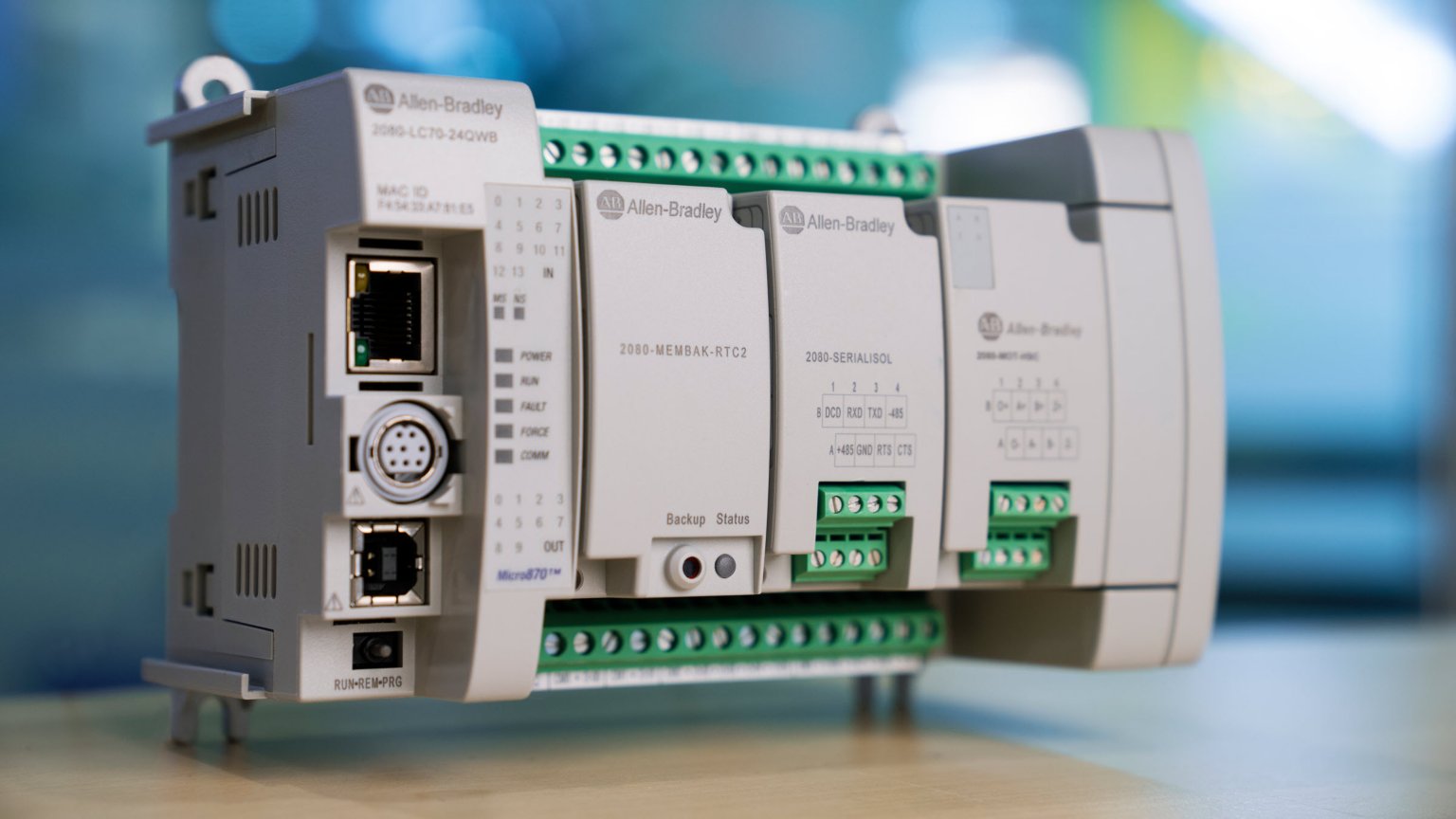
Develop smarter machines and boost operational productivity with an integrated Micro800 controller platform, designed for your small to large standalone applications. With the Micro800 Starter Pack, you can familiarize yourself with the Micro800 control system architecture with a low up-front cost. Available for the Micro810®, Micro820®, Micro850®, and Micro870® controllers, each Starter Pack contains the controller and accessories with easy-to-follow instructions to help you get started.
How to Order?
Contact your local authorized Allen-Bradley distributor or Rockwell Automation representative today to experience the smart capabilities of the Micro800 Automation Solution at a reduced cost.
Save Programming Time with an Integrated Design Software Solutions
Design, develop and deliver smarter machines with ease
Elevate your machine development experience with a modern, intuitive design and configuration software. The new FactoryTalk® Design Workbench™ software is the next-generation software for our Micro Control Systems. Designed in the FactoryTalk® ecosystem, the software provides a familiar Logix experience with a contemporary architecture and consistent user workflows, which can help maximize programming efficiency.
Software version 1 supports Micro810® and the newer Micro800 Lx0E controllers. Other device support will be added in future versions.


Simplify Standalone Machine Development
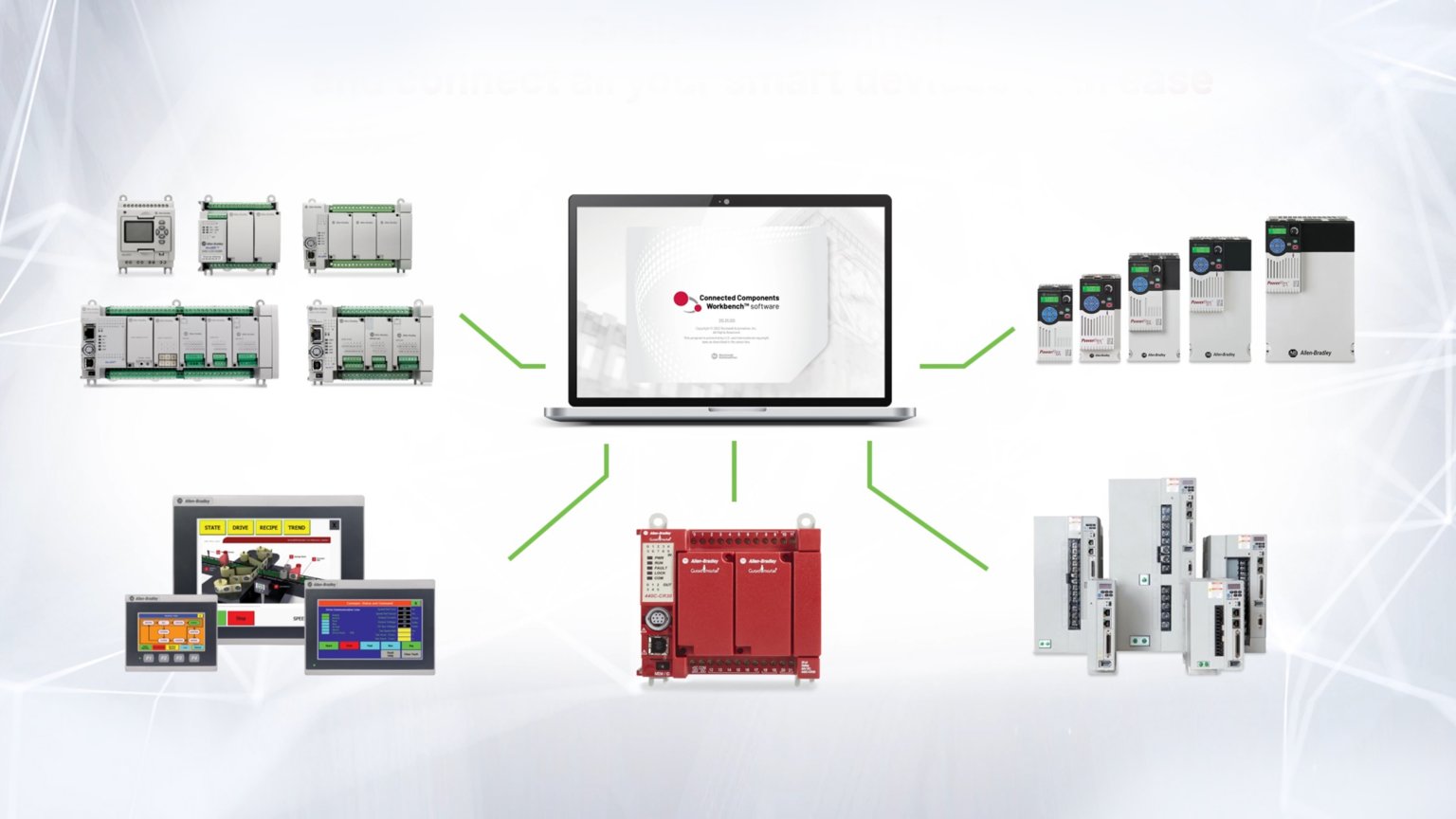
Scale your system and connect all your devices with our Connected Components Workbench™ software as one integrated design environment for the Micro Control system. The Connected Components Workbench software provides device configuration, controller programming and simulation, and visualization with Human Machine Interface (HMI) editor, which reduces initial machine development time and cost. Connected Components Workbench software provides controller programming and simulation, device configuration and visualization with Human Machine Interface (HMI) editor, which reduces initial machine development time and cost.

Find The Right Products
The Heart of Your Standalone Machine
Our Allen-Bradley Micro800 family of PLCs is cost optimized, modular and has an easy-to-use architecture, which is ideal for standalone machine projects. Buy only the functionality you need to scale your control and use plug-in modules to customize the system for your specific application.
Learn More About the Products That Enable the Micro Control System
Connect With the Best
Find Partners that Can Help You Design, Build and Maintain Better Solutions
Our global ecosystem of solution and support providers can help drive the speed and success of your automation project. Partner program members have experience delivering products or services that are designed to work with our solutions. And they take a collaborate approach to help you simplify project implementations and get the most value from your investments.
Recommended for You
Others also viewed
Based on your activity